Word-by-word captions
Word-by-word captions, timed to every word
Each word shows up as it's said, and the word being spoken can light up, glow, bounce or zoom. These are the captions that keep people watching with the sound off.
for iPhone
- Word-level timing
- 54 word-by-word styles
- 9 spoken-word effects
- 66 languages
Spoken word
How the word being said behaves. Drawn in your browser to show the idea; the app burns the real thing into your export.
01 · Timing
Word-level timing from speech
When Voxcene transcribes your video, it writes down the words and also records when each one starts and ends. That timing is what lets a caption reveal or highlight words as they're spoken, instead of dropping a whole line at once.
If a word lands early or late, open the caption's Timing and set it, or split the caption before that word.
- A start and end time for each word
- Captions follow the voice, not the line
- Fix a word's timing by hand
02 · The spoken word
Highlight the spoken word
A karaoke style keeps the whole line on screen and lets the word being said stand out from the rest. You choose how under Spoken word: a highlight behind it, your colour, a heavier weight, a glow or a box. If you'd rather it moved, there's Bounce, Pulse, Flash and Zoom.
The effect is written into the captions you export, so it plays the same on every platform.
- Karaoke styles show the line, light the word
- Highlight, Color, Bold, Glow, Box
- Bounce, Pulse, Flash, Zoom
- Burned into the export
03 · Styles
Styles that work word by word
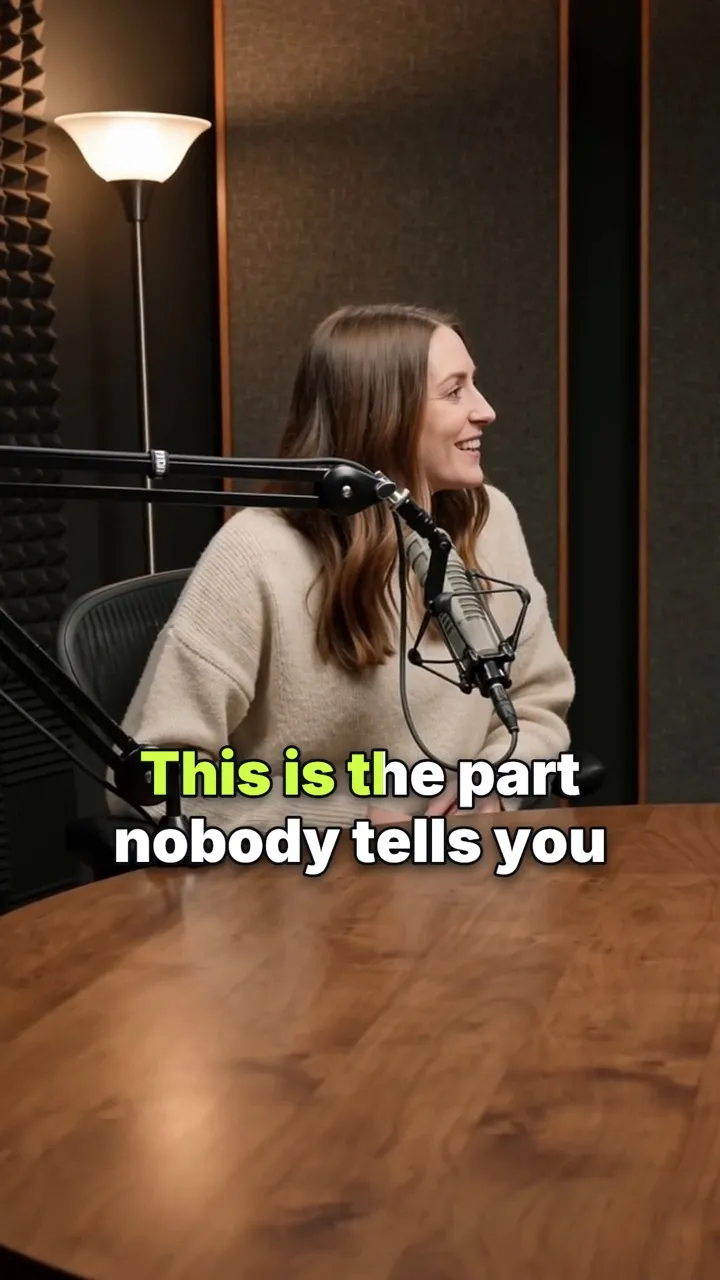
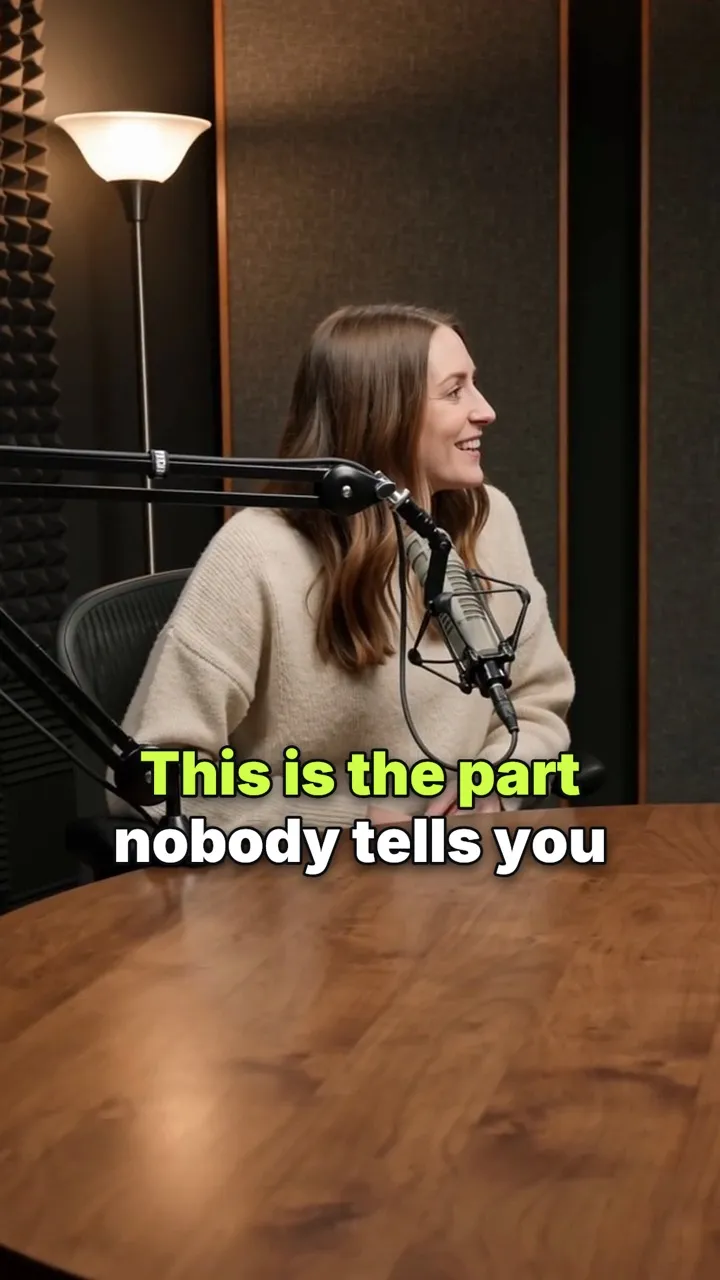
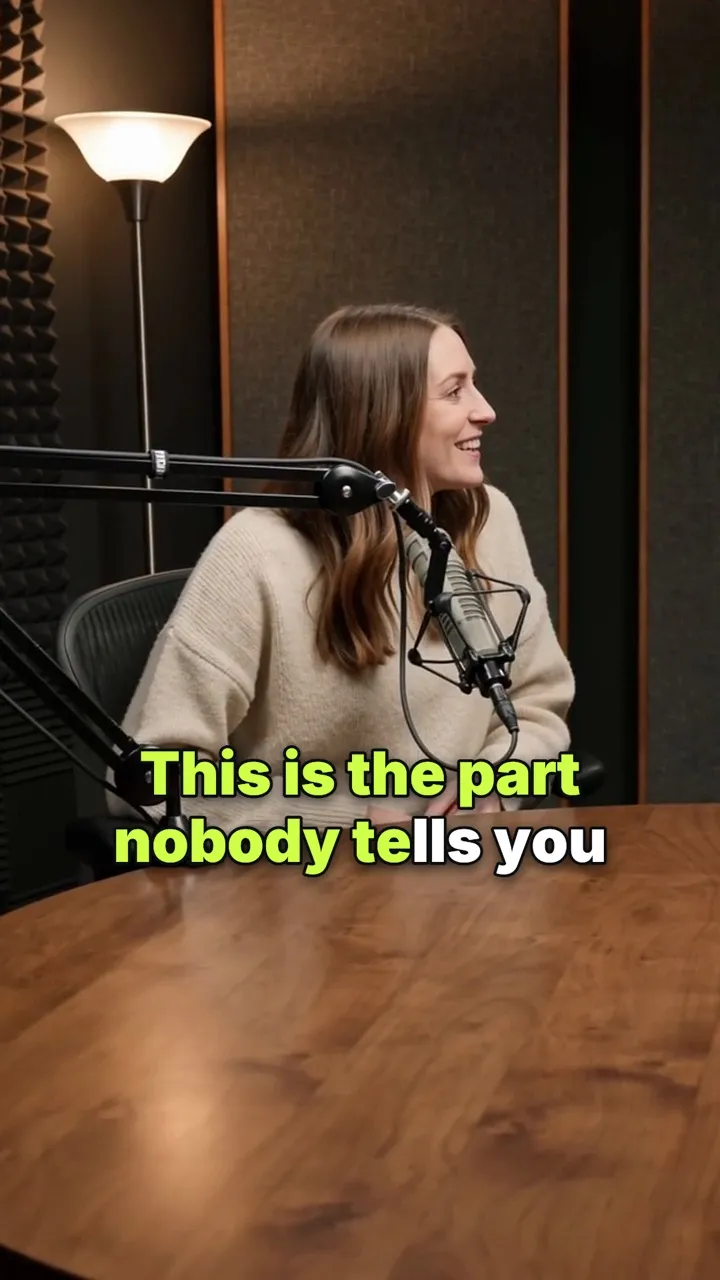
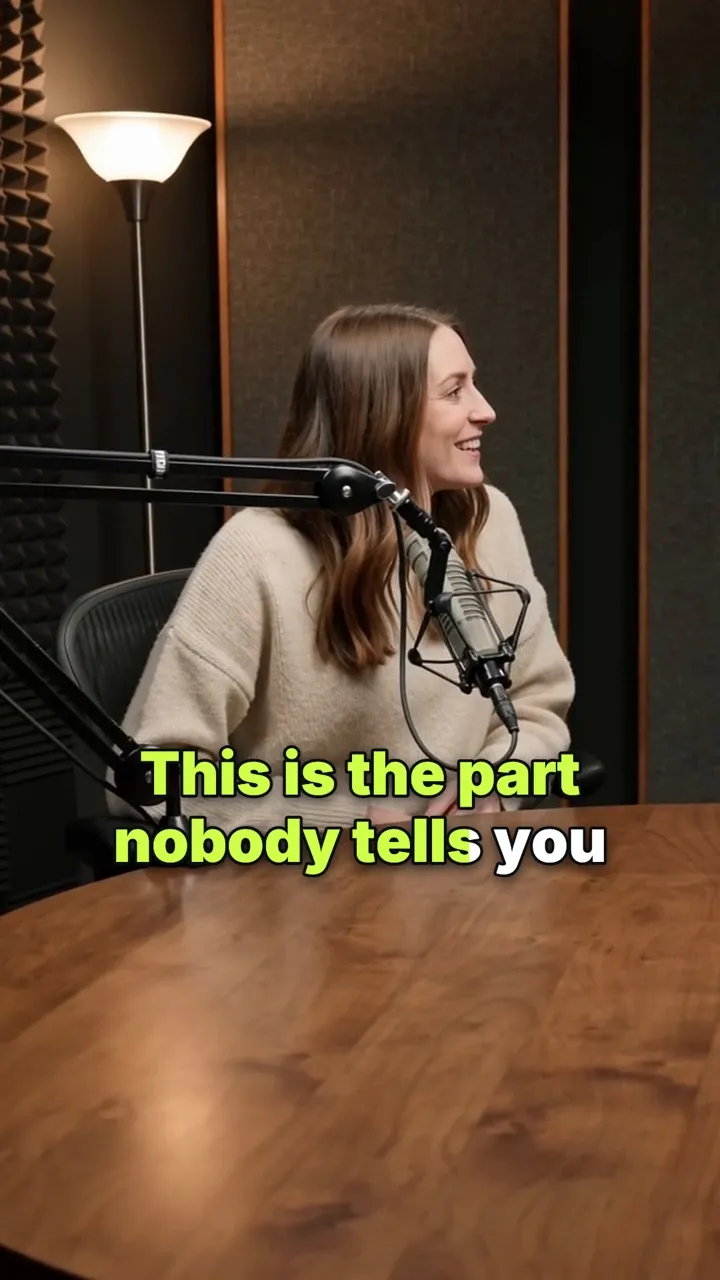
Word by word comes from the style you pick. Word styles put one big word on screen at a time, as it's said. Karaoke styles keep the line and light up the word being spoken. You'll find both in the Social category of the style browser.
Prefer your current style? Give it the Typewriter animation and its words appear on their spoken timing. See every style on animated caption styles.
- 14 word styles: one word at a time
- 40 karaoke styles: the spoken word lit up
- All in the Social category
- Typewriter reveals words as they're said, in any style
One word at a time
- Word Pop
- Citrus Punch
- Rooftop Neon
- Punch Card
- Dual Tone
- Voltage
- Brick Dust
- Readout
- Dolly In
- Spring Loaded
- Flipbook
- Taffy Stretch
- Wobble Pop
- Comet Trail
Spoken word lit up · a few of 40
- Bold Highlight
- Karaoke Bar
- Iris Glow
- Neon Mint
- Amber Echo
- Coral Wave
- Violet Verse
- Aegean Bold
- Bazaar Gold
- Runway Lime
- Ember Trail
- Bare Line
- Roar Bar
- Serif Lede
- Clear Say
- Cyan Static
- After Dark
- Ultraviolet
How it works on iPhone
How to add word-by-word captions on iPhone
-
Caption the video
Open your video in Voxcene. The app transcribes the speech and gives each word its own timing.
-
Pick a word-by-word style
Tap Style, open All and look in Social: word styles like Word Pop show one word at a time, and karaoke styles like Bold Highlight light up the spoken word.
-
Choose the spoken word
With a karaoke style, open Animation and, under Spoken word, pick what the current word does: Highlight, Color, Bold, Glow, Box, Bounce, Pulse, Flash or Zoom.
-
Fine-tune the timing
If a word lands early or late, open the caption's Timing, or split the caption before that word.
-
Export
Export the video. The word-by-word timing and the effect are burned in exactly as they play.
FAQ
Questions people ask
What are word-by-word captions?
They're captions that follow the voice one word at a time, so each word appears or lights up as it's said. You see them on most Reels, TikToks and Shorts, because they keep the eye moving with the speaker.
How are the words timed?
From the speech itself. When Voxcene transcribes your video, each word gets its own start and end time, so the captions follow the voice word for word rather than line by line.
Can I highlight the word being spoken?
Yes. Pick a karaoke style such as Bold Highlight, Karaoke Bar or Iris Glow (there are plenty more), then use the Spoken word setting to choose what the current word does: highlight, change colour, go bold, glow, sit in a box, bounce, pulse, flash or zoom.
What if a word is timed wrong?
Open the caption's Timing to set its start and end, or split a long caption before any word so each part lands when it should.
Do word-by-word captions work in other languages?
Yes. All 66 spoken languages get word-level timing, including Greek and right-to-left languages.
Is it free?
Yes. Word-level timing comes with every transcription, on every plan, and three of the Free plan's four styles are word-by-word: Bold Highlight, Word Pop and Karaoke Bar. The Free plan includes 3 minutes of captions; Basic and Premium include all 143 styles.