Short-form video
Short-form video, made fast
There are three ways in. You can cut the strongest moments out of a long video, start from an idea or film something new. Whichever you pick, Voxcene captions it and frames it 9:16 for Reels, TikTok and Shorts.
for iPhone
- Long video → Reels
- Idea → video
- 9:16, captioned
- 60+ languages
- A long video Long Video to Reels
- An idea Generate with AI
- A new take Record · Teleprompter
01 · Long → short Premium
From long video to shorts
The cheapest short is one you've already filmed. Long Video to Reels goes through the transcript of a podcast, a talk, a tutorial or a live and picks moments that make sense on their own. Each one is a complete thought that starts and ends on a sentence. You can preview each clip and nudge it a second either way, then drop the ones you don't want and create the rest.
On any plan, the Edit panel's Highlight finds the strongest half-minute by how much is said in it and trims the project to that. For a conversation with two to four people, Podcast makes the clips as it builds the episode. See also the best moments finder.
- Clips that stand on their own, sentence to sentence
- 8–20s, 15–60s or 45s–2min
- Each clip its own 9:16 project
- Highlight on every plan: the strongest 30 seconds
02 · Idea → video Premium
From idea to video
If you have no footage, Generate with AI starts from a sentence. It writes a script and narrates it in one voice in your language. Each shot gets a picture made for it, or you can use up to four of your own photos. Music and captions are added, and the result opens as a normal project you can edit.
Still pictures with a slow camera move cost the least. Turn on Make the pictures move and every shot is animated. For a single moving shot, Effects brings one photo to life as a 5-second clip.
- An idea becomes a narrated, captioned video
- About 20, 35 or 60 seconds, in 9:16
- Your photos, or a picture made for each shot
- Make the pictures move, for more credits
03 · Look
Captions, Motion and templates
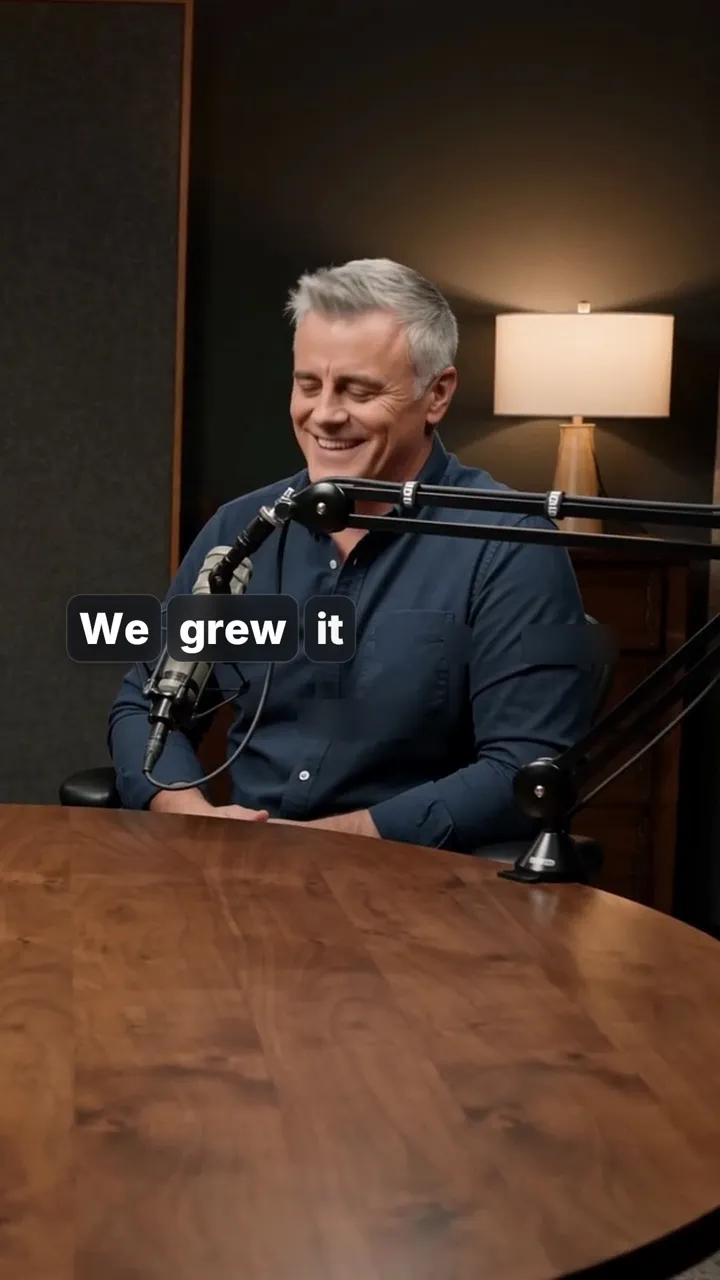
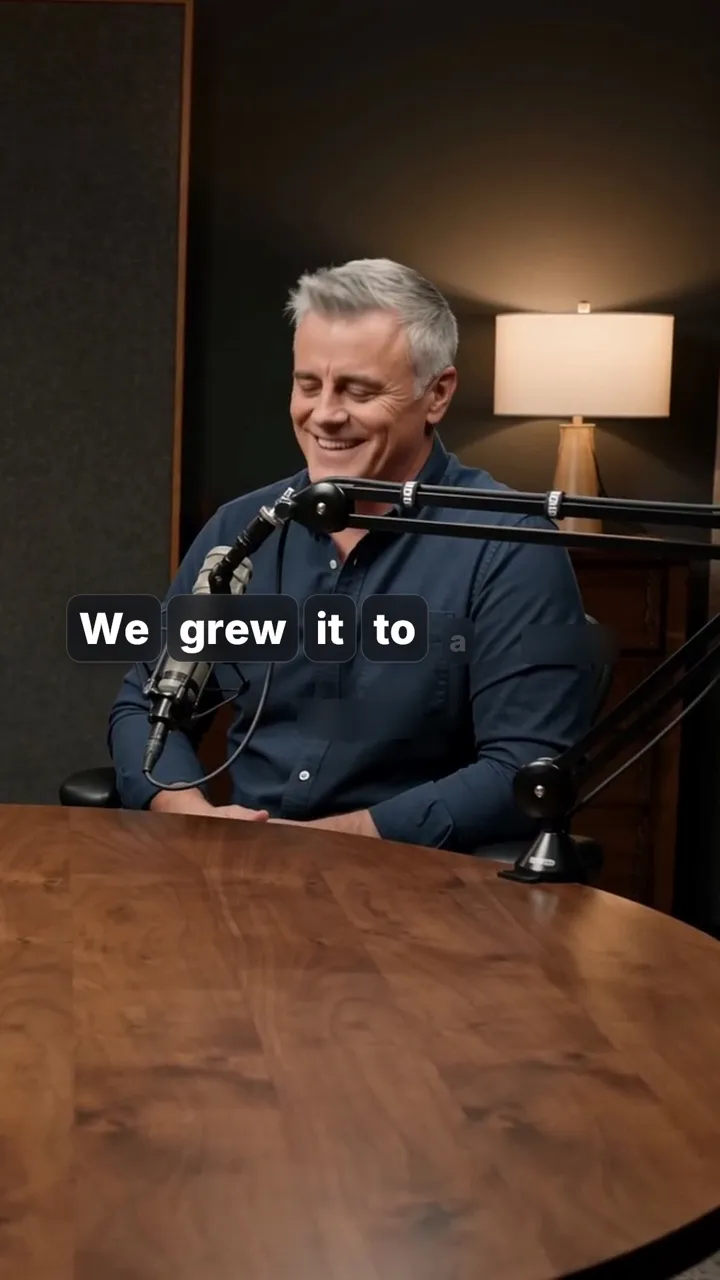
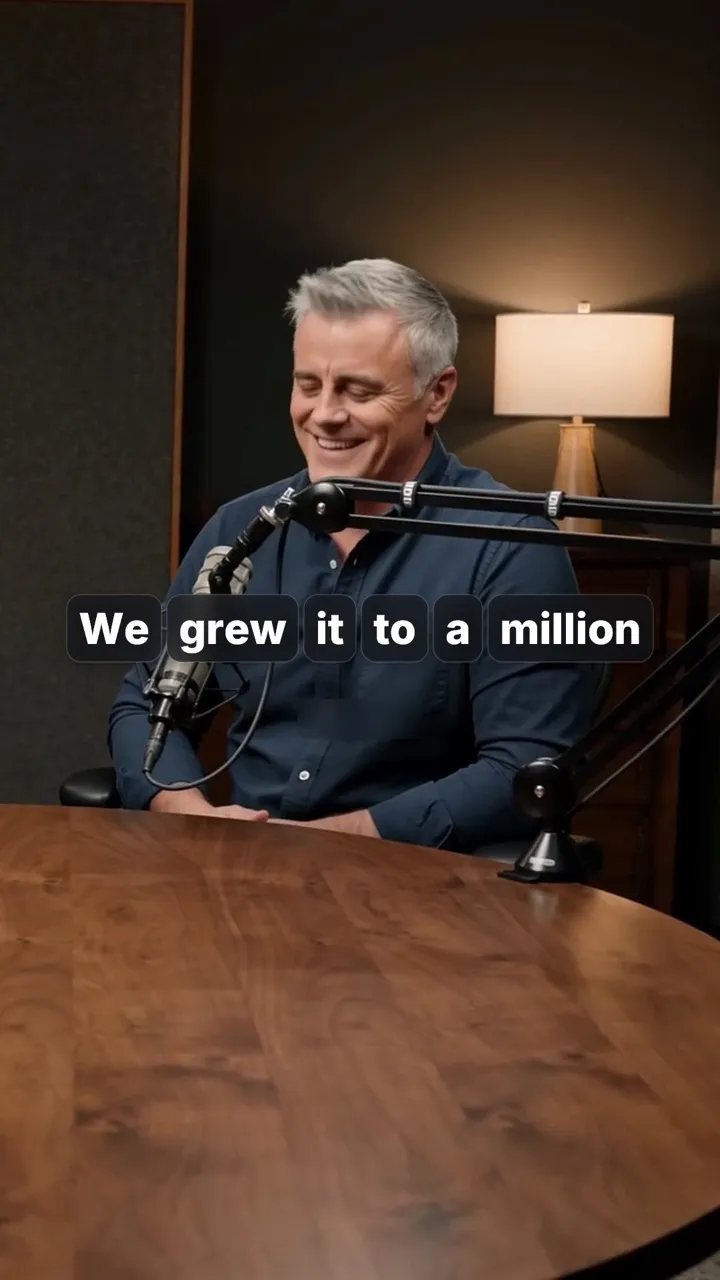
Short-form gets watched with the sound off about as often as on, so the words carry a lot. Animated captions pop word by word or light up as they're spoken. Motion adds titles and kinetic text, rendered onto your footage by the app's engine. Pop words, Word pills and Slam title are three of hundreds.
You can also start from a video template. Hook Reel is built to grab people in the first two seconds, with music and text already timed. Four templates are free, and all ten come with Basic and Premium. There's no library of ready-made hook clips in this version. On Premium, AI Edit's Hook goal cuts your own opening tight instead.
- 143 caption styles, word-by-word and karaoke
- Motion: 30 looks on Basic, 400 on Premium
- Hook Reel and 9 more video templates
- AI Edit's Hook goal: tight and fast (Premium)
04 · Feeds
Ready for every vertical feed
Reels, TikTok and Shorts all want 9:16. Scale reframes wide footage with your own picture blurred behind it, and the guides shade where TikTok's and Shorts' buttons will sit, so captions stay readable.
Export with the Vertical preset and the file saves to Photos. Next steps then writes the post text from what you said (1 AI credit) and opens Instagram or TikTok with it copied. The Free plan exports 720p with a watermark.
- Vertical preset: 9:16 at 1080p, 4K on Premium
- Guides: TikTok buttons, Shorts buttons, or both
- Next steps: title, description, five hashtags
- No watermark on Basic and Premium
How it works on iPhone
How to make short-form videos on iPhone
-
Start from what you have
On the Create tab: Import video for a long recording, Generate with AI for an idea, or Record for a new take.
-
Cut it short
For a long video, open AI Studio → Long Video to Reels. On any plan, Edit → Highlight trims to the strongest 30 seconds.
-
Caption it
Your speech is captioned automatically. Open Style to pick one of the 143 caption styles.
-
Frame it vertically
Under Scale, choose 9:16. Turn on the guides to keep words clear of TikTok's and Shorts' buttons.
-
Export
Tap Export → Vertical. The video saves to Photos and Next steps offers the post text.
FAQ
Questions people ask
What is the best short-form video editor for iPhone?
One that gets you from raw footage to a captioned 9:16 video without much fuss. Voxcene captions speech in 60+ languages and finds the clips in a long video. It can also make short videos from an idea, and it exports for Reels, TikTok and Shorts.
How do I turn a long video into short videos?
Open the long video in Voxcene and tap AI Studio → Long Video to Reels. Choose 8–20 seconds, 15–60 seconds or 45 seconds to 2 minutes, tap Find Reels, check the picks and tap Create Reels. Each clip becomes its own vertical project and the long video is left as it was.
Is there a free way to make a short from a long video?
Yes, one at a time. On every plan, the Edit panel's Highlight finds the strongest half-minute and trims the project to it. Export that, and one undo brings the rest back. The Free plan takes videos up to 60 seconds and Basic up to 15 minutes. Finding several clips at once with Long Video to Reels is Premium.
Can AI make a short video from just an idea?
Yes, on Premium. Type the idea into Generate with AI, choose 9:16 and about 20, 35 or 60 seconds. Voxcene then writes the script and narrates it in one voice. It makes a picture per shot (or uses your photos) and adds music and captions. With Make the pictures move, every shot is animated for more credits.
How many credits does it take?
Long Video to Reels uses 4 AI credits per started minute of the long video. Generate with AI is billed for what it makes, up to 44, 70 or 96 credits with still pictures and up to 299, 495 or 691 with moving ones. Premium includes 600 AI credits a month.
Do the short clips keep my captions?
Yes. Each Reel carries the long video's captions and caption style, its colour grade and its clean-up, so you don't redo them. Every clip is a normal project you can still change before exporting.