Record a voiceover
Record a voiceover over your video
The simplest way to add voiceover to video is to watch it and talk over it. Each take lands on the voiceover track exactly where you started. Record as many as you need, then set them under the music.
for iPhone
- Free · no credits
- Watch while you talk
- As many takes as you like
- AI voice option
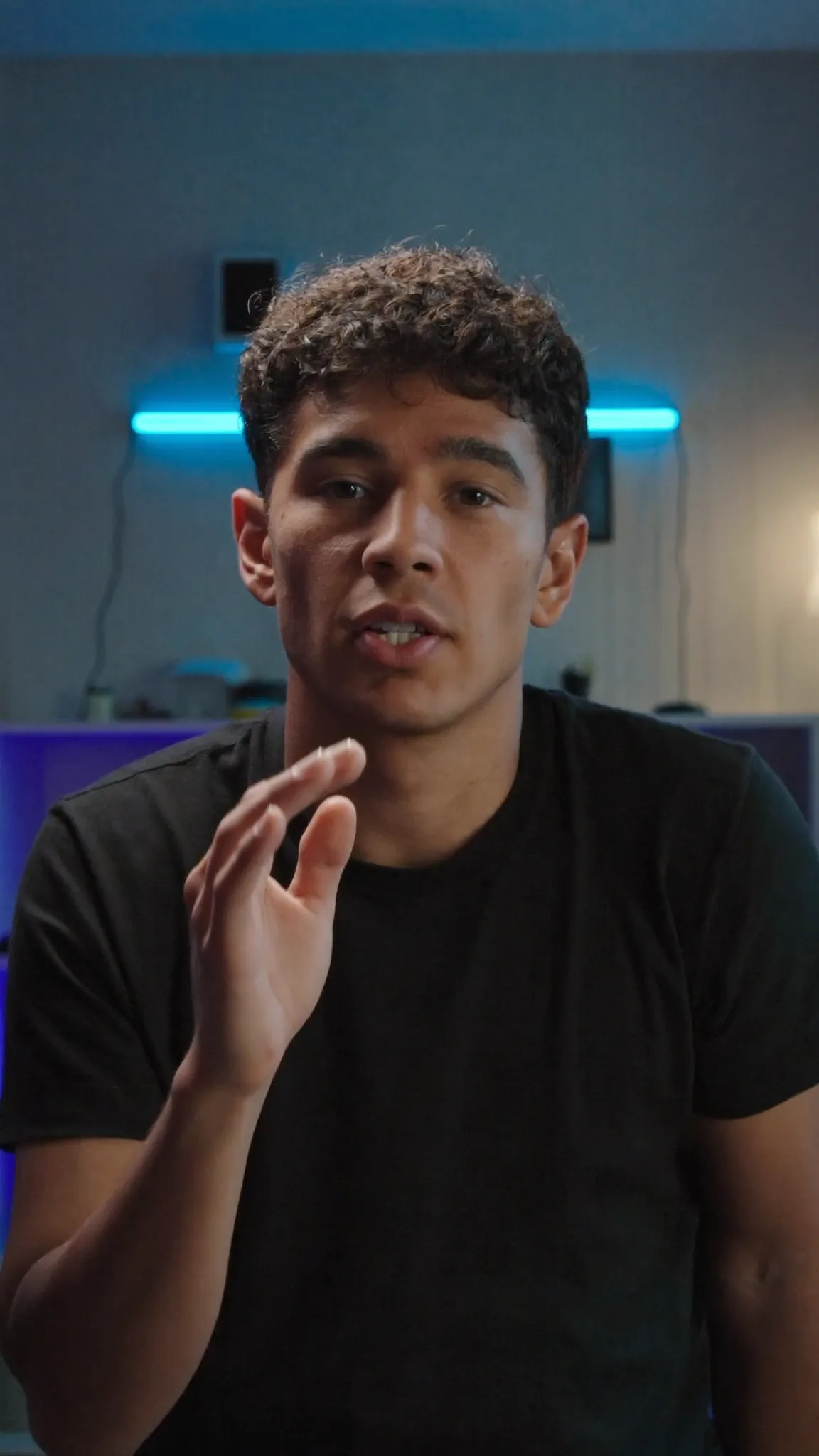 ● Recording
01 · Record
Record in the voiceover lane
Move the playhead to where you want to start and tap Record voiceover. After a 3-2-1 the video plays from there with its own sound off, so you can watch and talk without the original audio leaking into your take.
Tap Stop recording and the take lands on the voiceover track exactly where it started. If you missed a line, record another. Each take is its own clip that you can move, split or delete.
- + → Record voiceover
- The video plays with its sound off
- 3-2-1, then talk
- The take lands where it started
02 · Mix
Set it under the music
A voiceover should sit on top of the music rather than fight it. Give each take its own volume, or move Voiceover level to set all of them at once. Then pull the music down with Music level.
If the footage has sound of its own, turn that clip's volume down so your voice leads.
- Each take: 0–200%
- Voiceover level for all takes
- Music level for all music
- Video sound set per clip
03 · AI voice
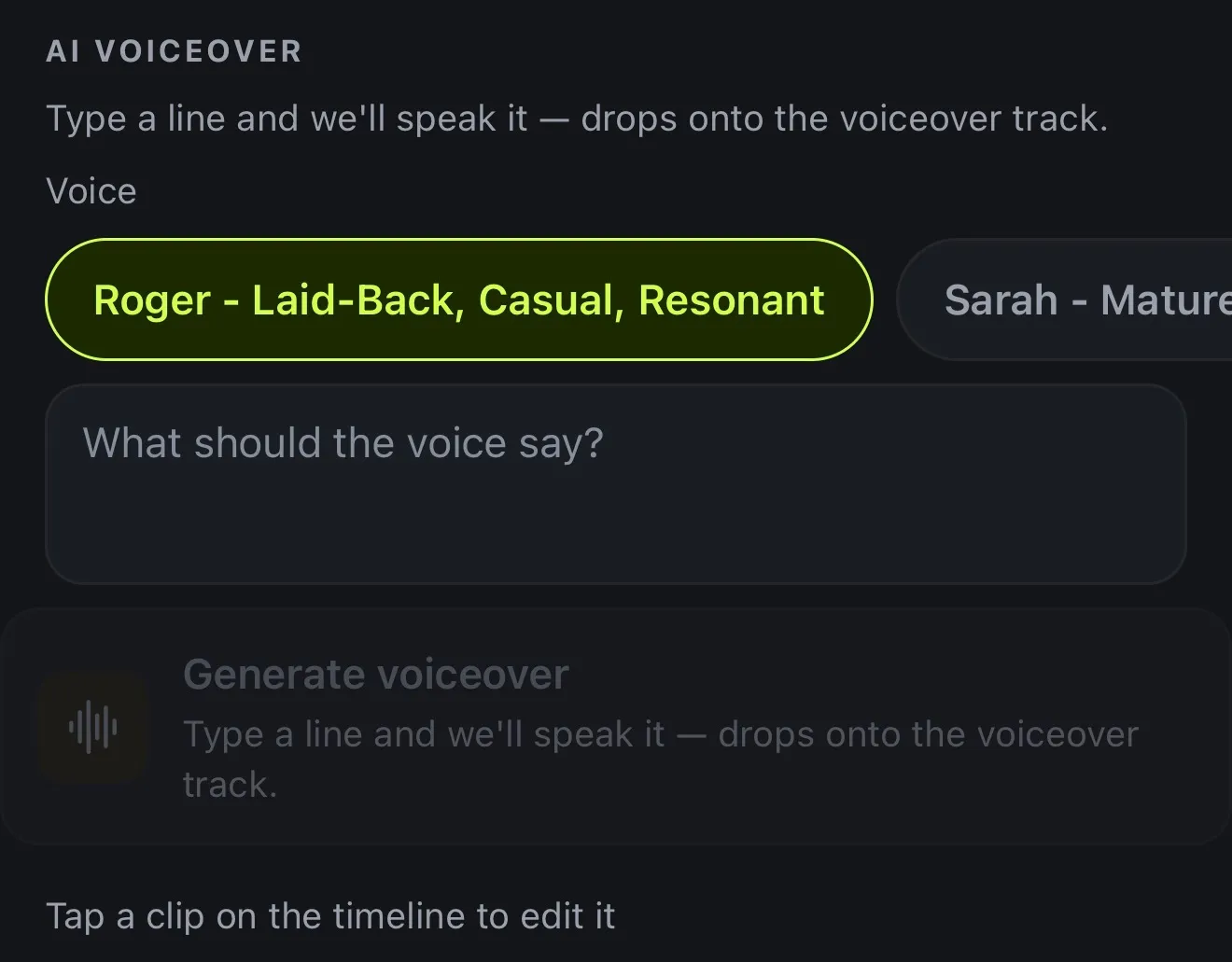
Or type a line for an AI voice
If you'd rather not use your own voice, open AI voiceover, type what should be said and pick a voice. It's spoken onto the voiceover track at the playhead.
- Type a line, pick a voice
- Drops onto the voiceover track
- Scripts up to 5,000 characters
- 10 AI credits per started minute
How it works on iPhone
How to record a voiceover on iPhone
-
Place the playhead
Open your project and move the playhead to where your voiceover should start.
-
Tap Record voiceover
Tap + and choose Record voiceover. The video plays from there with its own sound off.
-
Talk over it
After a 3-2-1, talk while you watch. Tap Stop recording when you're done.
-
Do another take
The take lands on the voiceover track where it started. Record more anywhere you like, and each one is its own clip.
-
Set the levels
Give each take its own volume, or set Voiceover level for all of them so they sit under the music. Then export.
FAQ
Questions people ask
How do I add a voiceover to a video on iPhone?
In Voxcene, move the playhead to where you want to start, tap + → Record voiceover, and talk while the video plays. The take lands on the voiceover track exactly where it started.
Is recording a voiceover free?
Yes. Recording your own voice is free on every plan and uses no credits.
Can I hear the video while I record?
You see it play, but its sound is off while you record. That way only your voice ends up on the take, with no echo of the original audio.
Will the voiceover get captions?
Not automatically in this version. Automatic captions come from the video's own speech, but you can add captions by hand with + in the Captions panel.
Can an AI voice read my script instead?
Yes. Under AI voiceover, type a line, pick a voice, and it's spoken onto the voiceover track. It costs 10 AI credits per started minute.
How do I make the voiceover sound clean?
Record somewhere quiet, close to the phone, with soft furnishings around you. AI Denoise cleans the video's own sound, not voiceover takes, so a quiet room matters most.