AI video generator
Turn an idea into a narrated, captioned video
Write what the video should say. Voxcene turns it into a script with narration, a picture for each shot, music and captions. What you get back is a project you can keep editing.
for iPhone
- Idea → video
- Narration & captions
- 66 languages
- Fully editable
01 · Idea Premium
Write an idea, get a video
Type what the video is about, for example “Three tips for filming better vertical video on a phone”, and choose its shape and length. Voxcene writes the script and splits it into shots. Each shot gets a picture with a camera move, so nothing sits still.
If you have pictures of your own, like your product or your shop, add up to four and they're used instead of generated ones. Turn on Make the pictures move for short generated video clips instead of stills.
- Your idea, in a sentence or two
- Frame: 9:16, 1:1 or 16:9
- ~20 s, ~35 s or ~60 s (3, 5 or 7 shots)
- Up to 4 of your own photos
02 · Voice & words
Narration and captions included
Every video is narrated in the language you pick, or in the language of your idea. The captions are made from the finished audio, so the words on screen match the voice. Underneath there's a music bed, anything from calm to cinematic.
Captions use the same 143 styles as everything else in Voxcene, so you can restyle them in a tap.
- A natural narrating voice
- 66 languages, or detect it
- Captions read from the finished audio
- Music under it all
Detect automatically · Narrated in any of these
- English
- Ελληνικά
- Español
- Français
- Deutsch
- Italiano
- Português
- العربية
- עברית
- हिन्दी
- 日本語
- 한국어
- 中文
- Русский
- Українська
- Türkçe
- Polski
- Nederlands
- Svenska
- Norsk
- Dansk
- Suomi
- Íslenska
- Čeština
- Slovenčina
- Slovenščina
- Hrvatski
- Српски
- Bosanski
- Македонски
- Български
- Română
- Magyar
- Lietuvių
- Latviešu
- Eesti
- Беларуская
- Ქართული
- Հայերեն
- Azərbaycan
- Қазақ тілі
- فارسی
- اردو
- বাংলা
- ગુજરાતી
- ಕನ್ನಡ
- മലയാളം
- मराठी
- ਪੰਜਾਬੀ
- தமிழ்
- తెలుగు
- नेपाली
- ไทย
- Tiếng Việt
- Indonesia
- Melayu
- Filipino
- Jawa
- Kiswahili
- Afrikaans
- አማርኛ
- Cymraeg
- Gaeilge
- Galego
- Català
- Malti
03 · Yours
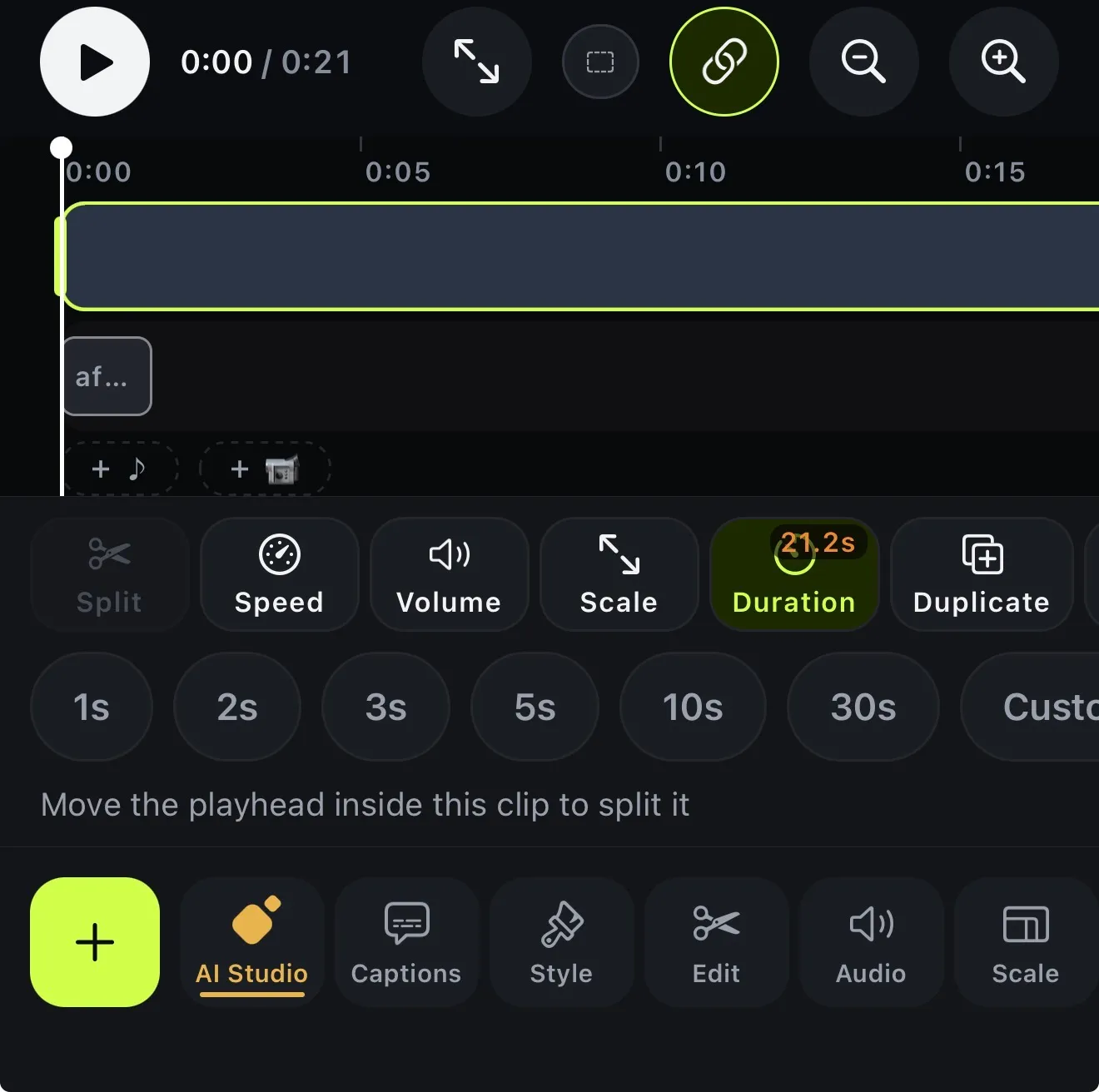
Edit the result in the timeline
Most AI video generators give you a file and stop there. With Voxcene you get a project. Open it in the editor to change a caption, the order of the shots, the music or the look, then export it like any other video.
Want just one moving shot instead of a narrated video? One AI shot makes a single generated clip from a description or a photo, as its own project.
- Opens as a normal project
- Change a caption, a shot, the music
- Keeps building if you leave
- Export like any video
How it works on iPhone
How to make a video from an idea with AI on iPhone
-
Open Generate with AI
On the Create tab, under AI videos, tap Generate with AI.
-
Write your idea
Under Your idea, write one or two sentences about what the video should say and who it's for.
-
Set the shape
Pick the Frame, the Length, the narration language and the Music. Add up to 4 of your own photos if you like.
-
Create the video
Tap Create video. You can leave the app while it builds, and it will show up in your projects.
-
Edit the result
Use Open in editor. It's a normal project, so you can change a caption, a shot, the music or anything else.
FAQ
Questions people ask
What does the AI video generator make?
A narrated, captioned video made from your idea. Voxcene writes a script and narrates it, then makes a picture for each shot (or uses your photos) and gives each one a camera move. Music and captions go on top, and the result opens as a project you can edit.
How long are the videos?
About 20, 35 or 60 seconds, which works out to 3, 5 or 7 shots. You can make them in 9:16, 1:1 or 16:9.
Can the pictures be real video?
Yes. Turn on Make the pictures move and each shot becomes a short generated video clip instead of a still with a camera move. It takes longer and uses more credits.
What languages can it narrate in?
Any of the 66 languages Voxcene captions. Pick one, or let it detect the language of your idea. The narration uses one natural voice, and you can't choose a different voice in this version.
How much does it cost?
Generate with AI is part of Premium. With still pictures, a video costs up to 44, 70 or 96 AI credits for the short, standard and long lengths; with moving pictures, up to 299, 495 or 691. You're charged only for what gets made, and your own photos cost less than generated ones.
How long does it take?
A few minutes with still pictures. Moving pictures take longer, roughly 20 minutes for a standard-length video. You can leave the app while it builds.