AI hairstyle try-on
Try on new hairstyles with one selfie
This AI hairstyle changer works from a single selfie. Choose up to four styles and a colour, and you get a picture of yourself wearing each one. Your face, clothes and background stay as they are, and only the hair changes.
for iPhone
- 12 styles · 9 colours
- Up to 4 per try-on
- 5 credits a look
- Premium
01 · One selfie Premium
One selfie, four styles
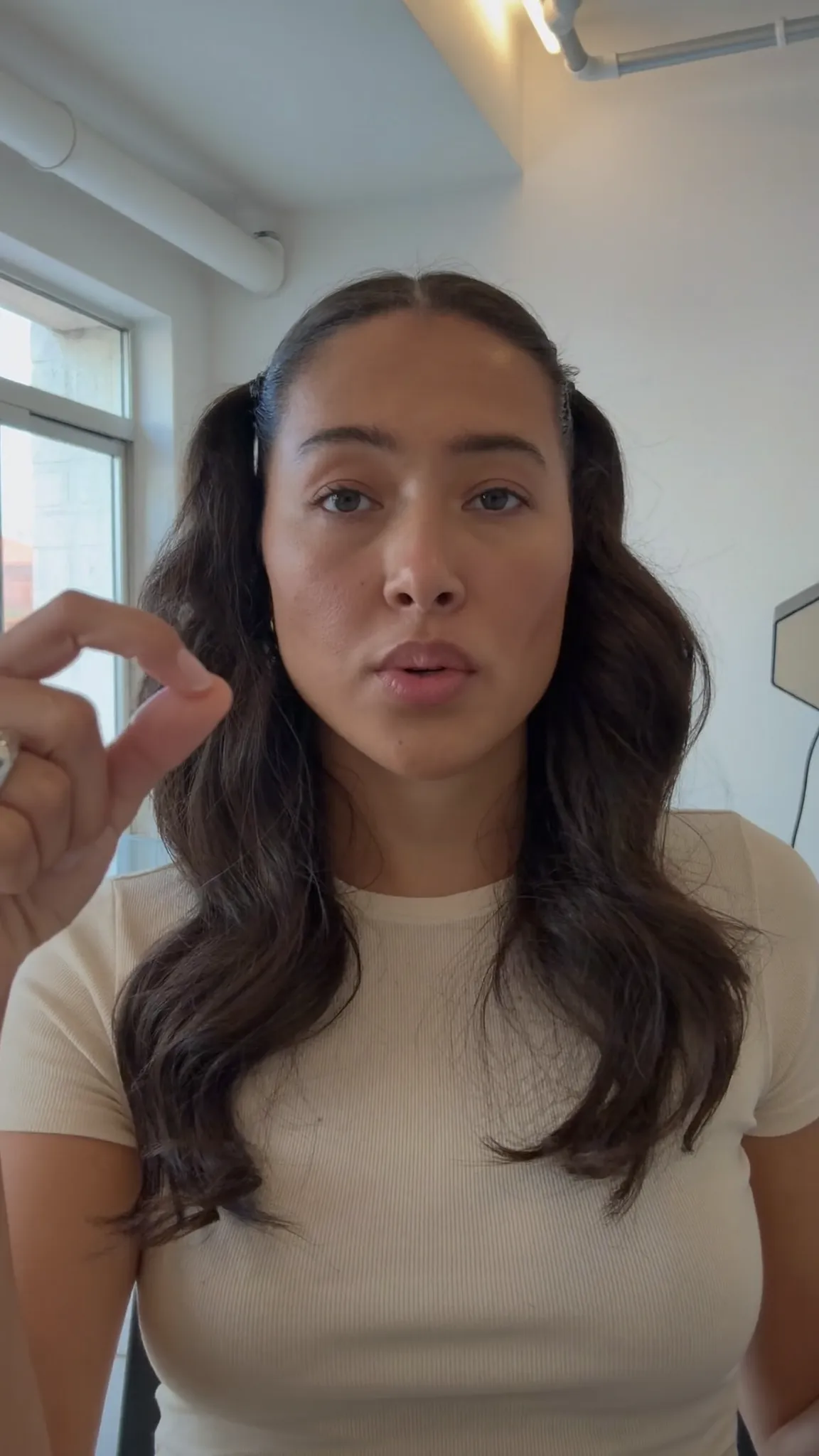
Picking a new cut from a photo of someone else is mostly guesswork. Hairstyle try-on shows it on you instead. Take a selfie with the front camera or pick a recent one from your photos, then choose up to four styles to compare.
Tap Try them on and about half a minute later Your looks appear in a grid, one labelled picture per style. Your face, skin tone, expression, clothes, pose and background are kept as they were, and only the hair is new. If a style can't be made, the app tells you why and you aren't charged for it.
- Take a selfie, or pick one from Photos
- Up to four styles in one try-on
- One picture per style, side by side
- Only the looks that come back are charged
02 · Cut and colour
Short, long, colour
The twelve styles cover the usual big decisions. You can go short with a Pixie, Bob or Buzz cut, stay long with Long layers or Beach waves, or land somewhere in between with a Long bob or Curtain bangs. Curls, Braids, High bun and Slicked back are there too.
Keep My colour, or try the cut in Black, Brunette, Auburn, Copper, Honey blonde, Platinum, Silver or Pastel pink. The colour only goes on the hair on your head, so a beard and eyebrows keep their own.
- Short: Pixie, Bob, Buzz cut, Fade
- Long: Long layers, Beach waves, Braids
- In between: Long bob, Curls, Curtain bangs
- 9 colours, from Copper to Platinum
03 · Everyone
Cuts for men and women
There's no men's section and no women's section. Every style sits on one list, open to anyone. If you're thinking about a Buzz cut or a Fade, you can see it on your own face before the clippers come out. If you're growing your hair, try Long layers or Braids first.
Under Anything else? (optional) you can add a note of up to 200 characters (the app's example is “keep my fringe, for a wedding”), and each look takes it into account.
- No men's or women's list: every style is open
- Buzz cut, Fade and Slicked back for short cuts
- Bob, Braids and High bun for longer hair
- Add a note: “keep my fringe”
04 · Then
Make it move
Every look is saved to your AI assets, where you can open it and save it to Photos. Under each one, Make it move opens One AI shot in Generate with AI with that look as the first frame. The words are already filled in (you slowly turn your head and smile, the hair moving naturally), and you can change them or leave them as they are.
One AI shot is a Premium tool with its own credit price, shown on the button before you start.
- Every look saved to Your AI assets
- Save a look to Photos
- Make it move: a look becomes a video clip
- The price is on the button first
How it works on iPhone
How to try on hairstyles on iPhone
-
Open Hairstyle try-on
On the Create tab, under Images, tap Hairstyle try-on.
-
Add your selfie
Tap Take a selfie to use the front camera, or From photos to pick one. Face the camera, hair visible, good light.
-
Pick up to four styles
Under Styles · up to 4, tap the cuts you want to see, anything from Pixie and Buzz cut to Long layers and Braids.
-
Choose a colour
Keep My colour or pick a new one, and add a note under Anything else? (optional) if you like.
-
Try them on
Tap Try them on. In about half a minute Your looks appear, one picture per style, saved to Your AI assets.
FAQ
Questions people ask
How do I see myself with a different hairstyle?
Open Hairstyle try-on in Voxcene, take a selfie or pick one from your photos, choose up to four styles and a colour, and tap Try them on. About half a minute later you get one picture of yourself for each style.
Will it still look like me?
That's what it's designed for. The tool asks for your face, features, skin tone, expression, age, clothing, pose and background to stay exactly as they are, so that only the hair changes. Each look is a new AI picture made from your selfie, which is why a clear, well-lit selfie gives the closest result.
Which hairstyles can I try?
Twelve: Pixie, Bob, Long bob, Long layers, Beach waves, Curls, Curtain bangs, Braids, High bun, Buzz cut, Fade and Slicked back. Colours are My colour, Black, Brunette, Auburn, Copper, Honey blonde, Platinum, Silver and Pastel pink.
Can I try a buzz cut before I shave my head?
Yes. Buzz cut is one of the twelve styles, so you can see it on your own face first, next to up to three other cuts, before anyone picks up the clippers.
Does a new hair colour change my beard or eyebrows?
No. A colour is applied to the hair on your head only. A beard, moustache and eyebrows keep their own colour.
Is the hairstyle try-on free?
Hairstyle try-on is part of Premium. Each style costs 5 AI credits, so four styles cost 20, and only the pictures that come back are charged. Premium includes 600 AI credits a month. The Free and Basic plans can't use it.
What happens to my selfie?
Your selfie is uploaded to make the pictures, and Voxcene doesn't keep it. What's saved are the looks, in Your AI assets. Only use photos of yourself, or of someone who said yes.