




Clean Minimal
AI video studio · iPhone
Voxcene finds the Reels inside your long video, cuts the fillers and the dead air, and captions every clip in 60+ languages — Greek done right. Talk for an hour; post all week.
Free to start · AI Studio in Premium · iPhone
The difference
Captions can write your subtitles.
Templates can give you a starting point.
Voxcene helps finish the film.
Upload the recording. Voxcene hears who is talking, cuts to them, and colours each voice’s captions — then opens the finished edit in the editor.
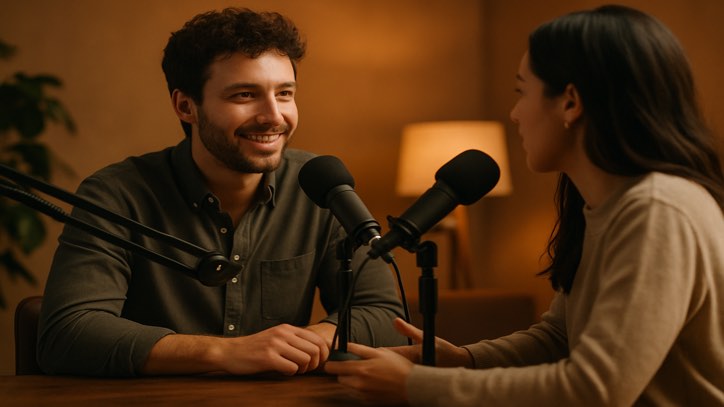 Everyone · quick back-and-forth
 With one microphone and a lot of patience.
A close-up on long answers, everyone during quick back-and-forth.
Always whoever is talking.
Everyone, all the time.
Five steps, then the editor
2–4 people · episodes up to 20 minutes for now · one flat price per episode, in Premium.
Make with AI
Four new ways to start. Each one ends in a clip you can cut, caption and export like anything you shot.

Your own clip, reimagined — recast the scene or swap one thing.

Type an idea — get a narrated, captioned video.

One photo, one trained camera move — a 5-second clip.

Your logo on a moving cinematic backdrop — a 5-second sting.
Also made with AI
Runs on AI credits. Premium includes 600 a month.
AI Studio · edit with AI
Twelve tools that read your footage and suggest an edit. Nothing touches your video until you press apply.
AI Studio is part of Premium. Everything else on this page works without it.
Playground
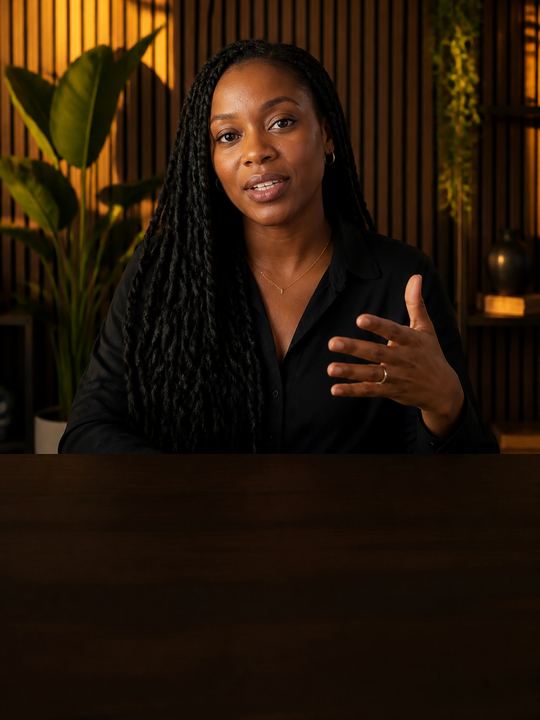
Real caption styles from the app, drawn with the same fonts the export burns in. Type your own words.
143 styles
Ούτε → ΟΥΤΕ. Greek drops its accents in capitals, so the 21 uppercase styles here show none — that is correct, not a missing feature. Most caption tools leave the accent on and print ΟΎΤΕ.
Clean Minimal

Bold Highlight

Word Pop

Karaoke Bar
Editorial

Boxed Modern

Premium Serif

High Contrast

Iris Glow

Neon Mint
The studio
The timeline, colour, captions in real Greek typography, audio cleanup, filler removal and the export — with screens from the shipping build.
See the studioPlans
Three plans on one ticket. The gold column opens AI Studio, Make with AI and Podcast.
| Free | Basic | Premium AI STUDIO | |
|---|---|---|---|
| Price | €0 forever | €8.99 a month €89.99 a year save 17% | €17.99 a month €179.99 a year save 17% 7-day free trial |
| Video length | 60 sec | 15 min | 90 min |
| Transcription a month | 3 min | 120 min | 600 min |
| Caption styles | 4 of 143 | All 143 | All 143 |
| Export | 720p · watermark | 1080p | 4K |
| Filler removal | Captions | Captions | Captions + video |
| AI credits | 20 once | Not included | 600 a month |
| AI Studio | Not included | Not included | All 12 tools |
| Make with AI NEW | Not included | Not included | Included |
| Podcast NEW | Not included | Not included | Included |
Premium can top up: 200 credits for €5.99 or 600 credits for €9.99.
Prices in euros. The App Store charges in your own currency, so your price may differ a little. Cancel from your Apple Account whenever you like, and keep what you paid for until the period ends.
Start free. No card needed for the free plan.
Free to start. Premium opens AI Studio, Make with AI and Podcast.
We use cookies to keep Voxcene working. With your permission we also measure how the site is used and how our campaigns perform. Privacy Policy
Privacy
Necessary cookies are always on — without them the site does not work. Everything else is off until you turn it on, and you can come back and change any of it whenever you like.
Necessary
Always enabled. Required for the website to work.
Analytics
Page views, website usage, button clicks, sessions and performance analytics.
Preferences
Remembers user settings and website preferences.
Marketing
Advertising, campaign attribution and marketing-related tracking.