Business video templates
Video templates for businesses
Ten pre-built edits for the kind of videos a business posts every week, such as a product drop, a before and after or a three-step how-to. You swap in your own clips, put your brand on the captions and export.
for iPhone
- 10 templates
- 4 free on every plan
- Reel, square or wide
- Your brand on the captions
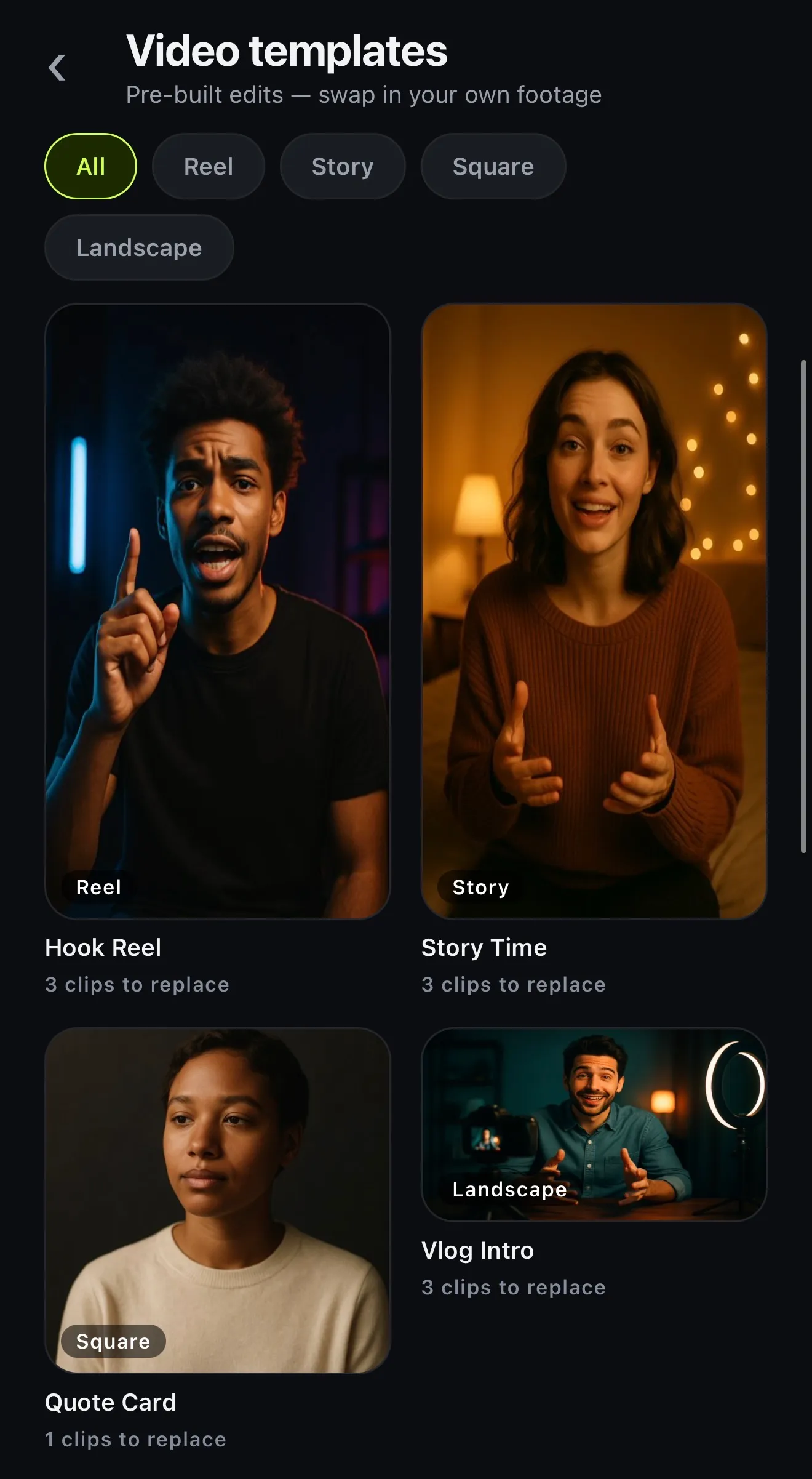
The gallery
All ten templates
Every template is a finished edit with gaps for your footage. Each card lists the clips it asks for, in order, with their length.
-
Product Drop
Tease it, reveal it, sell it
- The tease — 2s
- The reveal — 5s
- Price & CTA — 3s
-
Before / After
The transformation, side by side in time
- Before — 4.3s
- After — 4s
-
Hook Reel
Grab them in the first two seconds
- Your hook — 2.3s
- The story — 5.6s
- Call to action — 3.8s
-
Tutorial Opener
Three steps, numbered and clear
- What you'll learn — 3.2s
- Step 1 — 4.2s
- Step 2 — 4.2s
- Step 3 — 4.2s
-
Quote Card
One line, beautifully staged
- Calm background — 8s
-
Soundbite Cut
Box the interview, blur the rest, hit hard
- The hook — 2.6s
- The point — 7.7s
- The reaction — 6.7s
- The kicker — 3.3s
-
Story Time
A beginning, a middle, a cliffhanger
- Set the scene — 3.1s
- What happened — 8.2s
- The twist — 3.8s
-
Day In The Life
Four moments, morning to night
- Morning — 4s
- Midday — 4s
- Afternoon — 4s
- Night — 4s
-
Podcast Clip
The best minute of the conversation
- The moment — 10s
- Outro card — 3s
-
Vlog Intro
Cold open, title, tease
- Cold open — 4.2s
- Title shot — 3.1s
- Today's tease — 5.2s
Cards drawn from the app's template list: the names, lines, clip labels and colours are the app's; the frames are not renders. PRO = Basic or Premium.
01 · What to post
Templates for products, promos and how-tos
Most business posts come in a handful of shapes. A new product needs a tease, a reveal and a price, which is what Product Drop does, in square for the feed. Salons, cleaners and builders tend to want Before / After. If a shop is explaining something, Tutorial Opener lays it out in three numbered steps.
For an interview or a customer story, Soundbite Cut puts the speaker in a box and blurs the rest. Quote Card sets one line, such as a review, on a calm background. Each template is cut to its music, and the ones with several clips add a punch-in zoom and a sound effect at each cut.
- Product Drop: tease, reveal, price
- Before / After for any transformation
- Tutorial Opener: three numbered steps
- Hook Reel: hook, story, call to action
02 · Brand
Your brand applied
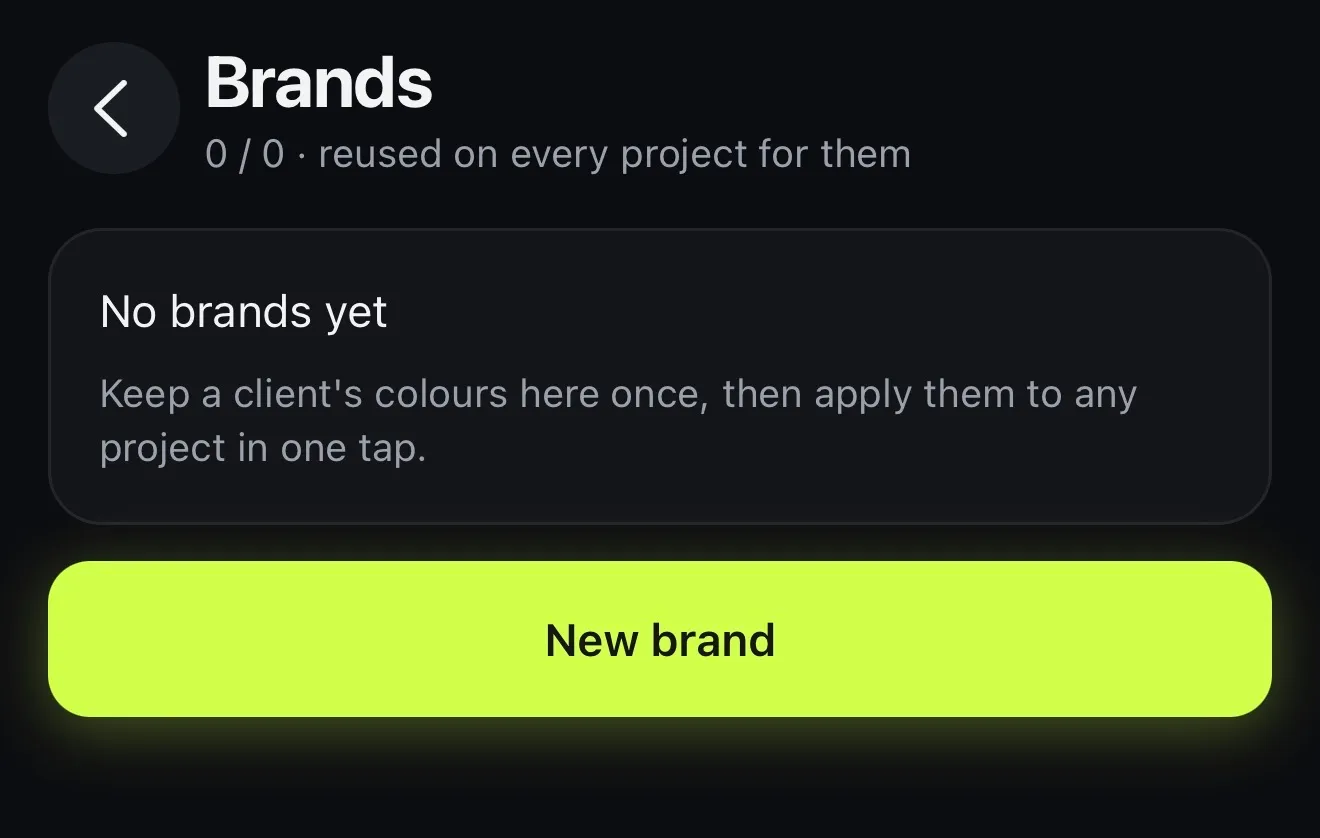
Set up your brand once in Brands with your fonts, your logo and your colours. Each colour gets a job: the caption text, the highlight or the plate behind the words. After that, tap Brand in any project and its colours and typeface go onto the captions.
Add the logo as a picture over the video, on its own lane, so the templates you post all look like they came from the same business. On Premium, AI Studio's Automatic brand template does the captions for you. There's more on brand kits.
- Colours with a job: text, highlight, plate
- Your fonts, uploaded or from Google Fonts
- Your logo, saved once
- Basic: 1 brand kit · Premium: 5
03 · Clients
One brand per client
If you make videos for several businesses, keep each client's colours, fonts and logo as a separate brand (Premium holds five). Apply the right one to a template before you export, and the same Product Drop can be the bakery's on Monday and the gym's on Tuesday.
Inviting other people into your projects isn't in the current App Store version: each project belongs to the account that made it.
- A brand kit for each client
- Apply the right one in a tap
- Premium keeps five
- One account per project
How it works on iPhone
How to make a business video from a template on iPhone
-
Open Video templates
Tap the Templates tab, then Video templates. Filter by Reel, Story, Square or Landscape.
-
Pick a template
Tap one to see how many clips it needs and what each one is for, like the hook or the price.
-
Use my clips
Tap Use my clips and choose your videos in order, or Start with placeholders and fill them in the editor.
-
Put your brand on it
Change the words, apply your Brand to the captions and add your logo as a picture.
-
Export
Tap Export: 1080p without a watermark on Basic, up to 4K on Premium.
FAQ
Questions people ask
What video templates does Voxcene have for businesses?
Ten pre-built edits: Product Drop, Before / After, Hook Reel, Tutorial Opener, Quote Card, Soundbite Cut, Story Time, Day In The Life, Podcast Clip and Vlog Intro. Each has its own cuts, music, caption style and colour, and you swap in your own footage.
Are the templates free?
Four are free on every plan: Hook Reel, Story Time, Quote Card and Vlog Intro. Basic and Premium unlock all ten. Free exports are 720p with a watermark.
Can I put my logo and brand colours on a template?
Yes. Save your colours, fonts and logo once in Brands, then apply the brand to the project's captions in one tap and add your logo as a picture. Basic includes one brand kit and Premium five.
Which formats do the templates cover?
Vertical 9:16 for Reels, TikTok, Shorts and Stories, square 1:1 for feed posts, and wide 16:9 for YouTube and websites. You can also change a finished project's shape in the editor.
Can my team work on the same template?
Not in the current App Store version: each project belongs to one account. Keep each client's colours, fonts and logo as its own brand, and apply the right one to any project.
Do the templates include music?
Yes. Each template comes with a track chosen for it, and the templates with several clips add punch-in zooms and a sound effect at each cut. You can change or remove the music in the editor.