AI voice enhancer
Enhance the voice in any video
Voxcene checks your recording first and tells you what's wrong with the voice, whether that's noise behind it or speech that's too quiet or uneven. Then it fixes what it can by pushing the room back and bringing the speech up to level.
for iPhone
- Listens first
- Voice kept, room pushed back
- AI level for quiet speech
- Before & After
01 · Clean Premium
AI Denoise keeps the voice, pushes the room back
A voice enhancer should make the person easier to hear, not make them sound like someone else. AI Denoise does one job. It pushes back the steady noise behind the voice, like a fan, the air conditioning or a café, and leaves what was said alone.
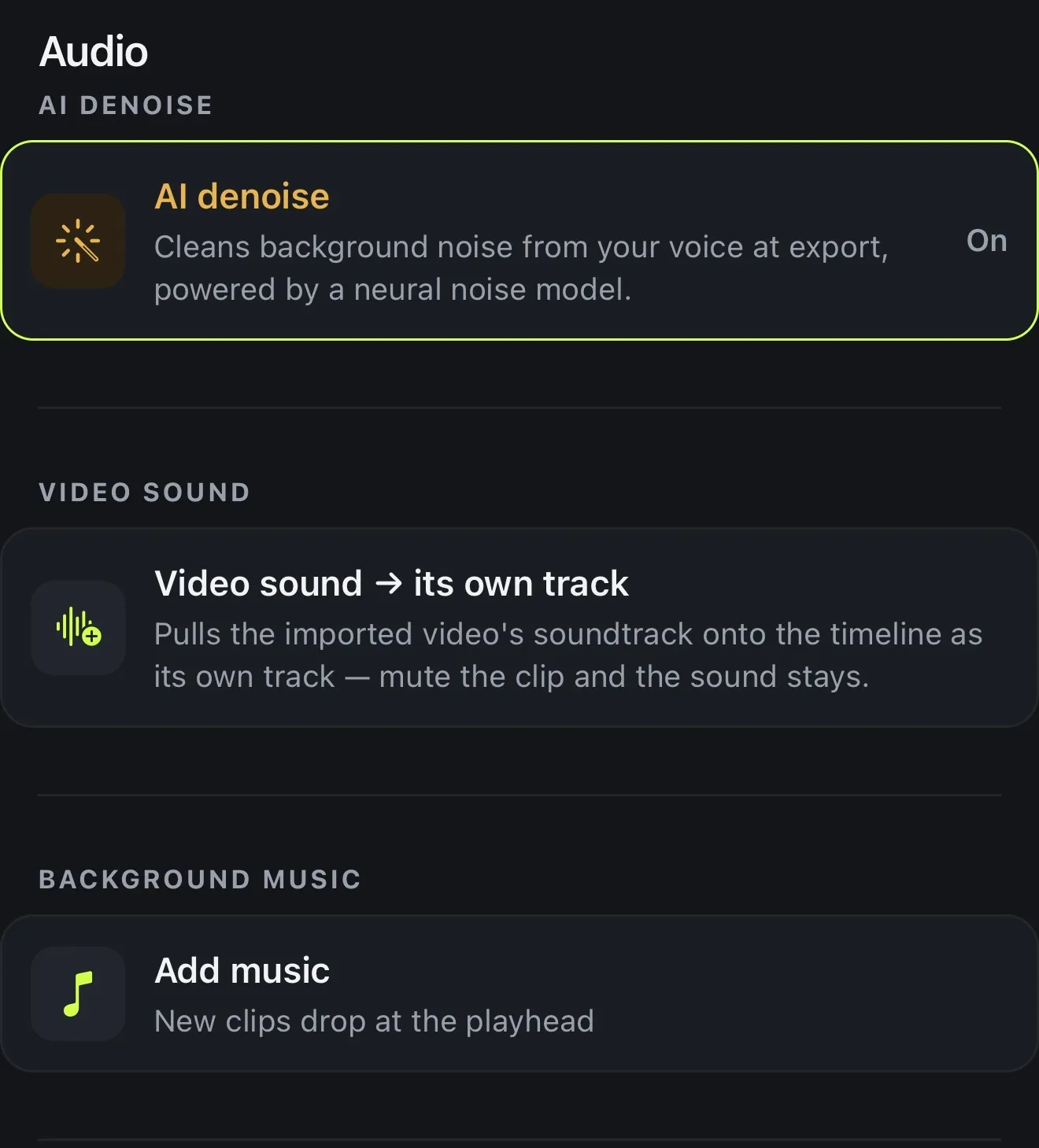
It measures before it changes anything, then recommends a strength for this recording. Once applied, the AI denoise row in the Audio panel shows it On; tap it to switch it off. For noise-first problems, see the background noise remover.
- A neural model trained on speech
- Light, Balanced or Strong, with one recommended
- Applied on export, adjustable any time
- 1 AI credit per video, once
02 · Level
Bring a quiet voice up to level
A lot of “bad audio” is just a voice recorded too far from the phone. Noise reduction won't fix that, but level will. Select the clip, open Clip volume and tap AI level. Voxcene measures the parts where somebody is speaking and sets the clip's volume so the speech lands at a healthy loudness.
It's one level for the whole clip, so a voice that drifts between loud and soft stays uneven. AI Denoise will tell you when that's the case. If you boost past 100%, the exported file is louder than the preview can play.
- AI level measures the speech, then sets the volume
- Aims for a healthy loudness on phone speakers
- From 50% to 200% of the clip's level
- Free
03 · Compare
Hear the before and after
Denoising eight seconds of silence sounds perfect and tells you nothing. That's why ▶ Before and ▶ After play the part of your video with the most speech in it, cleaned through the same filter the export uses, so the preview sounds like the exported file.
The note above the strengths is just as plain. If the real trouble is a quiet or uneven voice, it says so, and if there's nothing worth cleaning, it says that too. You can also type “Clean up the audio” into Chat to Edit.
- Up to 8 seconds where you talk the most
- Rendered through the same filter as the export
- Tells you when the voice is quiet or uneven
- Says when there's nothing worth cleaning
How it works on iPhone
How to enhance the voice in a video on iPhone
-
Open your video
Open the video with the voice you want to clean up in Voxcene.
-
Let it listen
Tap AI Studio, then AI Denoise. It measures the recording and shows what it found, such as noise, a quiet voice or uneven levels.
-
Pick a strength
Choose Light, Balanced or Strong. The one it recommends for this recording is marked.
-
Compare and apply
Play ▶ Before and ▶ After on a few seconds of your own speech, then tap Apply.
-
Set the level
Select the clip, open Clip volume and tap AI level to bring the speech to a healthy loudness. Export.
FAQ
Questions people ask
How do I enhance the voice in a video on iPhone?
In Voxcene, open the video and tap AI Studio → AI Denoise. It checks the audio first and recommends Light, Balanced or Strong, and you can compare Before and After before you apply it. Then select the clip and tap AI level under Clip volume to bring a quiet voice up.
Will it make my voice sound like a studio recording?
It makes it clearer, not a different recording. AI Denoise pushes steady background noise back and keeps the voice, and AI level sets a healthy loudness. It can't remove echo from a bare room, undo distortion, or change how a voice sounds.
How do I make a quiet voice louder?
Select the video clip, open Clip volume and tap AI level. Voxcene measures the speech and sets the volume so it lands at a healthy loudness for phone speakers, up to 200%. The preview can't play above 100%, so judge a boost from the export.
Does it clean a voiceover I recorded in the app?
No. AI Denoise cleans the video's own sound, where the speech usually is; music and voiceover tracks are left as they are. For a voiceover, record close to the phone in a quiet room.
Can it remove echo, wind or hum?
Not in this version. AI Denoise is built for steady background noise behind a voice, like air conditioning, a fan, distant traffic or a busy room.
Is the voice enhancer free?
AI level is free. AI Denoise is part of AI Studio in Premium and uses 1 AI credit per video. You pay it once, however many strengths you try.