Add music to video
Add music to any video
Put a song on a lane of its own under your video and make it fit. You can split or loop it, fade it out and set its level, then cut your clips to its beat.
for iPhone
- Its own lane
- Waveforms & fade-outs
- Cut to the beat
- Make your own song
01 · The lane
Music lane with waveforms and fade-outs
Tap + and choose Music. The song gets a lane of its own, drawn as a waveform so you can see where it builds and where it drops. If you want two tracks playing at once, add a second music lane.
Set its level under Volume, from 0% to 200%, and give it a Fade out so it ends cleanly instead of stopping dead.
- Every song on its own lane, with its waveform
- Fade out: 1–8 s or any length
- Curve: Even, Smooth or Quick
- Level 0–200% per song, or all at once
02 · Fit
Split or extend a sound
If you only want the chorus, split the song at the playhead and delete the rest. Song shorter than your video? Loop repeats it to the end. With a track you made with AI, you can use Extend instead, which adds new music that carries on.
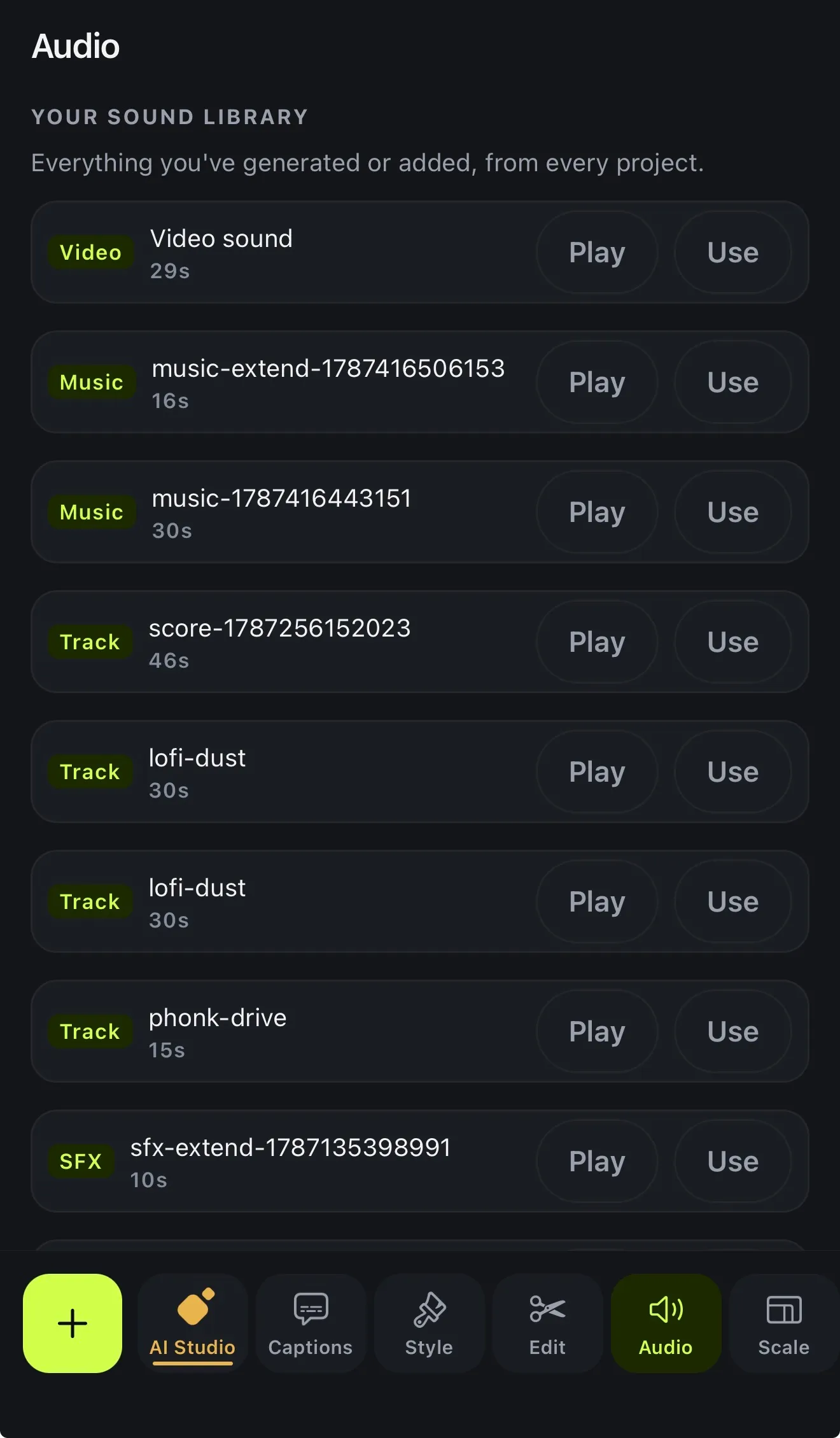
Songs and sounds you've added or generated are kept in Your sound library, so you can use them again in your next project.
- Split at the playhead
- Loop a song to cover the video
- Extend an AI-made track (credits)
- Your sound library: everything you've added
03 · Beat
Cut to the beat
Select your music and tap Read. Voxcene finds the tempo and the bass hits. Then tap Cut my clips there and your clips are split on the beat, so each cut lands with the music.
On Premium, Zoom with the music can also punch in on the bass or build to the drop. See transitions and cuts.
- Read finds the tempo and bass hits
- Cut my clips there splits on the beat
- 1 AI credit per track, once
04 · Your own song Premium
Make your own brand song
If you don't have music you can use, make some. Brand Music writes an original song from a short brief (your brand name, what you do, the feeling you're after) and sings it in the language of your brief or any of 60+.
Download the full track, the vocals or the instrumental, or open it straight in a project. For a backing track without words, Generate music and Score this video make one from a description or from the video itself.
- Written and sung for your brand
- 60+ languages, or the one in your brief
- Singer: a woman, a man, a duet, a group or rap
- 30 s = 20 credits, 60 s = 40, 90 s = 60
How it works on iPhone
How to add music to a video on iPhone
-
Open your project
Open the video you want to add music to.
-
Tap +, then Music
Pick a song from your Files: iCloud Drive, AirDrop or anything saved on your phone. It goes on a music lane of its own.
-
Place and trim it
Drag it where it should start. Split it at the playhead, or Loop it if it's shorter than your video.
-
Set the level and fade
Open Volume to set how loud it is and choose a Fade out for a clean ending.
-
Cut to the beat and export
Tap Read on the music, then Cut my clips there to cut on the beat. Then export.
FAQ
Questions people ask
How do I add music to a video on iPhone?
In Voxcene, tap + and choose Music, then pick the song from your Files. It goes on its own lane under the video, where you can move it, split it, loop it and set its volume.
Where do I get music from?
From your own files, meaning any song on your phone or in iCloud Drive that you have the right to use. You can also make your own. Generate music writes a track from a description, and Score this video makes one sized to your video. Both use AI credits. Voxcene doesn't include a stock music library or Apple Music.
Can I fade the music out?
Yes. Under Volume, Fade out offers 1, 2, 3, 5 or 8 seconds or any length you like, with an Even, Smooth or Quick curve. There's no fade-in control in this version.
Does the music go quieter when someone speaks?
Not automatically. You set the music's level yourself, either for each sound from 0% to 200% or for all music clips at once with Music level.
Can I use copyrighted songs?
Only songs you have the rights to. Platforms like Instagram and TikTok can mute or remove videos with music you don't own, so for business videos use your own, licensed or AI-made music.
Can I make a song for my brand?
Yes, on Premium. Brand Music writes and sings an original song from a short brief about your brand, in 60+ languages. It costs 20 credits for 30 seconds, 40 for 60 and 60 for 90.