AI video dubbing
Dub your video into another language with AI
Translate your captions and tap Dub. Voxcene voices them in the new language, starting each line where yours starts, and your music and room sound stay underneath.
for iPhone
- 60+ languages
- Lines start on time
- Original sound kept
- Premium
01 · How it works Premium
How AI dubbing works
A dub is only as good as its words, so Voxcene works from your translated captions, the ones you already checked. Each line is spoken from the point where the original line starts, which keeps the dub in time with your edit.
When a line is longer in the new language, it gets tightened a little, by no more than 18%. The sheet shows which lines landed on time and which ran long. This isn't lip sync, and the app tells you that up front.
- Speaks the translation you approved
- Every line starts where the original starts
- Sped up by at most 18% to fit
- Each line marked On time, Tightened or Runs long
02 · Together
Captions and the dubbed voice, together
The dub goes on the timeline as one clip. Your original sound is turned right down beneath it, so the music and the room don't disappear, and if you change your mind one undo takes both changes back.
Captions and dub are separate. Dub into English and keep the Greek captions, or the other way round: choose the caption language in the editor and the dub stays as it is.
- The dub arrives as one clip on the timeline
- Original sound kept, turned down
- Captions in either language, your choice
- One undo takes it all back
03 · Languages
Languages and voice options
Dub into any language you can translate your captions into. The dub uses one natural voice for the whole video; you can't pick a voice or clone your own in this version, so it suits explainers, tutorials, product demos and ads best.
| Video | Translate | Dub | Total |
|---|---|---|---|
| 1 minute | 3 | 100 | 103 credits |
| 3 minutes | 9 | 300 | 309 credits |
| 5 minutes | 15 | 500 | 515 credits |
- Any language you can translate into
- One natural voice for the whole video
- No voice cloning in this version
Translate and dub into any of these
- English
- Ελληνικά
- Español
- Français
- Deutsch
- Italiano
- Português
- العربية
- עברית
- हिन्दी
- 日本語
- 한국어
- 中文
- Русский
- Українська
- Türkçe
- Polski
- Nederlands
- Svenska
- Norsk
- Dansk
- Suomi
- Íslenska
- Čeština
- Slovenčina
- Slovenščina
- Hrvatski
- Српски
- Bosanski
- Македонски
- Български
- Română
- Magyar
- Lietuvių
- Latviešu
- Eesti
- Беларуская
- Ქართული
- Հայերեն
- Azərbaycan
- Қазақ тілі
- فارسی
- اردو
- বাংলা
- ગુજરાતી
- ಕನ್ನಡ
- മലയാളം
- मराठी
- ਪੰਜਾਬੀ
- தமிழ்
- తెలుగు
- नेपाली
- ไทย
- Tiếng Việt
- Indonesia
- Melayu
- Filipino
- Jawa
- Kiswahili
- Afrikaans
- አማርኛ
- Cymraeg
- Gaeilge
- Galego
- Català
- Malti
How it works on iPhone
How to dub a video into another language on iPhone
-
Caption the video
Open your video in Voxcene and let it caption the speech in its own language.
-
Translate the captions
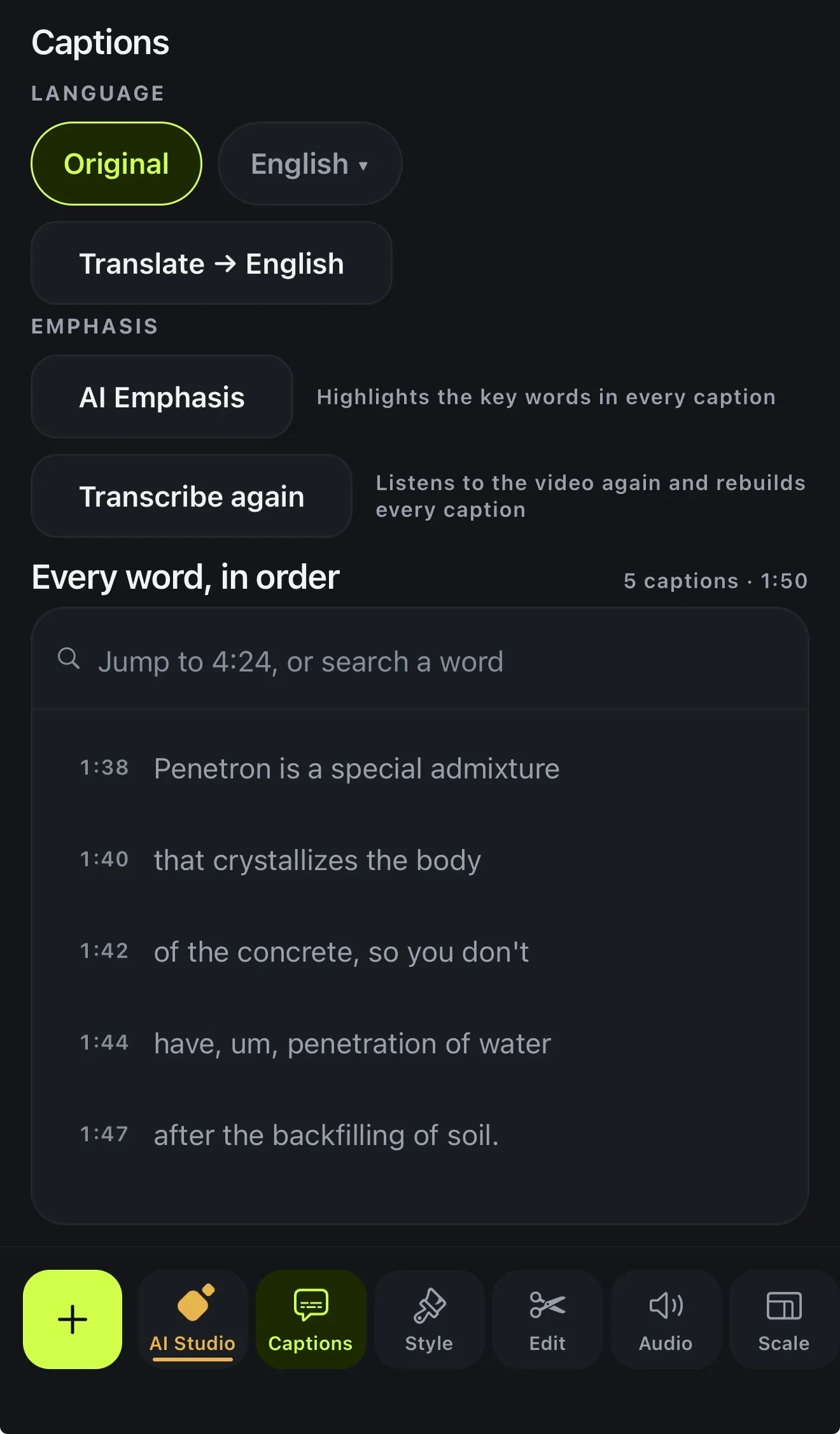
In Captions, open Language and tap Translate, then choose the language. Check the translation, because the dub says exactly these words.
-
Open the dub
Tap AI Studio, then Dub into another language.
-
Dub it
Tap Dub. When it's ready, tap Add to timeline. The dub comes in as one clip, and the original sound is turned down.
-
Export
Export the video with the new voice, and the translated captions burned in or exported as subtitles.
FAQ
Questions people ask
What is AI dubbing?
AI dubbing replaces the spoken words of a video with a generated voice in another language, timed to the original. In Voxcene it speaks your translated captions, line by line, in time with your edit.
Is it lip-synced?
No, and the app says so. Each line starts where the original line starts and may be sped up a little (at most 18%) to fit, but the mouth movements aren't changed. It works best for explainers, tutorials and product videos.
Can I choose the voice, or use my own?
Not in the current version. The dub uses one natural voice for the whole video, and there's no voice cloning.
What happens to the original sound?
It stays, turned right down under the dub, so music and room sound don't vanish. Both arrive as one change that a single undo takes back.
Which languages can I dub into?
Any language you can translate the captions into. That's 60+, including English, Spanish, French, German, Italian, Arabic and Greek.
Is AI dubbing free?
Dubbing is part of Premium and costs 100 credits per minute of video, plus 3 credits a minute to translate the captions first. Premium includes 600 credits a month, and top-up packs are available.