Automatic video editor
Let the app edit the video for you
Tell Voxcene what the video is for and it proposes the whole edit, from the cuts and the caption style to a colour look and title cards. Or you can drop your clips into a template and the app cuts them to fit.
for iPhone
- A whole edit proposed
- Hook · Tutorial · Story
- Templates on every plan
- Fine-tune anything
01 · One tap Premium
AI Edit: one tap to a proposed first cut
Open the AI Video Editor. If there are pauses or fillers worth cutting, you'll see Make It Tighter. Tap it and pick the goal: a fast Hook, a clear Tutorial or a Story that keeps its rhythm. AI Edit then goes through the timed transcript and proposes the whole edit in one go.
You see the proposal before anything changes. Once you apply it, your first cut is done.
- Make It Tighter opens AI Edit
- Hook, Tutorial or Story
- Reads the timed transcript
- 4 AI credits a minute
02 · What changes
What it changes: cuts, captions, a look, titles
AI Edit cuts the pauses, wandering sentences and false starts that don't serve your goal, and each cut comes with a reason. It never cuts mid-word and never removes more than half of what you shot. It also picks a caption style, a colour look and title cards, and marks the spots where a picture would help.
It doesn't add music or video b-roll on its own. After applying, you fill the marked spots in Pictures for these moments and add a soundtrack however you like.
- Cuts, each with its reason, never mid-word
- A caption style
- A look: Vivid, Warm, Cool or Film
- Title cards, plus spots for pictures
03 · Templates
Or let a template cut your clips
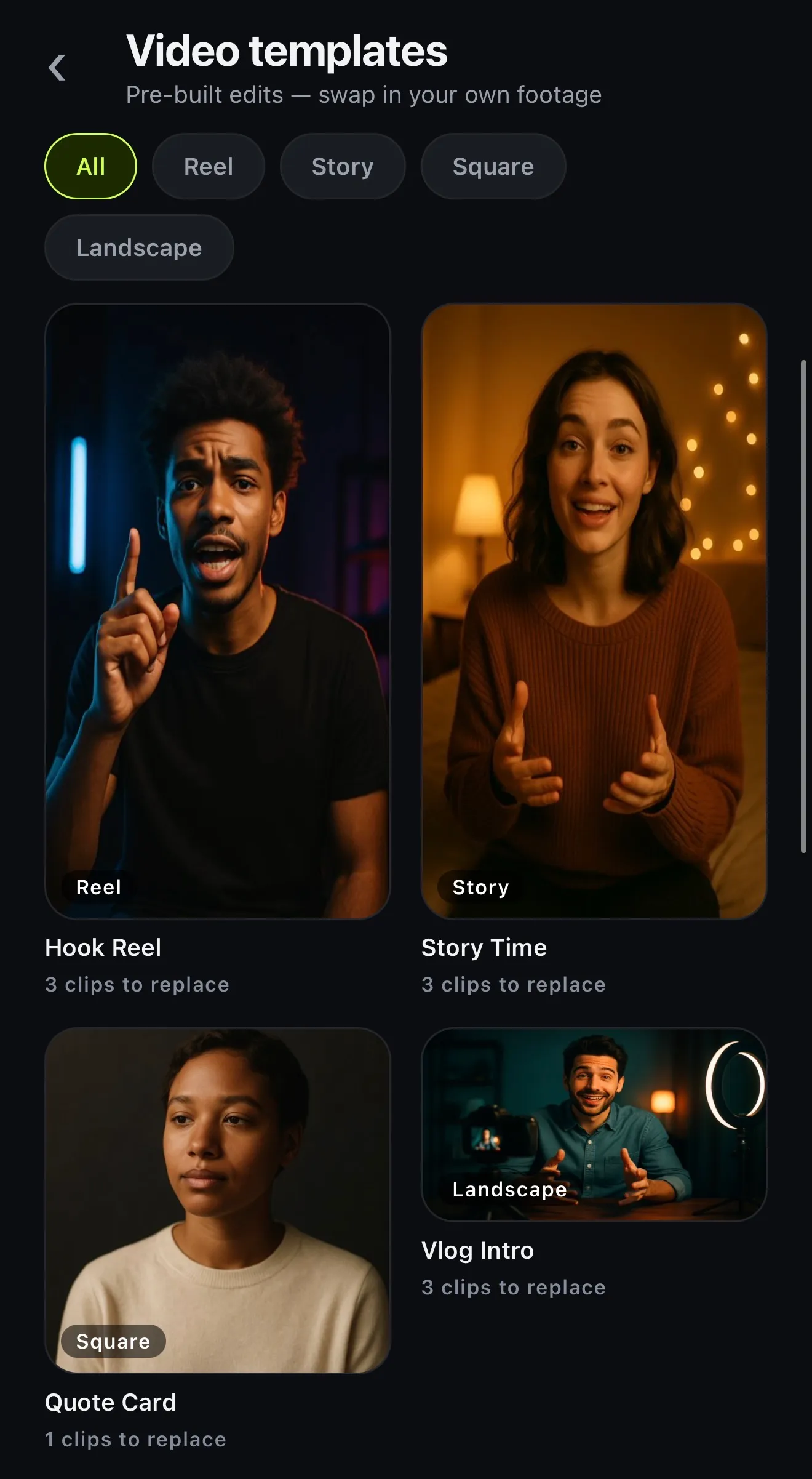
If you'd like a finished look to start from, open Video templates. These are pre-built edits waiting for your footage. Pick one and tap Use my clips, and Voxcene cuts your clips to the template's timing. You end up with an edit to tweak instead of a timeline to build.
- Use my clips to swap in your own footage
- Cutting your clips to the template
- Reel, Story, Square and Landscape
- 4 on Free, all on paid plans
04 · In one go
Fine-tune afterwards, or start bigger
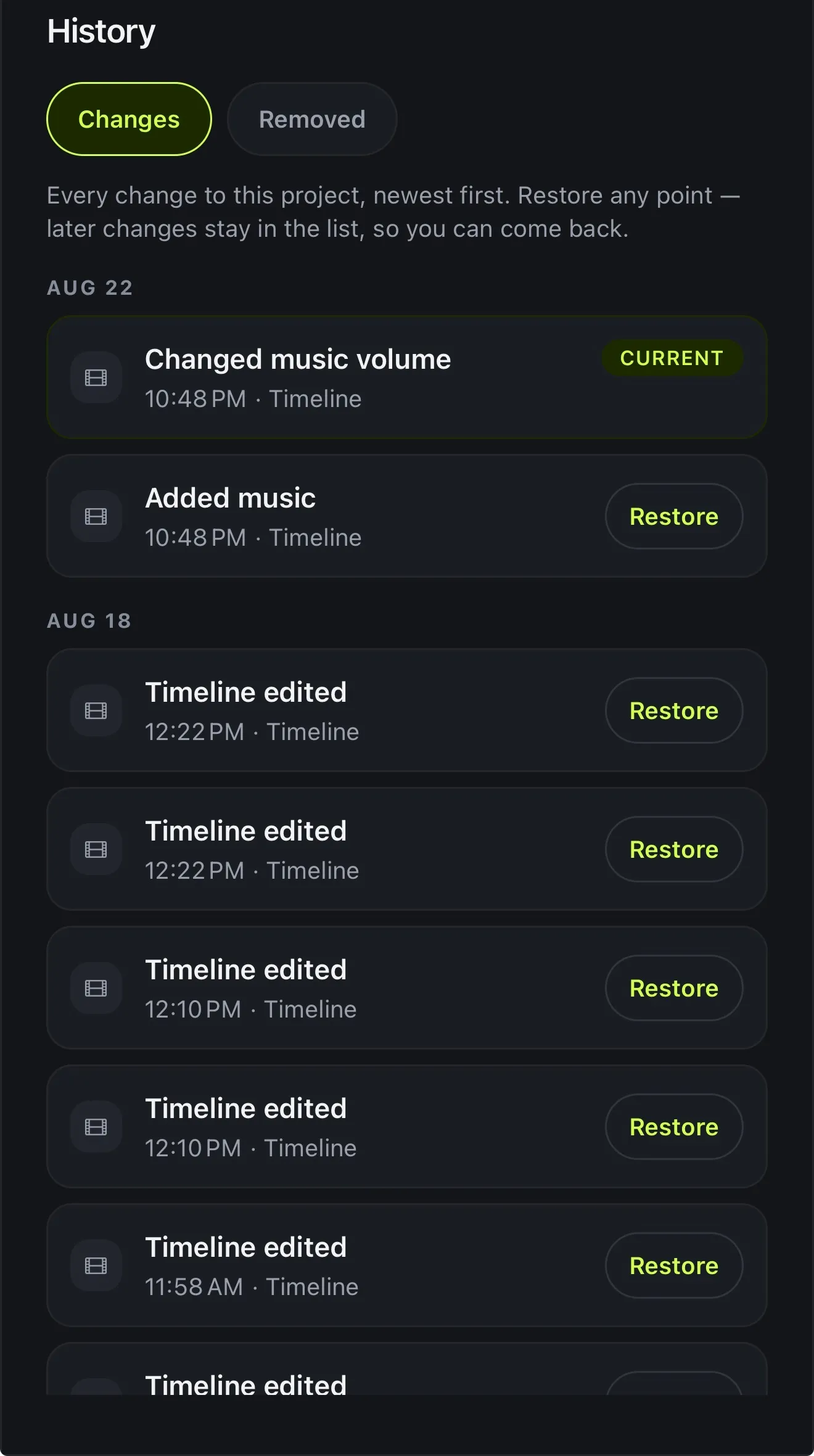
Whichever tool made the first cut, you get an ordinary Voxcene project. You can move a cut, restyle a caption or change the look, and every part can be undone.
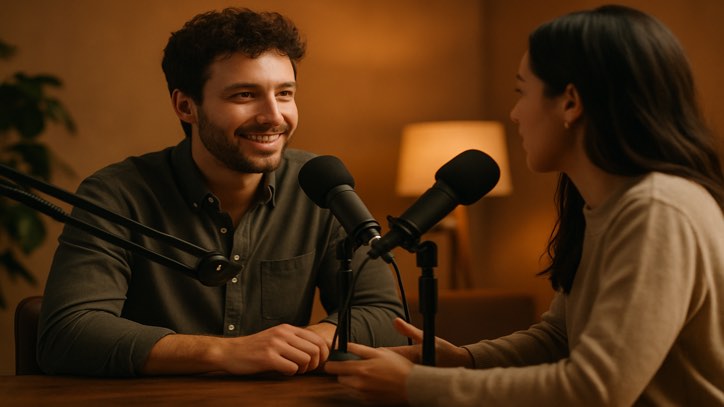
For bigger jobs, a few other tools also edit in one go. Podcast builds a whole episode cut by speaker, and Long Video to Reels turns one recording into clips. Generate with AI makes a narrated video from an idea.
- Every automatic edit is a normal timeline
- Podcast: the whole episode, cut by speaker
- Long Video to Reels: clips as projects
- Generate with AI: a video from an idea
 Episode · Wide 16:9
It started as a conversation we wanted to keep.
Clip 1 · 0:60 So how did it all start?
Clip 2 · 0:30 With one microphone and a lot of patience.
Clip 3 · 0:90 And the first episode?
How it works on iPhone
How to edit a video automatically on iPhone
-
Caption the video
Open your video in Voxcene. The automatic edit works from the transcript.
-
Open the AI Video Editor
Tap AI Studio, then AI Video Editor. It measures the video first.
-
Tap Make It Tighter
When there are pauses or fillers worth cutting, Make It Tighter opens AI Edit.
-
Pick the goal
Choose Hook, Tutorial or Story. AI Edit proposes the cuts, a caption style, a look and title cards.
-
Apply, then fine-tune
Apply the proposal and keep editing on the timeline. Every part of it can be undone.
FAQ
Questions people ask
Is there an app that edits videos automatically?
Voxcene proposes the edit for you. You pick a goal, and AI Edit works from your transcript to suggest the cuts, a caption style, a colour look and title cards. Nothing changes until you apply it.
What does the automatic edit change?
Mostly the cuts: it suggests cutting pauses, wandering sentences and false starts, with a reason for each. It also sets a caption style, a look (Vivid, Warm, Cool or Film) and title cards, and marks the spots where a picture would help. It doesn't add music or video b-roll by itself.
Can I use my own footage in a template?
Yes. Open a video template, tap Use my clips, and Voxcene cuts your clips to the template. Four templates are on the Free plan, and all of them on paid plans.
Can I change the result?
Yes, all of it. The automatic edit ends up on the normal timeline, where you can move a cut, restyle a caption or swap the look. Every part of it can be undone, and History restores any earlier version.
Is the automatic editor free?
AI Edit is part of AI Studio in Premium and uses 4 AI credits a minute of video. Video templates with your own clips work on every plan.