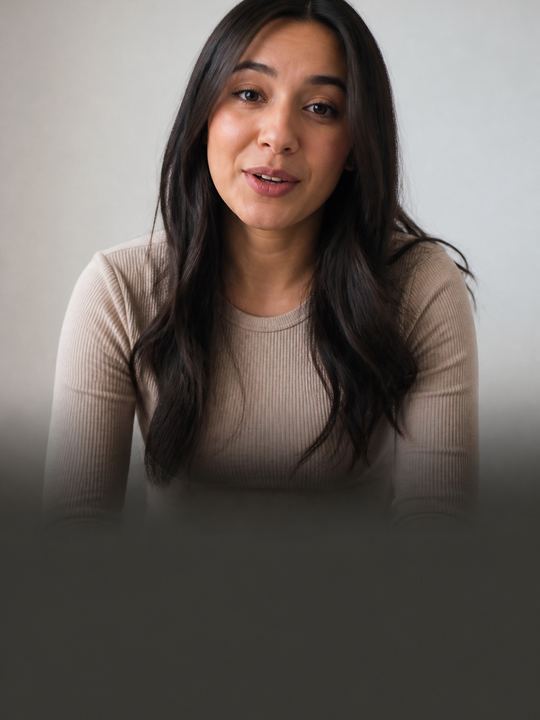
Clean Minimal
Caption styles
The full caption style gallery has 143 caption styles. Some are quiet enough for interviews, some are loud enough for Reels, and the karaoke ones light up the word being said. Type your own words below to see them in each style.
Playground
Real caption styles from the app, drawn with the same fonts the export burns in. Type your own words.
143 styles
Ούτε → ΟΥΤΕ. Greek drops its accents in capitals, so the 21 uppercase styles here show none — that is correct, not a missing feature. Most caption tools leave the accent on and print ΟΎΤΕ.
Clean Minimal

Bold Highlight
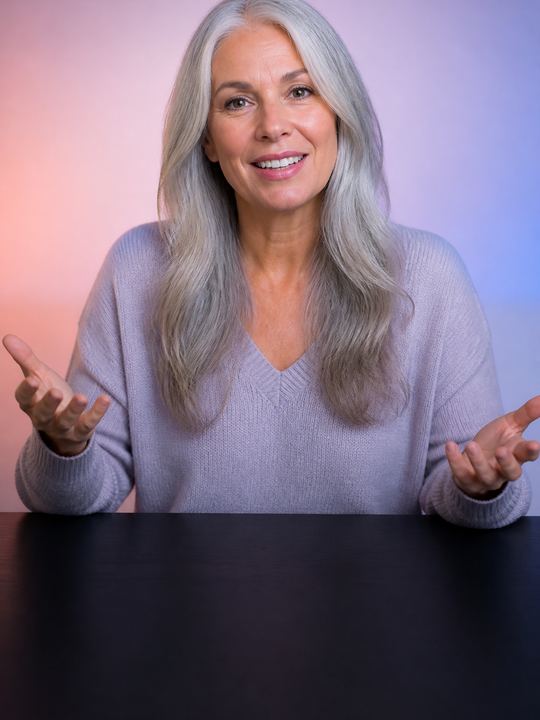
Word Pop

Karaoke Bar
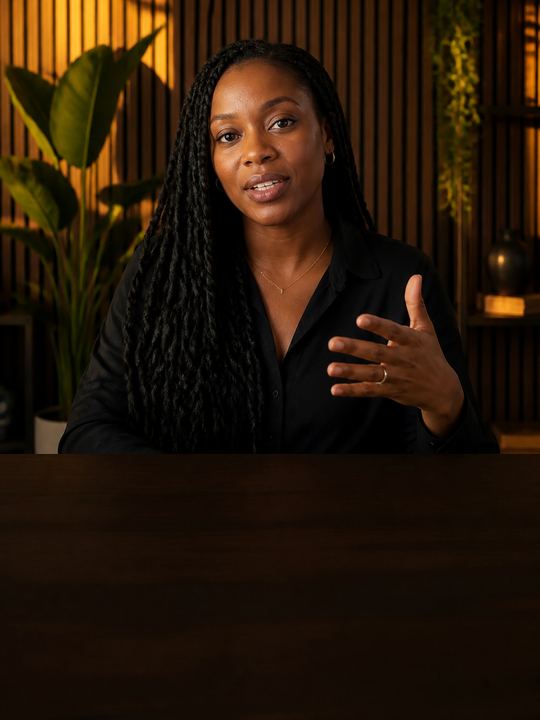
Editorial
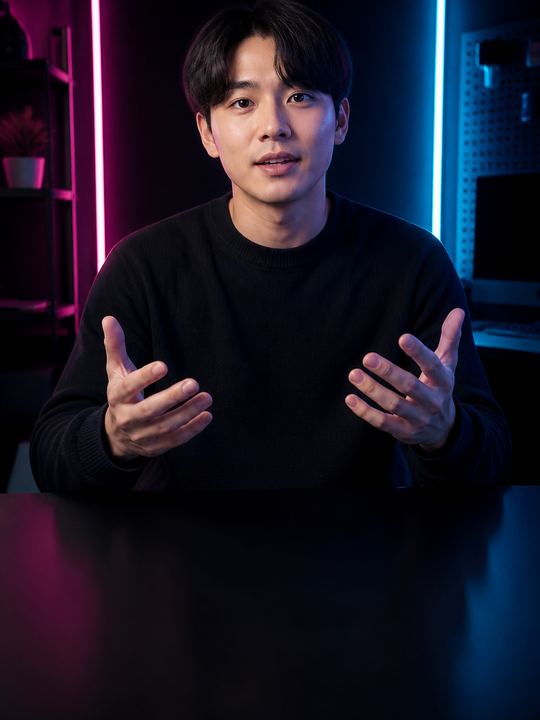
Boxed Modern

Premium Serif
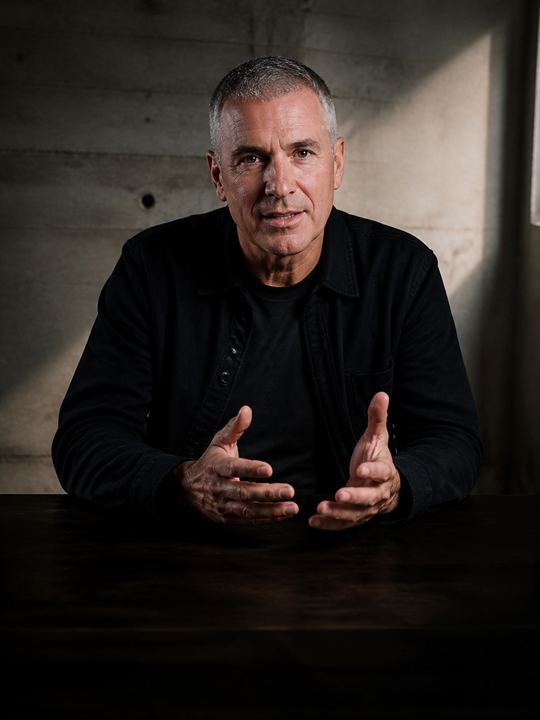
High Contrast
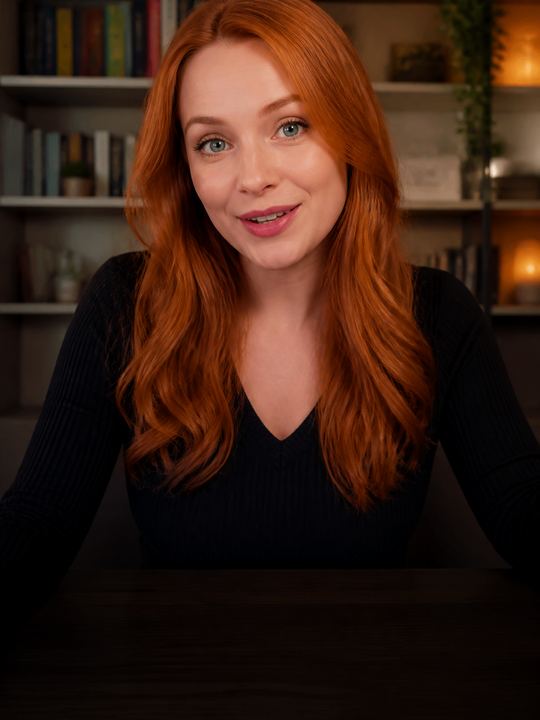
Iris Glow

Neon Mint

Citrus Punch

Midnight Card

Crimson Stamp

Sky Caster

Paper Note

Quiet Voice

Amber Echo

Steel Brief

Coral Wave

Olive Slate

Violet Verse

Soft Focus

Aegean Bold

Night Market

Studio Slate

Marble Quiet

Salt Flat

Copper Line

Harbor Tape

Frost Ribbon

Ink Ledger

Sunset Ferry

Rooftop Neon

Chalk Room

Pine Static

Velvet Rope

Signal Flare

Terracotta

Glacier Ink

Bazaar Gold

Late Radio

Museum Label

Runway Lime

Deep Current

Ember Trail

Field Notes

Paper Thin

Plain Air

Low Key

Soft Margin

Bare Line

Clear Pane

Shout Line

Thumb Stop

Hype Block

Loud Tape

Punch Card

Roar Bar

Column Inch

Byline

Long Read

Masthead

Serif Lede

Folio Mark

Plain Read

Full Stop

Clear Say

Wide Open

Sure Sign

Dual Tone

Cyan Static

Magenta Hour

Voltage

After Dark

Arcade Row

Ultraviolet

Clay Press

Saffron Dusk

Linen Fold

Wild Thyme

Honey Lamp

Brick Dust

Data Strip

Console Line

Grid North

Telemetry

Blueprint

Readout

Bubble Gum

Jelly Bean

Sticker Book

Confetti

Pop Quiz

Doodle Pad

Wide Gate

Title Card

Reel Black

Anamorphic

End Roll

Dolly In

Slow Listen

Archive Tape

Soft Spoken

Witness

Dust Light

Still Room

Tide Glow

Signal Box

Afterglow Flash

Cascade Bold

Current Pulse

Quickstep Bounce

Spring Loaded

Flipbook

Haze Blur

Taffy Stretch

Letterpress Type

Marquee Slide

Polaroid Tilt

Stamp Mark

Runway Glitch

Harbor Flicker

Night Drift

Wobble Pop

Neon Aura

Vertical Hold

Slow Zoom Serif

Side Bar Anchor

Heartbeat Line

Cobalt Pill

Ember Rise

Flash Frame

Undertow Glow

Bassline Box

Static Bloom

Riptide Bold

Lantern Flicker

Comet Trail

Paper Flutter

Molten Pulse

Circuit Glitch

Velvet Wobble

Type Pulse
01 · Start here
Not sure where to begin? The four styles on the Free plan cover most videos. Clean Minimal is the whole phrase, quietly. Bold Highlight lights up the word being said. Word Pop shows one word at a time. Karaoke Bar sits on a plate, for busy footage.
On Basic and Premium the rest open up, sorted in the Templates tab into Talking head, Social, Editorial, Bold and Animated. For styles that move with the speech, see animated captions.
02 · Yours
Pick a style and change whatever you want. That might be the caption font, the text colour, the highlight on the spoken word or the plate behind the line. If you have a brand kit, Brand does all of that at once.
When it looks right, tap Save as my style and give it a name. It stays in your Custom tab for the next video, which means a series can keep one look without you redoing it each time. More in saved caption styles.
How it works on iPhone
Open your video in Voxcene and have the speech transcribed, word by word.
Tap Style. The template row shows the caption styles, and All opens the full list.
Search by name or browse all 143. When you tap one, the preview changes to match.
Change the Caption font, the Text color, Highlight color and Background, or tap Brand to apply your brand kit.
Tap Save as my style and name it. You'll find it in your Custom tab for the next video.
FAQ
143. In the app's Templates tab they are sorted into Talking head, Social, Editorial, Bold and Animated, and in the editor you can search them by name.
The Free plan includes four: Clean Minimal, Bold Highlight, Word Pop, Karaoke Bar. Basic and Premium include all 143.
Yes. Type in the box on this page and each style redraws your words, using the same fonts as the export. The app's Templates tab works the same way: type your words and browse.
Yes, on every plan. Style a caption the way you like it, tap Save as my style and name it. It appears in your Custom tab, and projects already using it keep their look even if you delete it later.
Yes. You can give any style a different caption font, text colour, highlight colour and background. If you have a brand kit, tapping Brand puts your brand's colours and typeface on it.
Yes. Voxcene captions 60+ languages. Greek keeps its accents and final sigma, and right-to-left languages run right to left. For scripts the built-in fonts can't write, the app falls back to faces that can.
Yes. The style is burned in on export and looks the same as it does in the preview. On every plan you can also export the subtitles as a file (SRT, VTT and more).
We use cookies to keep Voxcene working. With your permission we also measure how the site is used and how our campaigns perform. Privacy Policy
Privacy
Necessary cookies are always on — without them the site does not work. Everything else is off until you turn it on, and you can come back and change any of it whenever you like.
Necessary
Always enabled. Required for the website to work.
Analytics
Page views, website usage, button clicks, sessions and performance analytics.
Preferences
Remembers user settings and website preferences.
Marketing
Advertising, campaign attribution and marketing-related tracking.