Motion graphics
Motion graphics without After Effects
Add motion graphics to the video you're editing: animated titles, kinetic text, charts and light. Pick a look and type your words, and it renders into the export.
for iPhone
- 400 animated looks
- Previewed on your footage
- Titles, charts, light
- Basic 30 · Premium 400
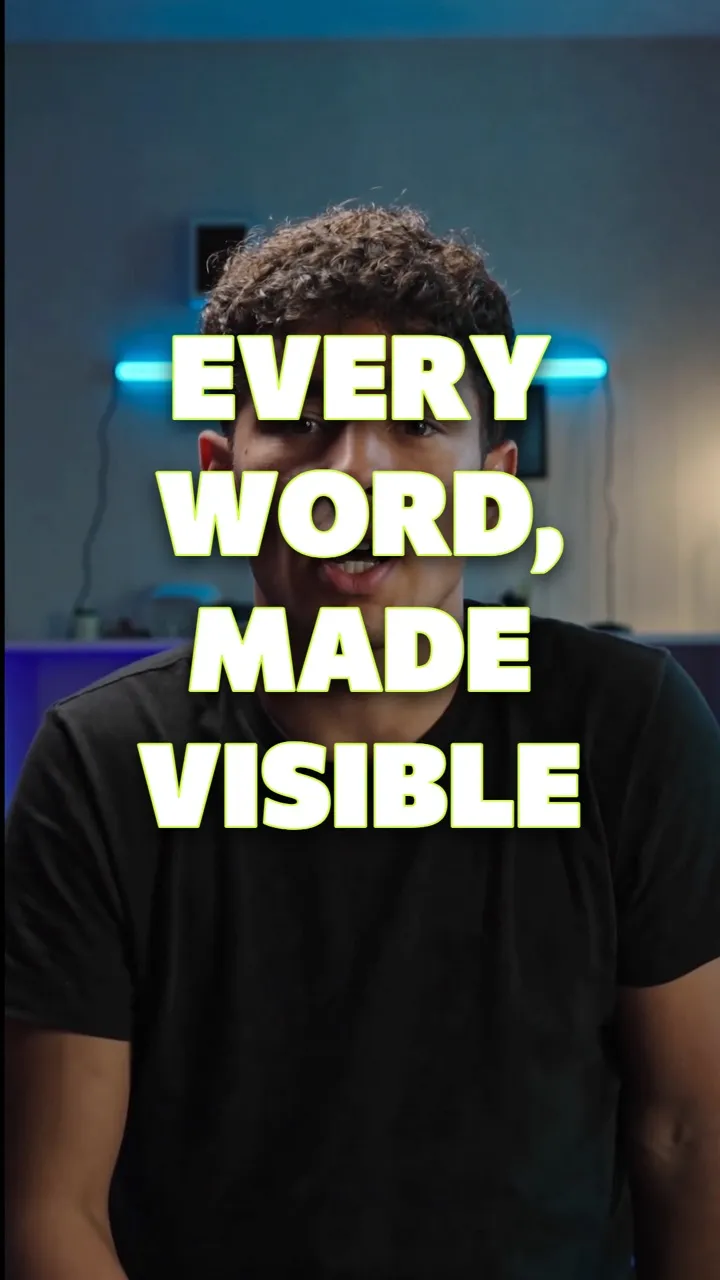
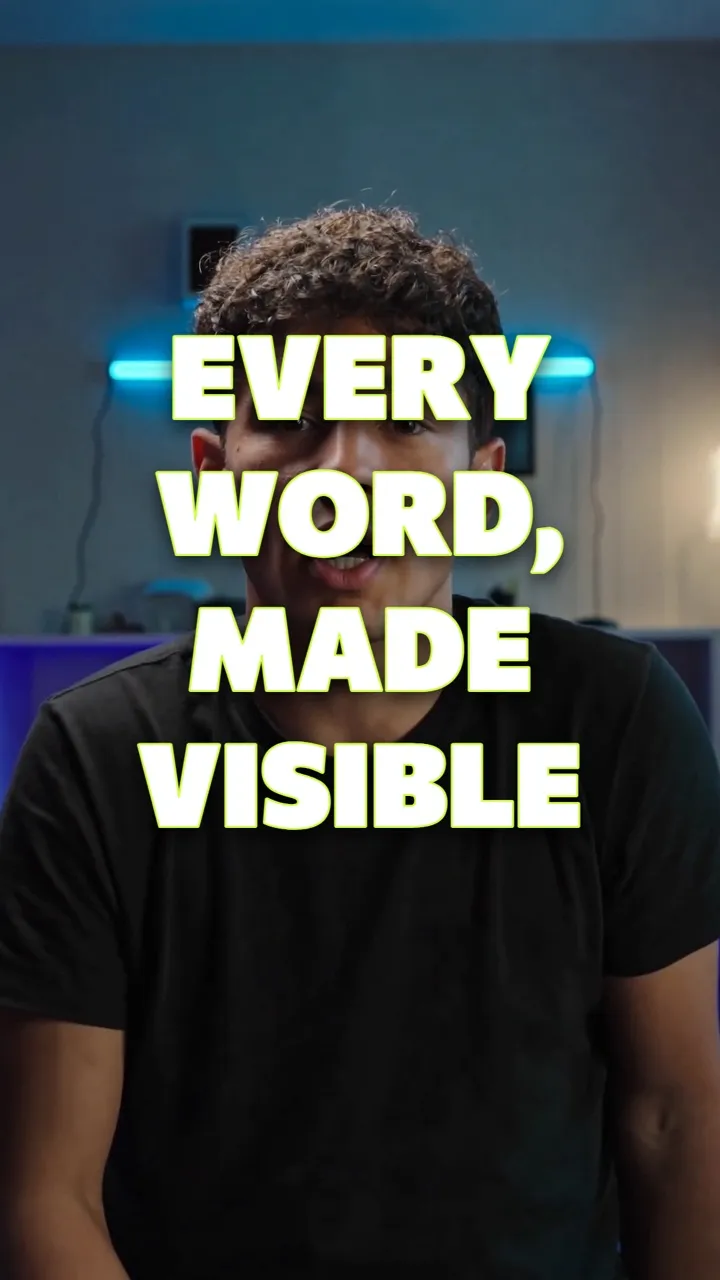
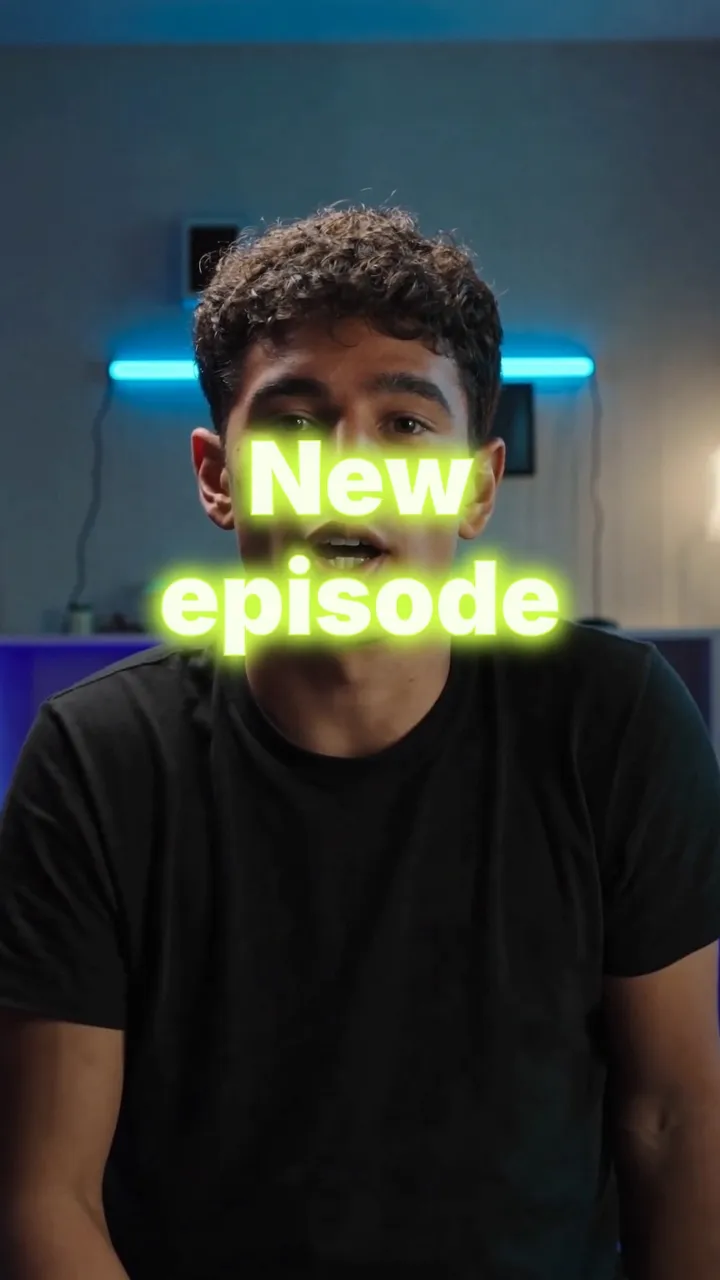
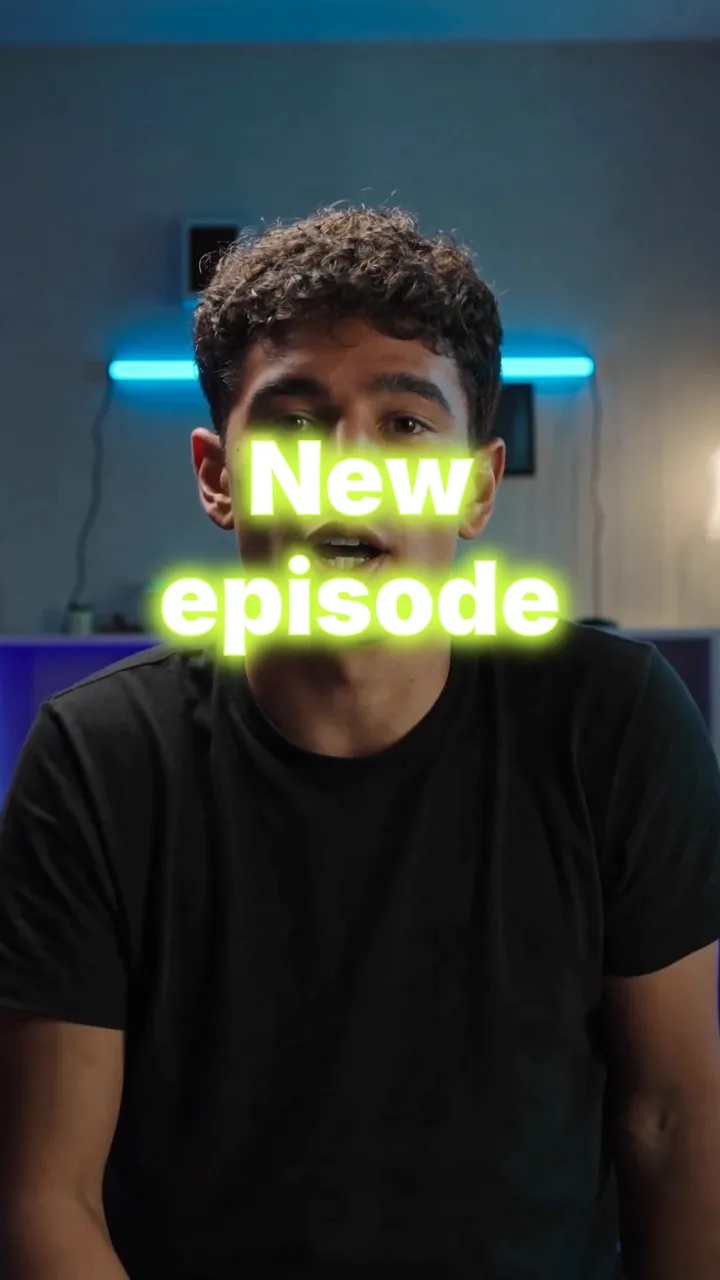
01 · The gallery Basic 30 · Premium 400
Hundreds of animated looks
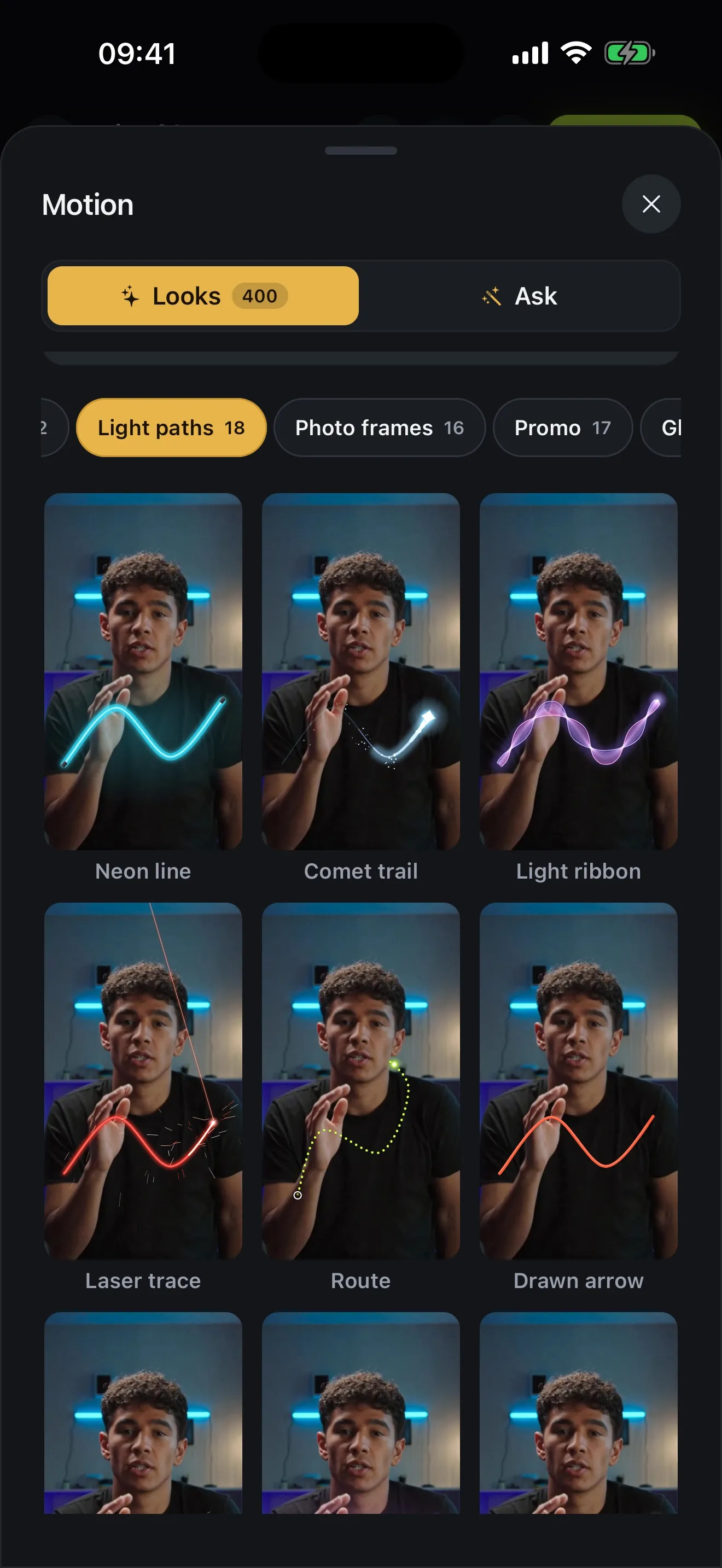
Open Motion and the gallery plays each look on your video rather than a stock clip, so you see it on the shot you're editing before you pick.
The looks are grouped into shelves: Titles, Text, Captions, Charts, Particles, Light, Graphics, Camera, Transitions, Social, Light paths, Photo frames, Promo and Glass. Favourites and Recent keep the ones you reach for most close at hand.
- 400 looks on Premium, 30 on Basic
- Every tile plays on your own footage
- Titles, Text, Charts, Particles, Light, Graphics and more
- Favourites and Recent, one tap away
02 · Text that moves
Kinetic text and animated titles
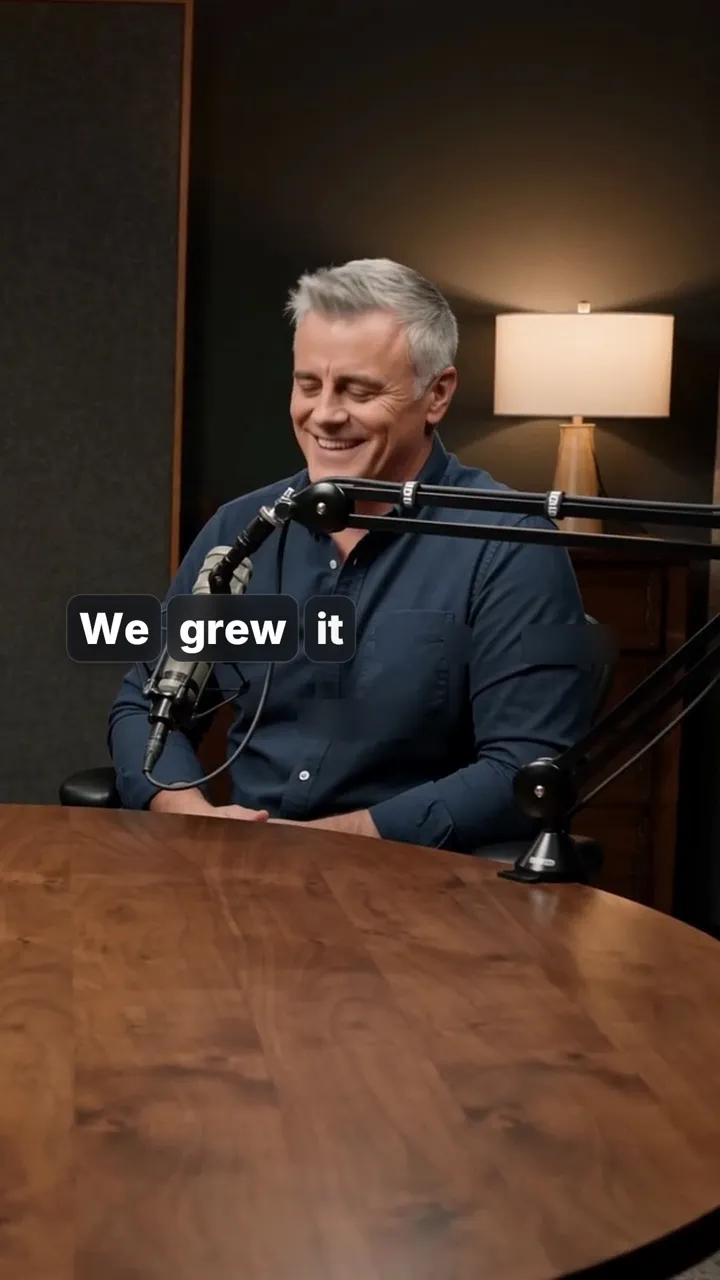
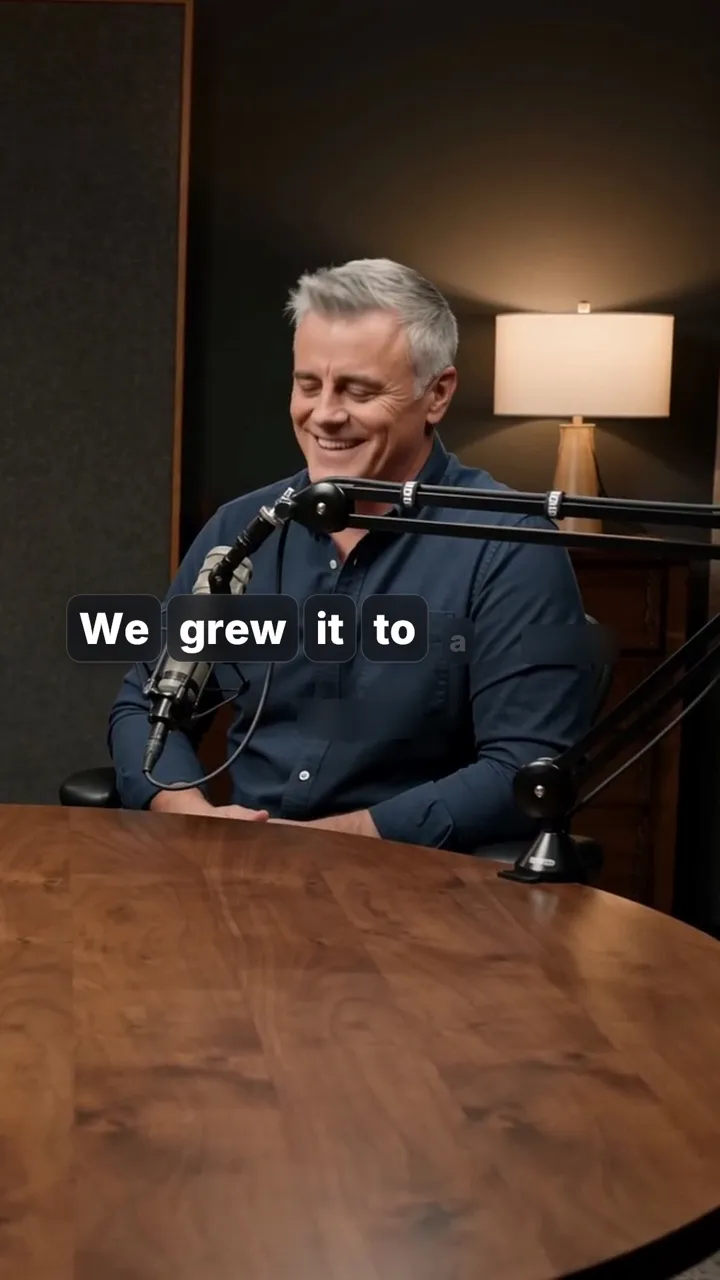
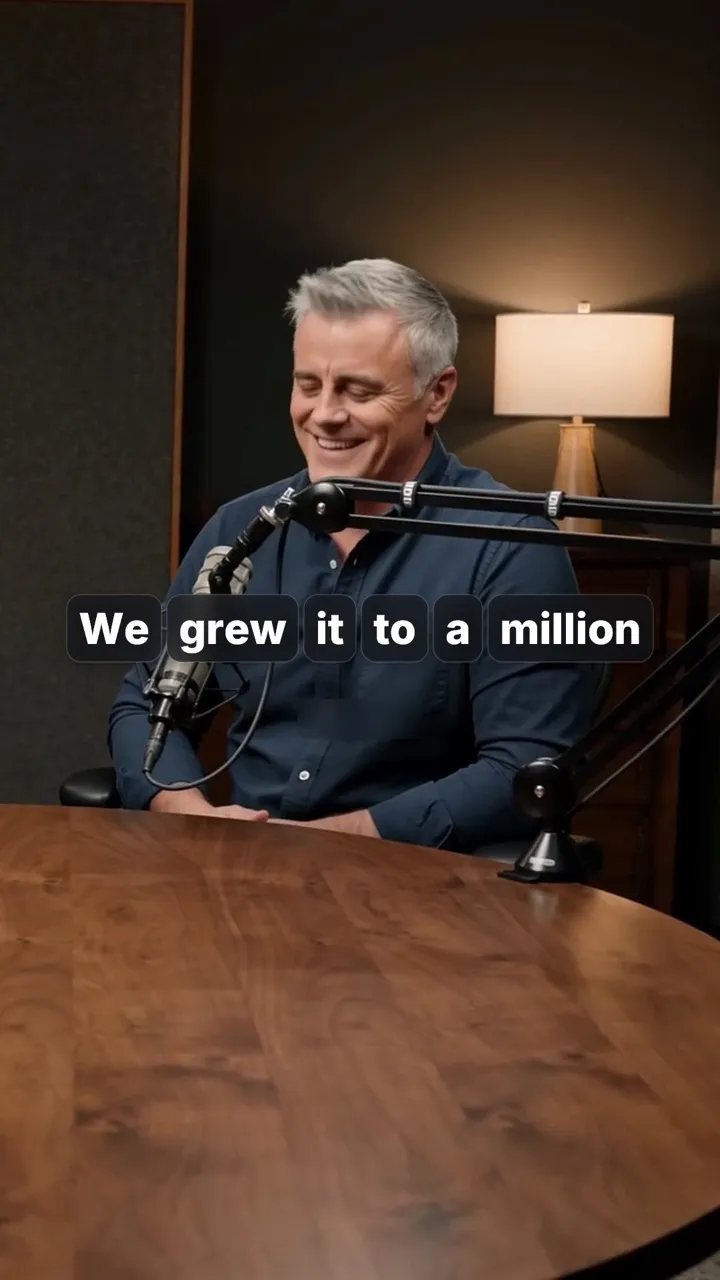
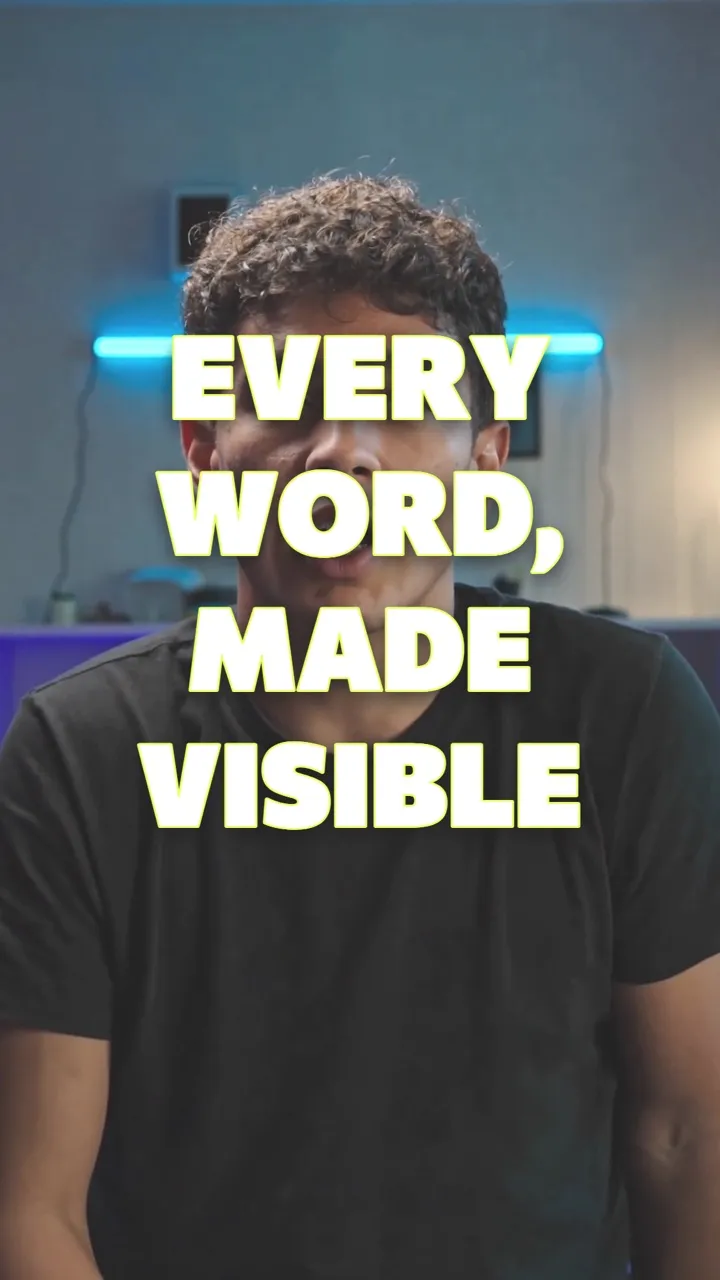
These are frames from the app, rendered by Voxcene's own motion engine and played back.
-
Slam title A huge title slams down and shakes the shot. -
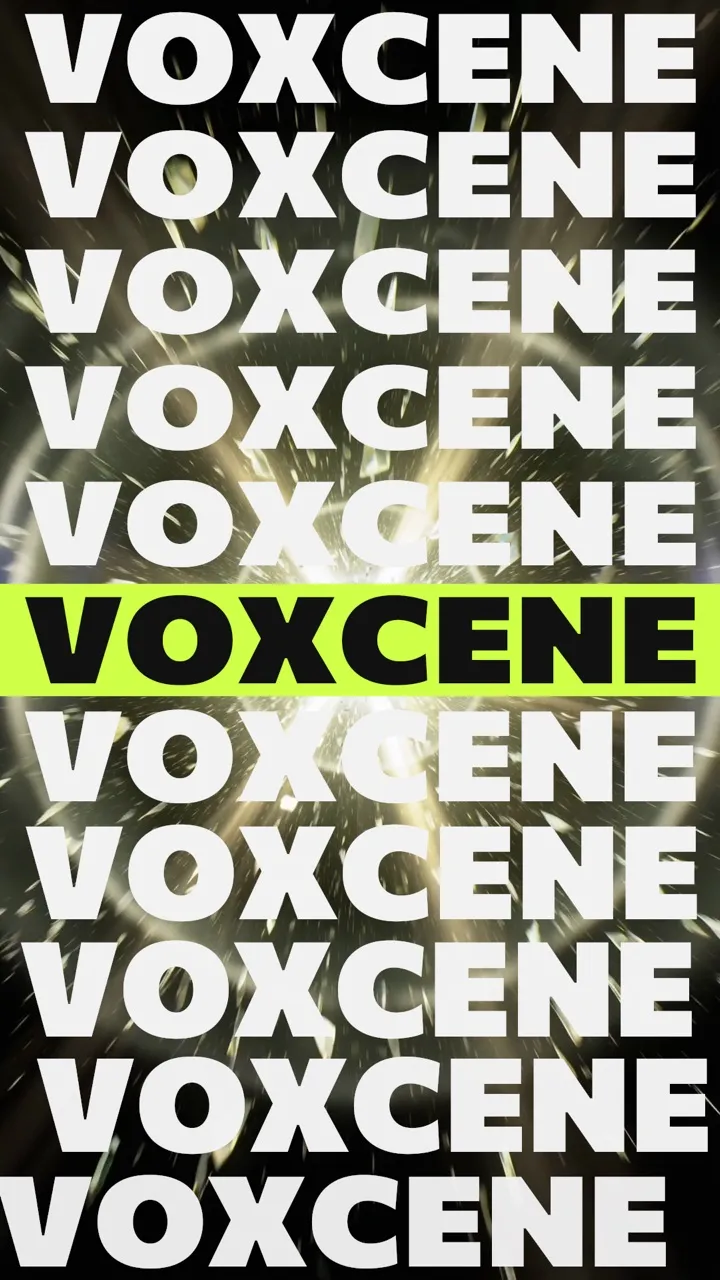
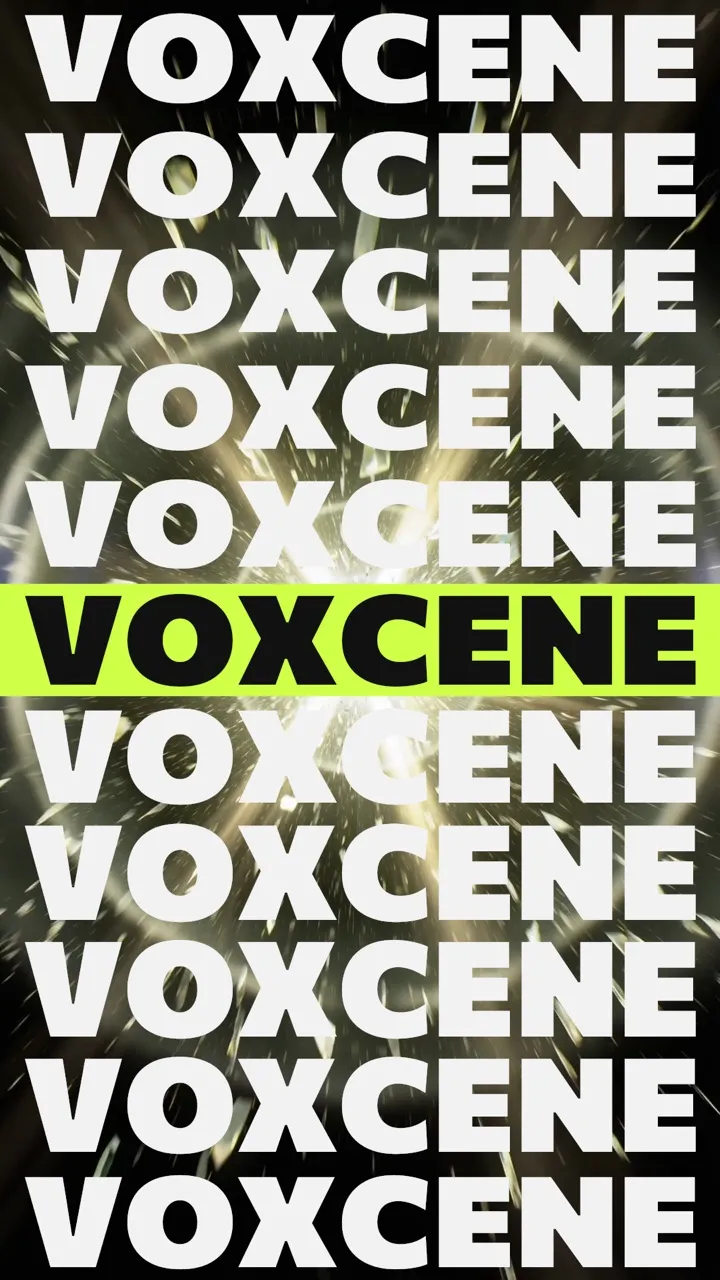
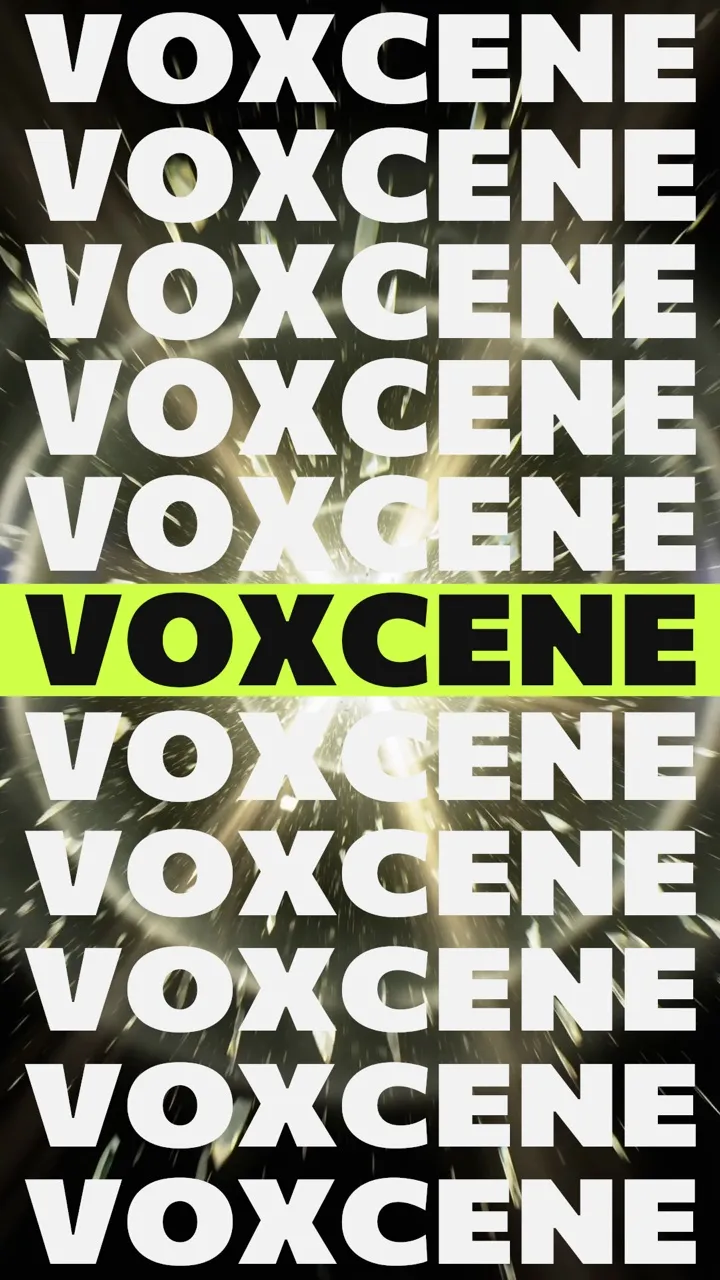
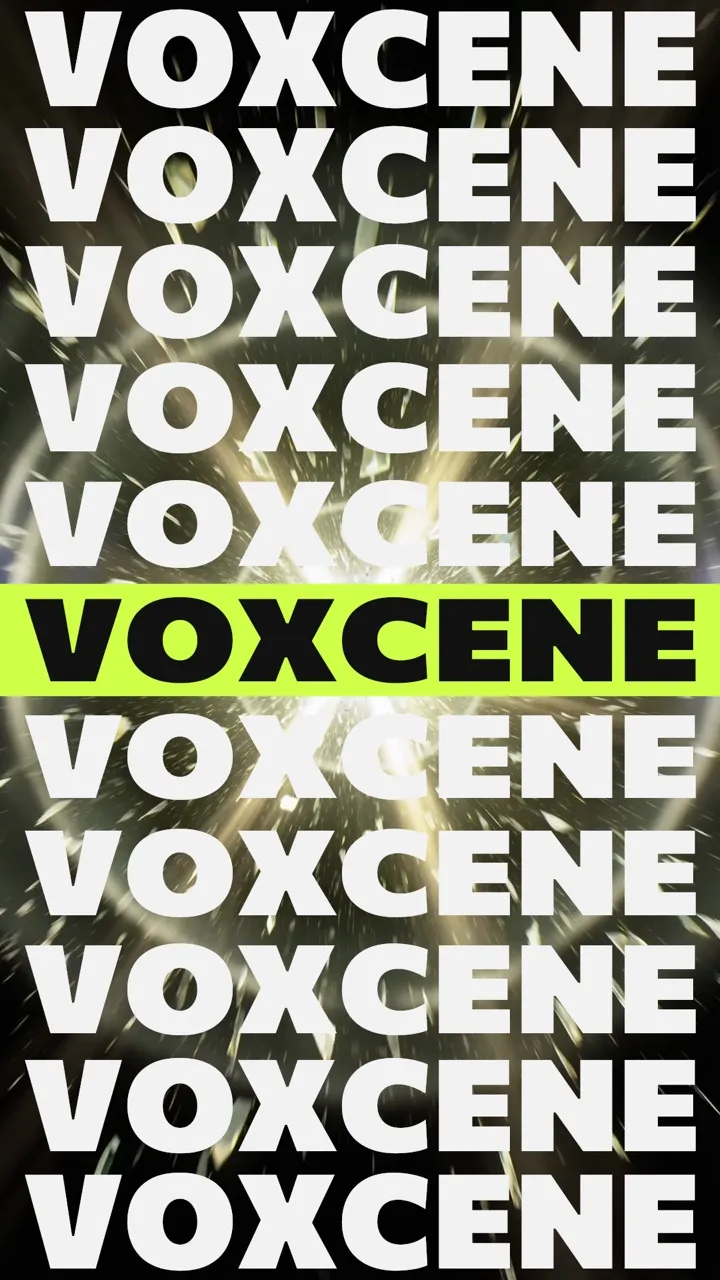
Stacked name Your word in full-width rows that slam in, one on a colour band. -
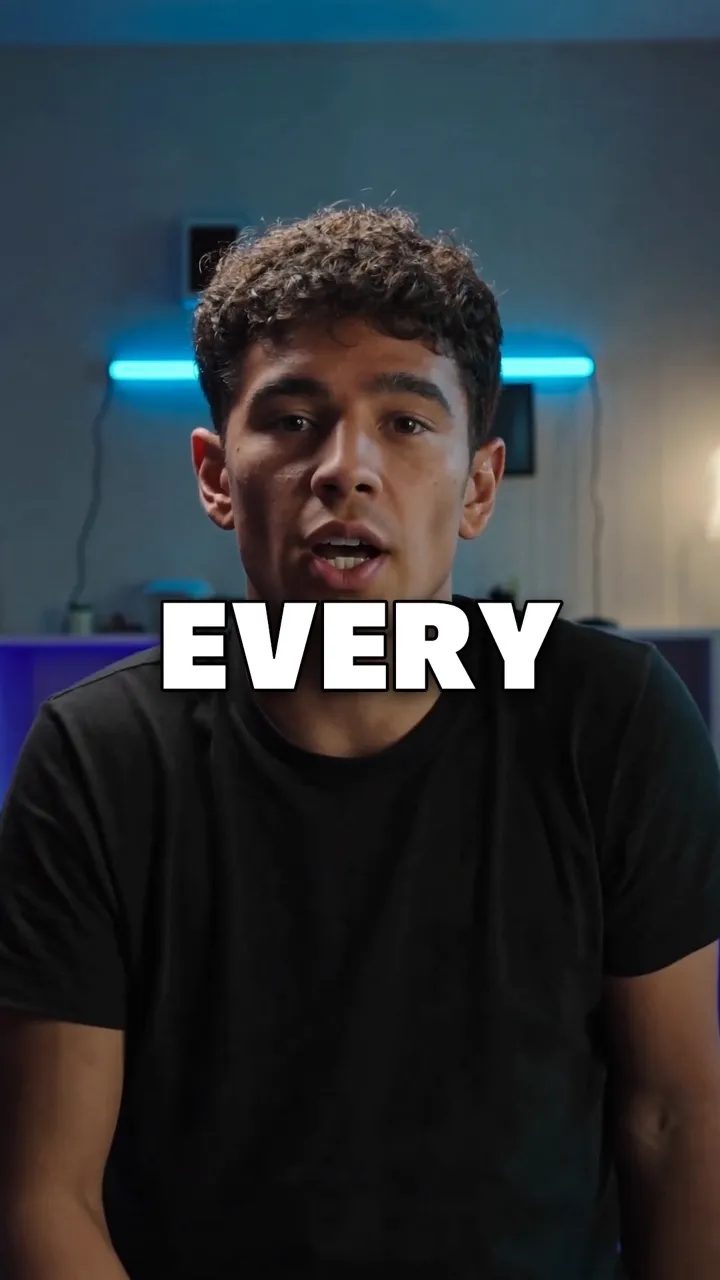


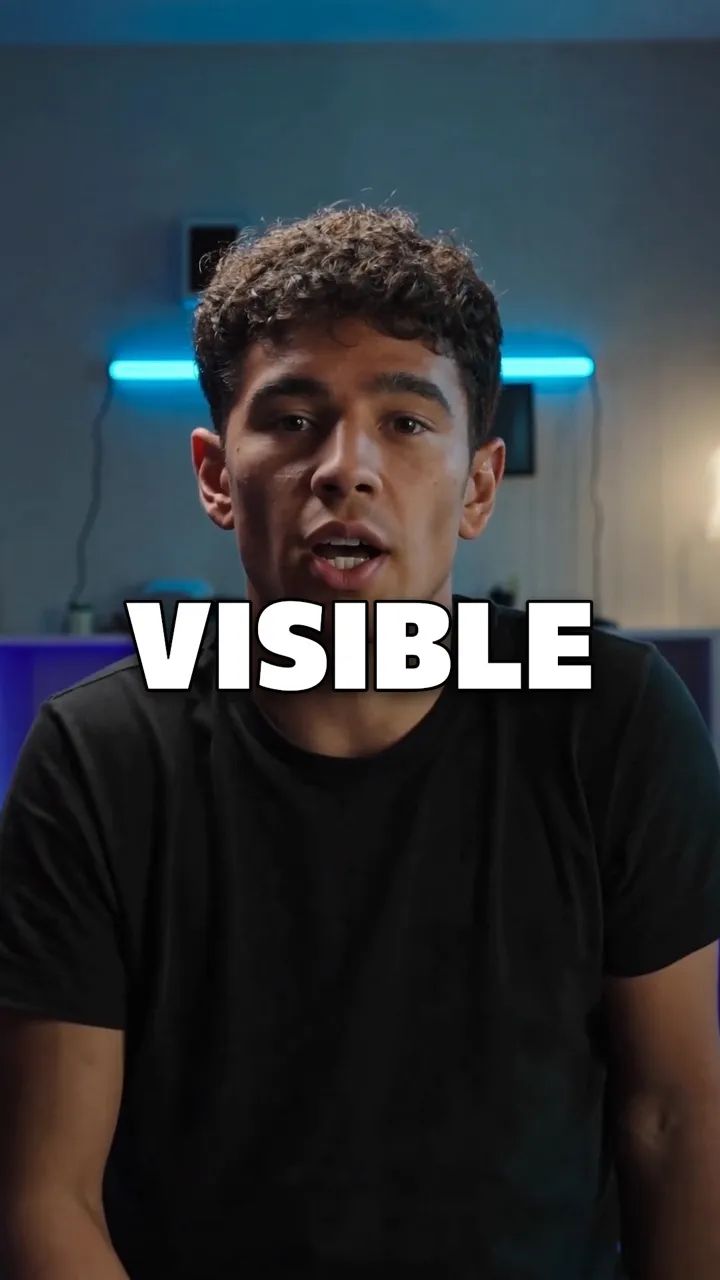
Pop words Each word pops up big as it’s spoken. -
Word pills Each word in its own pill as it’s said; the ums in red. -
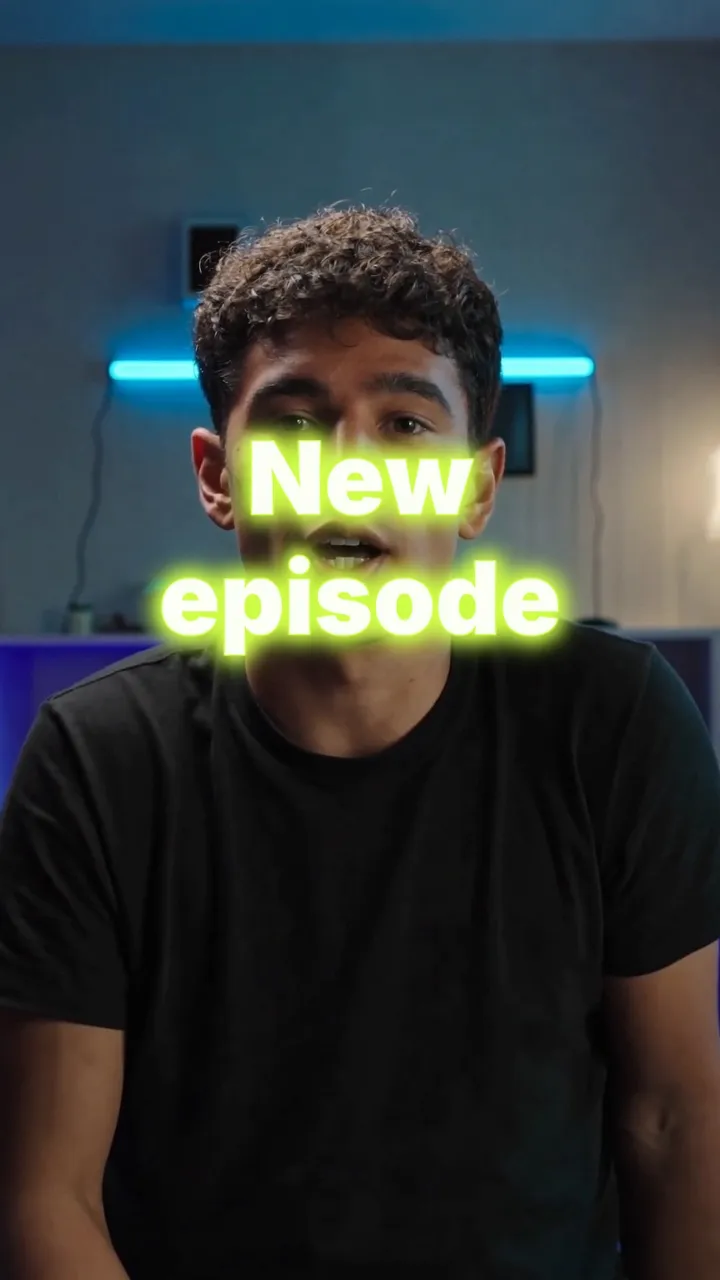
Neon title A glowing title that flickers on. -
Name tag A clean name bar along the bottom.
And the Text shelf's 17 more: Text match cut, Rolling text, Split-flap board, Odometer, Slot machine, Cube roll, Rubber type, Word carousel, Wave text, Anagram, Word swap… There are ribbons too: Ribbon, Corner ribbon and Silk banner, which carries your words along a line you draw.
03 · Charts
Animated charts and ranking races
Numbers are easier to take in when they move. The Charts shelf turns the figures you type into animated graphics, like a bar chart that grows or a counter that rolls up to your number. In a Ranking race, your labels overtake each other.
Type a label and a number for each item, separated by commas, and the chart is built from them. There's no spreadsheet or keyframing involved.
- 41 chart looks
- Bar, line, pie, donut and area charts
- Ranking race from your own numbers
- Big number, counter, KPI card, countdown
04 · Zoom Premium
Zoom punch-ins synced to music
Tap Punch it for me in Zoom and choose what to follow. Zoom with the music places punch-ins on the bass, on every bar, at half time, or building to the drop. The timing is measured from your own track, not guessed.
For a talking video, follow the words instead. You can punch in on the words you marked, on names and numbers, at each new sentence, or like your opening. Each punch lands on the Zoom lane, where you can move or delete it.
- On the bass, On the bar, Half time, Build to the drop
- Or with the words: names, numbers, new sentences
- Tempo and bass hits measured from your track
- Up to 60 punches, each one editable
The music
- On the bass
- On the bar
- Half time
- Build to the drop
The words
- On the words you marked
- On names and numbers
- At each new sentence
- Like your opening
How it works on iPhone
How to add motion graphics on iPhone
-
Open AI Studio
In the editor, tap AI Studio, then Motion.
-
Browse the looks
Swipe through the shelves, such as Titles, Text, Charts and Light. Each tile plays on your own footage.
-
Add it
Type your words or numbers, then tap Add at to place the look at the playhead.
-
Place and time it
Drag it on the preview, pinch to resize, twist to turn. On the Motion lane, drag its edges to set how long it stays.
-
Or just ask
On Premium, open Ask and describe what should move. Each change comes back with its own Undo.
FAQ
Questions people ask
Can I make motion graphics on an iPhone?
Yes. Voxcene's Motion has 400 animated looks, including titles, kinetic text, charts, light, particles and transitions. You drop one onto your video, type your words into it, and it's exported with the rest of the edit. You won't need After Effects or a computer.
Which plan includes Motion?
Basic includes 30 Motion looks. Premium includes all 400, plus Ask. Motion isn't part of the Free plan.
What is Ask?
Ask is Motion's AI designer, on Premium. You describe what should happen, for example “a big title when I say the price, then sparks”. It builds the Motion layers, checks the rendered frames and gives each change its own Undo. Each message uses AI credits.
Can I make a chart from my own numbers?
Yes. The Charts shelf has 41 looks, among them bar, line, pie and donut charts, counters, KPI cards and a ranking race. Type a label and a number for each item, separated by commas.
Can zooms follow the beat?
Yes, on Premium. Punch it for me measures the tempo and bass of your music and places punch-ins on the bass, on the bar, at half time or building to the drop. You get up to 60, and you can edit each one.
Do motion graphics slow down the export?
They render on Voxcene's servers into the same export as the rest of your edit, so your phone doesn't have to.