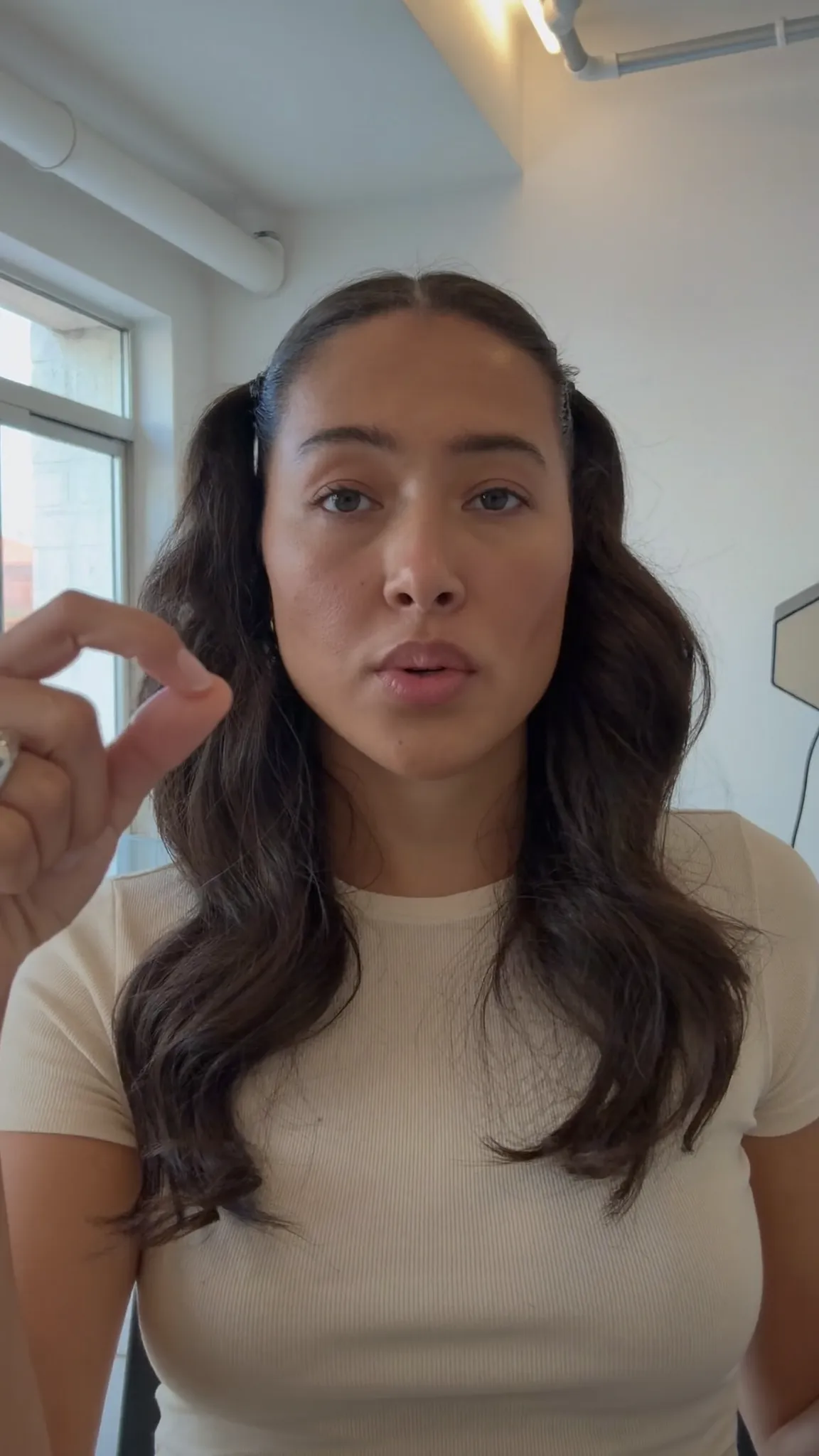
Make every word land — in your language
Clean Minimal
The whole phrase, quietly.
For TikTok creators
Film it and let Voxcene handle the slow parts. Your speech is captioned and timed, and the app finds the silences and ums and proposes a tight Hook edit for you to apply. A guide on the preview shows where TikTok's buttons will sit.
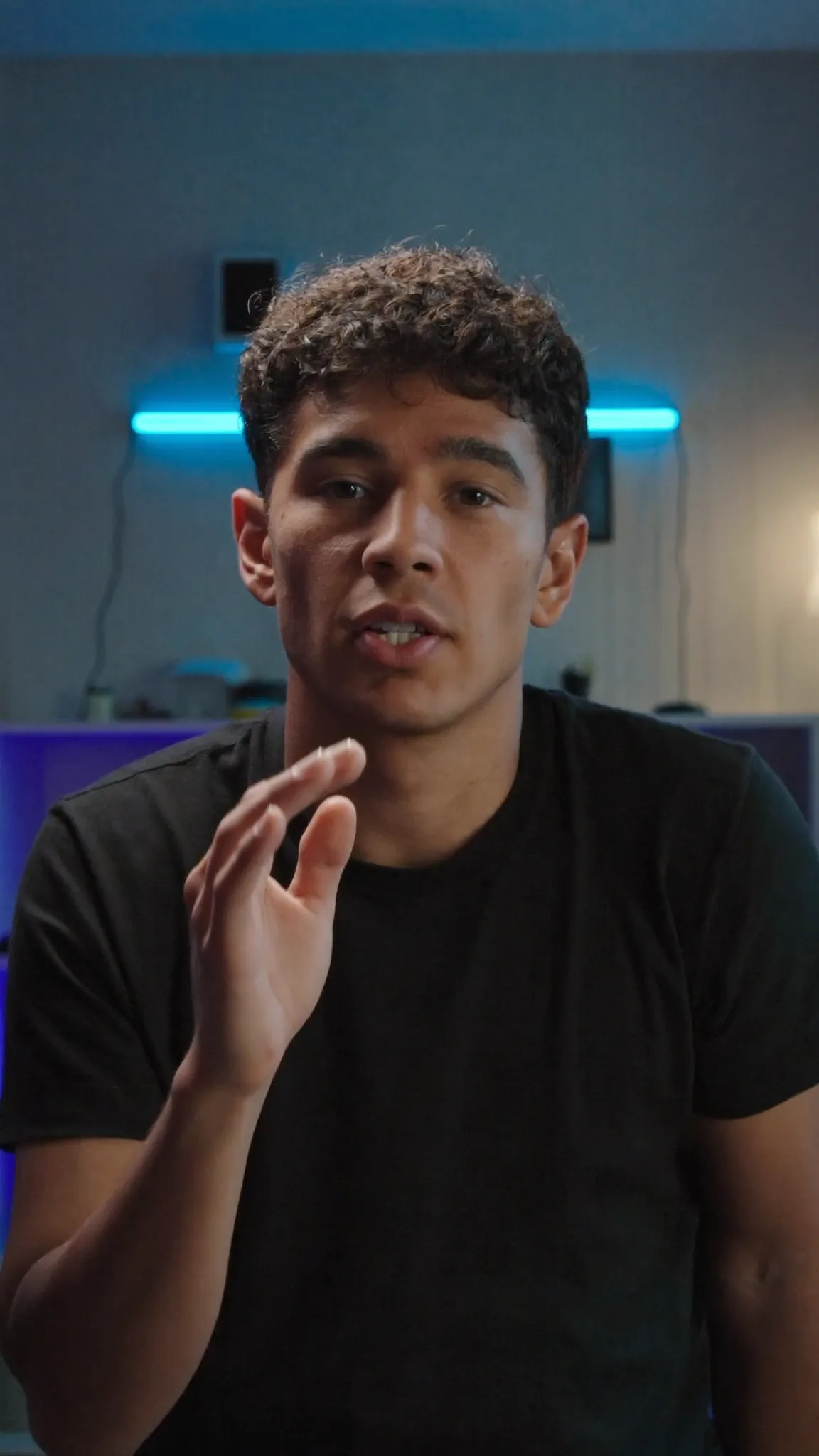
01 · Captions
A lot of people scroll TikTok with the sound off, and for them the captions carry the video. Voxcene captions what you say and times each word. If a name comes out wrong or a line runs long, fix it, split it or merge two lines in the transcript, and the timing follows.
Then make them look like you. There are 143 styles, including word-by-word and karaoke styles that light up each word as it's said. Under Animation you choose how lines enter or, with a karaoke style, how the spoken word moves. More on animated captions.
Spoken word
How the word being said behaves. Drawn in your browser to show the idea; the app burns the real thing into your export.
Caption styles
Ten of them here. Drag to compare — the difference between half of these only shows once the words are moving.
Make every word land — in your language
Clean Minimal
The whole phrase, quietly.
Make every word land — in your language
Bold Highlight
The spoken word in gold.
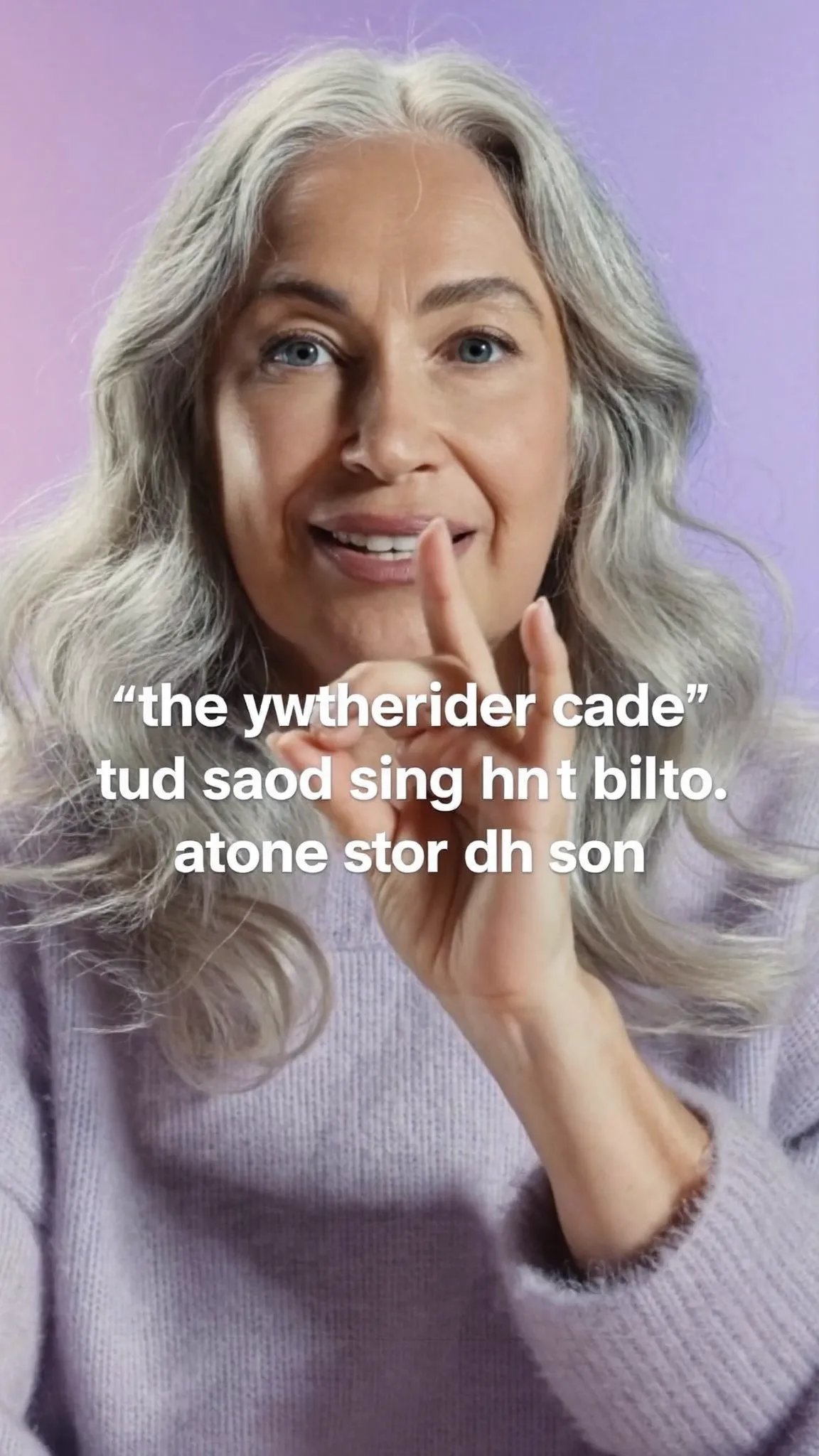
Make every word land — in your language
Word Pop
One word at a time, scaled up.
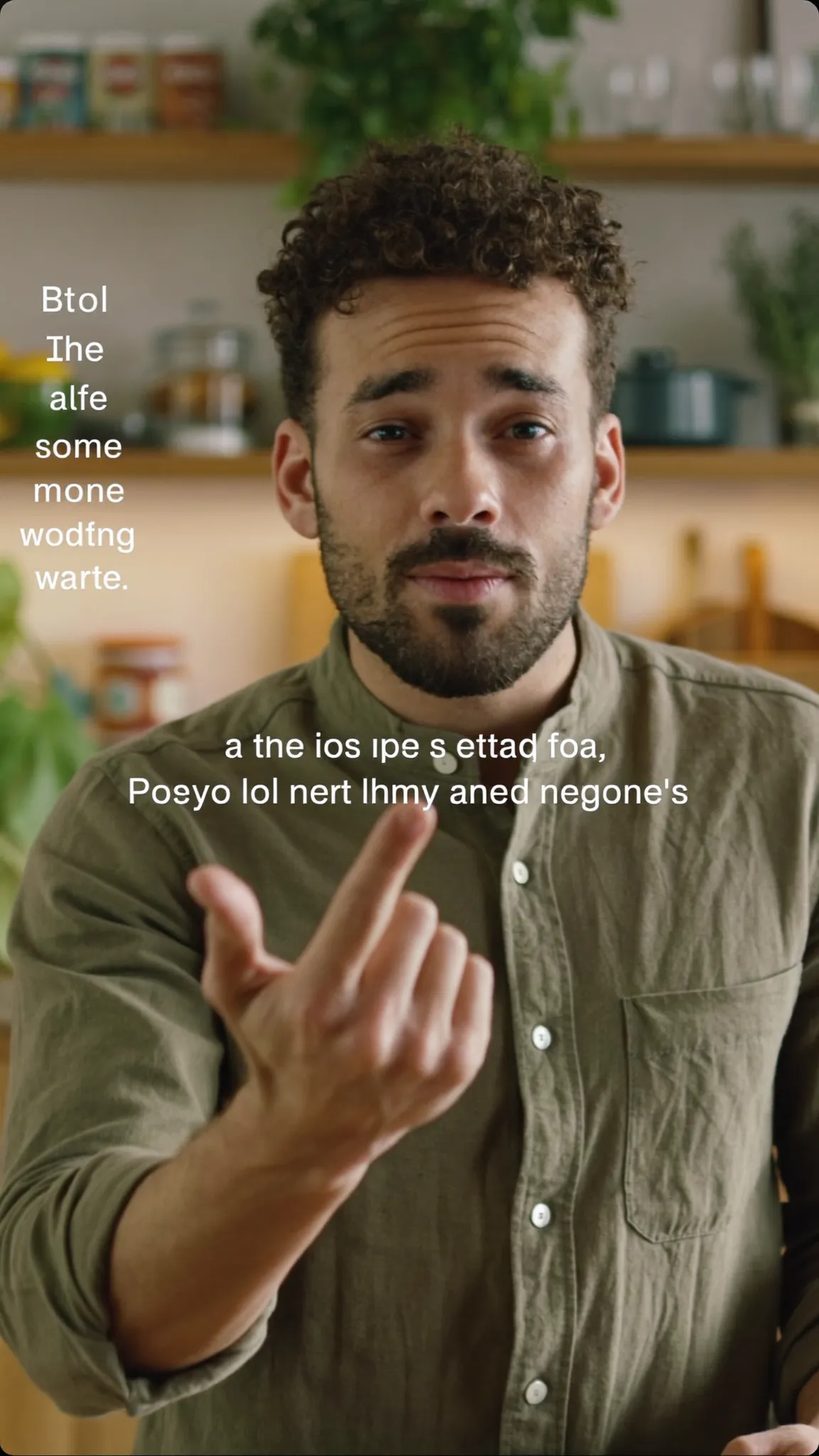
Make every word land — in your language
Editorial
Set like a magazine caption.
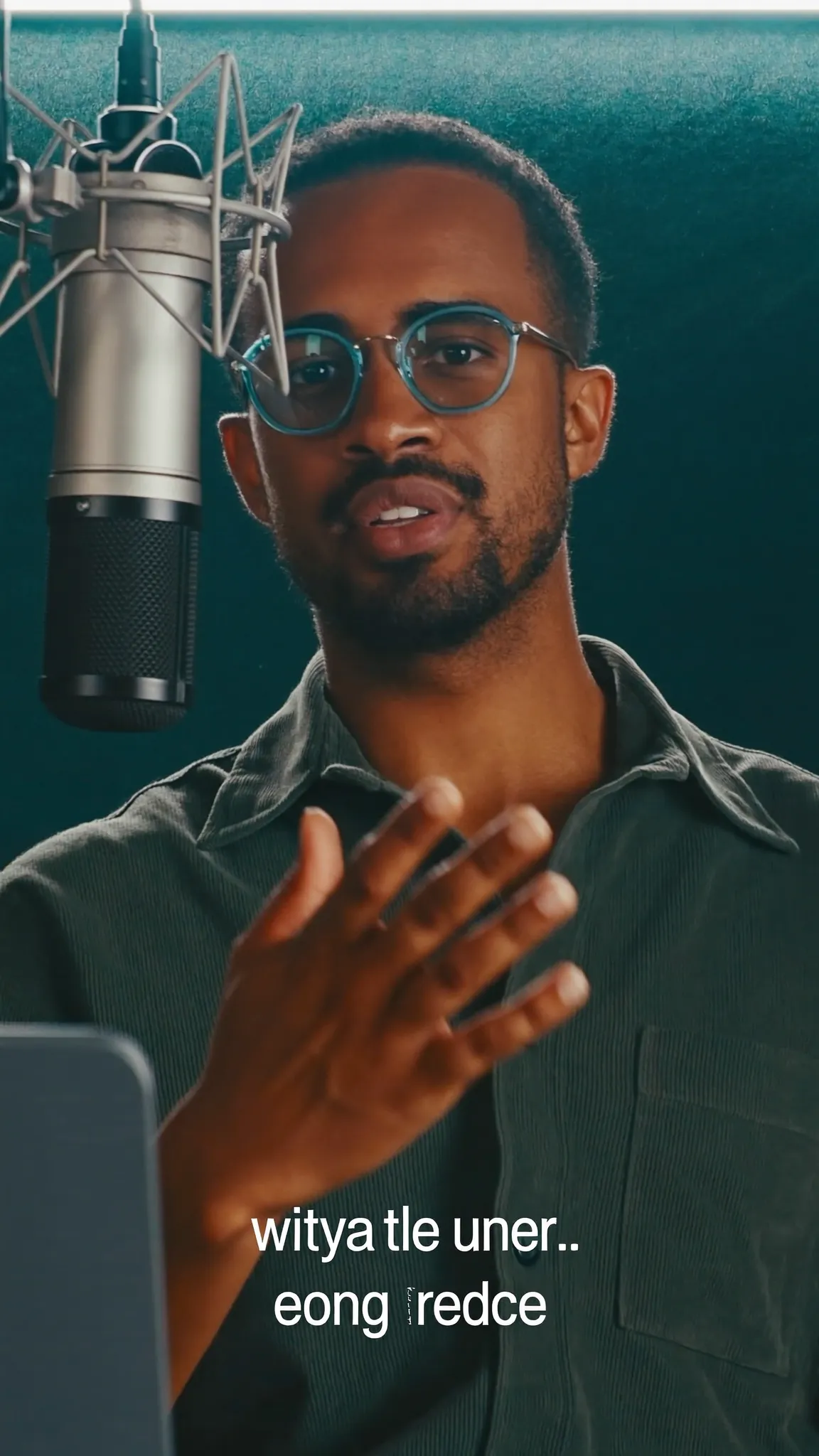
Make every word land — in your language
Karaoke Bar
On a plate, for busy footage.
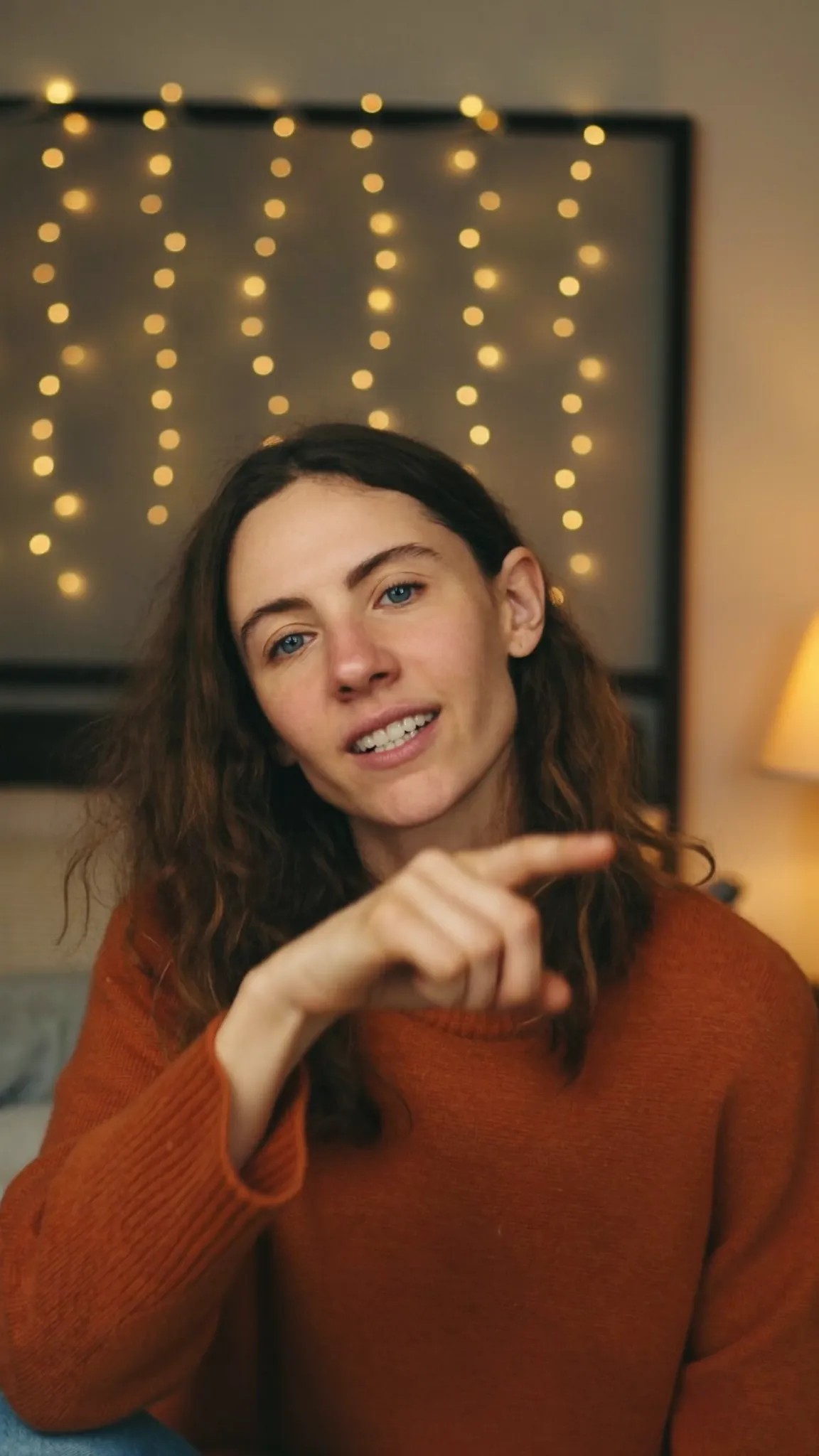
Make every word land — in your language
Aegean Bold
Lit from behind.
Make every word land — in your language
Pop Quiz
A bright plate you cannot miss.
Make every word land — in your language
Soft Caption
Small, low, out of the way.
Make every word land — in your language
Headline
Big type, one line at a time.
Make every word land — in your language
Impact
Every word a beat.
02 · Templates
Video templates are finished edits that only need your footage. Hook Reel has three clips (the hook, the story, the call to action) with music, captions and text already timed. Tap Use my clips to swap yours in. Four templates are free, and Basic and Premium open all ten.
If you filmed it yourself, AI Edit on Premium goes through your transcript and proposes a Hook — tight and fast cut. It takes out pauses and false starts, picks a caption style and a look, and gives a reason for each cut. This version has no library of ready-made hook clips. Your first line is the hook, and Voxcene helps you cut it tight. See the AI video editor.
03 · Before you post
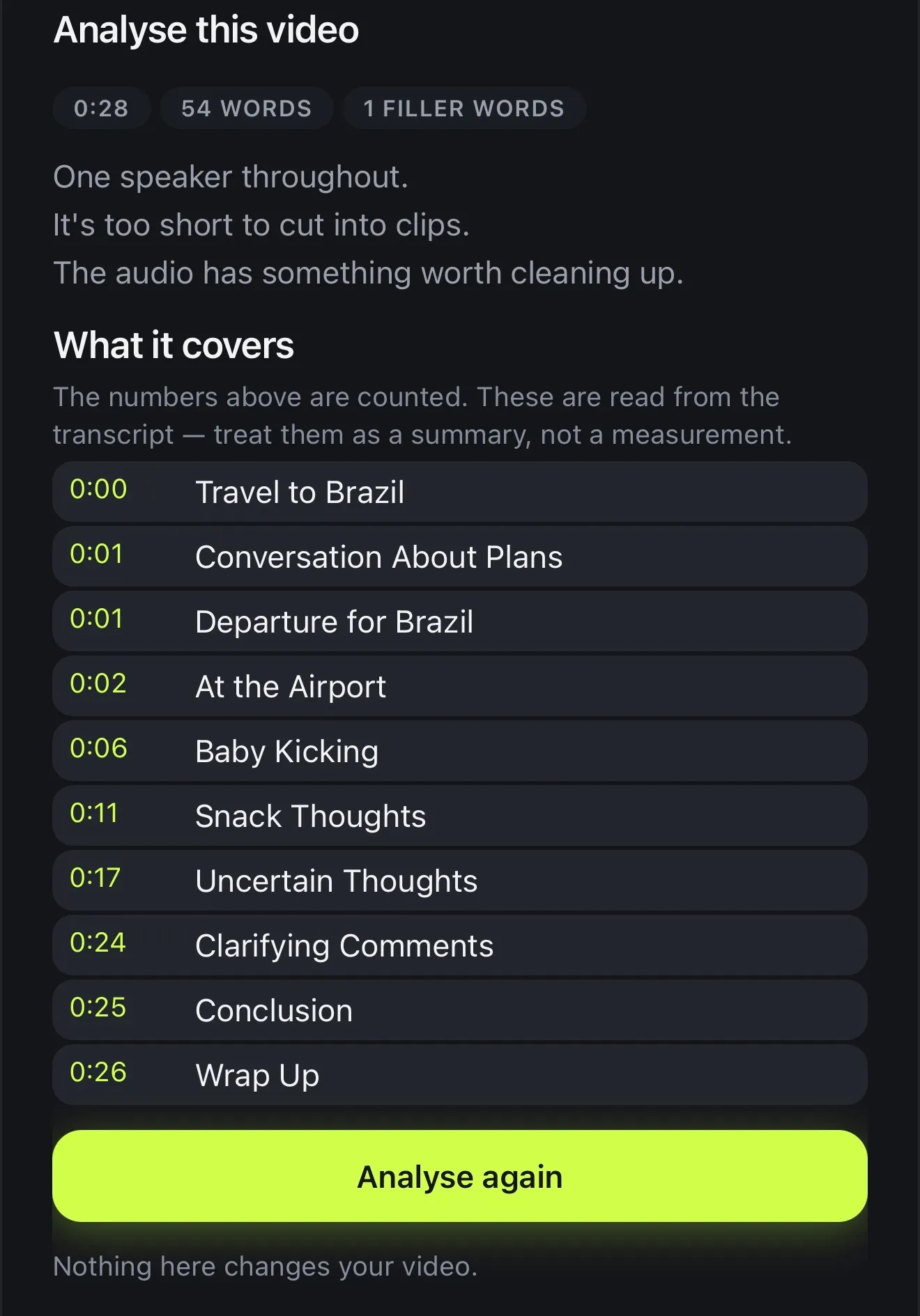
Before you export, turn on the TikTok buttons guide. It shades the like-and-share rail and the caption area, measured on TikTok's own 1080 × 1920 frame, so you can keep your words and your face clear of them. On Premium, Analyse this video counts length, words, filler words and speakers, and lists what the video covers.
Then export with the Vertical preset. The video saves to Photos, and Next steps writes a title, a description and five hashtags from what you said. The TikTok button copies them and opens TikTok. There's no viral score in this version, because we'd rather show you facts than guess at reach.
04 · Sound
There's no trending-sounds library in Voxcene, so add TikTok's sounds in TikTok. What you do get is your own music from Files, everything you've added before in your sound library, and music generated for the video with AI credits. You can also record a voiceover over your clips for free.
Swore on camera? Censor finds strong language in English and Greek and bleeps or mutes it, with the word masked in the captions. More in audio editing.
How it works on iPhone
On the Create tab, tap Record or Import video. When you record, the guides keep your face clear of TikTok's buttons.
Choose the spoken language or Detect automatically, then tap Create & transcribe.
Open Style and choose one of the 143 styles. Under Animation, pick how each word comes in.
Tap the guides button above the preview and choose TikTok buttons. Move captions or text out of the shaded bands.
Tap Export → Vertical. Once it's saved to Photos, tap TikTok in Next steps and paste the caption.
FAQ
Ideally one that takes care of the slow parts and gets the frame right. Voxcene captions your speech in 60+ languages and has 143 caption styles. It shows where TikTok's buttons will sit, cuts silences and ums with AI, and exports 9:16 at 1080p or 4K.
Only on the Free plan, which exports at 720p with a Voxcene watermark. Basic (1080p) and Premium (up to 4K) export without one.
No, but it gets you close. After export the video is in your Photos. Next steps writes a caption and five hashtags from what you said (1 AI credit), and its TikTok button copies them and opens TikTok. Then you pick the video and paste.
Not in this version. Analyse this video counts the things that can be measured: length, words, filler words, speakers and what it covers. The TikTok guide shows what the app's buttons will hide. Nobody can promise reach, and Voxcene doesn't pretend to.
No. Voxcene has no music library and no trending sounds. Add your own music from Files, reuse sounds from your library, or generate music with AI credits. You can also add a trending sound in TikTok itself when you post.
On Premium, Generate with AI turns an idea into a narrated, captioned 9:16 video of about 20, 35 or 60 seconds. You get a script, one narration voice, a picture per shot (or your own photos) and music, and it opens as a project you can still edit.
Vertical 9:16, which is 1080 × 1920 at 1080p. The Export screen's Vertical preset sets it for you, and Scale reframes wide footage with blur or colour behind it instead of black bars.
We use cookies to keep Voxcene working. With your permission we also measure how the site is used and how our campaigns perform. Privacy Policy
Privacy
Necessary cookies are always on — without them the site does not work. Everything else is off until you turn it on, and you can come back and change any of it whenever you like.
Necessary
Always enabled. Required for the website to work.
Analytics
Page views, website usage, button clicks, sessions and performance analytics.
Preferences
Remembers user settings and website preferences.
Marketing
Advertising, campaign attribution and marketing-related tracking.