Multi-camera editing
Edit multi-camera video on your phone
Film a conversation on two, three or four cameras. Voxcene lines them up by their sound and cuts to whoever is talking. When it's done, the edit opens so you can fine-tune it.
for iPhone
- 2–4 cameras
- Lined up by sound
- Cuts by who is talking
- Premium
As filmed — every camera started at a different moment
01 · Sync Premium
Line up cameras by their sound
It doesn't matter if the cameras started at different moments. Add each camera that filmed the conversation and Voxcene lines them up by their sound, so every angle shows the same moment.
The longest video becomes Camera 1 and its sound is the episode's. Later, under Whose mic you hear, you can switch to another camera's microphone or to each person's own.
- Several cameras: two to four
- Lined up by sound: no clap, no countdown
- Camera 1's sound is the episode's
- Or each person's own mic
How did you record it?
- One cameraEveryone in one shot
- Video callZoom, Riverside or Meet — everyone in their own box
- Several camerasTwo to four cameras filming the same conversation
Record the conversation. Get the episode.
Upload the recording. Voxcene hears who is talking, cuts to them, and colours each voice’s captions — then opens the finished edit in the editor.
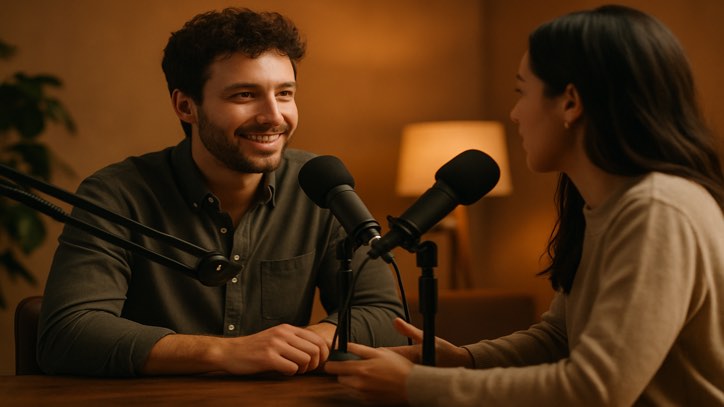 Everyone · quick back-and-forth
With one microphone and a lot of patience.
A close-up on long answers, everyone during quick back-and-forth.
Always whoever is talking.
Everyone, all the time.
Five steps, then the editor
- 1 Upload One camera, several cameras, or a Zoom, Riverside or Meet call.
- 2 Finding who speaks It tells the voices apart. You can leave meanwhile.
- 3 Who is who Play each voice, name it, tap which box is theirs.
- 4 How it should look Layout, captions coloured by speaker, cleaner audio.
- 5 Build Cut, captioned, and open in the editor.
2–4 people · episodes up to 20 minutes for now · one flat price per episode, in Premium.
03 · Layouts
Layouts with several cameras on screen
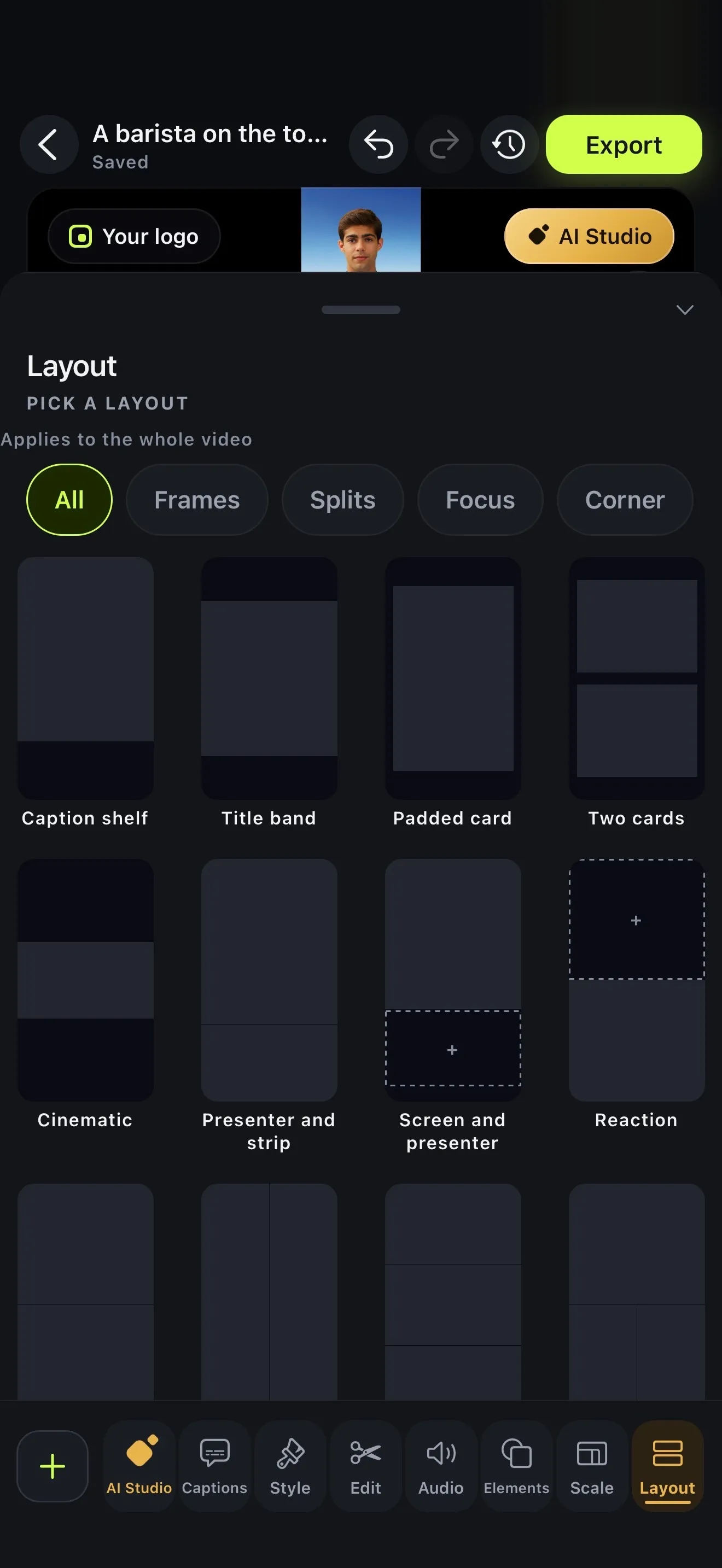
You won't always want one face on screen. On the Cameras lane, tap any stretch of the episode and choose who's in shot: one camera, side by side, one above the other, everyone, or one in the corner of another.
For designed frames, Layout adds presets like Two cards, Screen and presenter, Reaction and Four up, and its boxes can follow the speaker.
- One camera at a time
- Side by side
- One above the other
- Everyone
- Wide
- One camera in the corner of another
- Custom
How it works on iPhone
How to edit a multi-camera video on iPhone
-
Start a podcast
On Home, tap the Podcast card. Choose Wide · 16:9 or Vertical · 9:16.
-
Add your cameras
Under How did you record it? pick Several cameras and add each camera's video. You can use two to four of them.
-
Let it line them up
Voxcene lines the cameras up by their sound and detects who is speaking. You can leave the app while that runs.
-
Say who is who
Play each voice, name it, and tap which camera is theirs. Then pick Auto, Speaker view or Side by side.
-
Build my episode
The episode opens in the editor, cut and captioned. Change any stretch's camera on the Cameras lane.
FAQ
Questions people ask
What is a multicam video editor?
It's an editor that switches between camera angles of the same moment, usually to whoever is talking. Voxcene does this automatically for conversations by detecting who speaks and cutting to their camera.
Can I edit a podcast filmed with two or three cameras on my iPhone?
Yes. Choose Several cameras and add a video from each camera, anywhere from two to four. Voxcene lines them up by their sound, so they can start at different moments and nobody has to clap.
Whose microphone do I hear?
The longest video is Camera 1, and its sound is the episode's. In the editor you can switch to another camera's microphone, or to each person's own mic.
Can I change which camera is on screen?
Yes. Each stretch of the episode sits on the Cameras lane: tap one to show a single camera, side by side, one above the other, everyone, or one in the corner of another.
How long can the recording be, and for how many people?
Episodes can be up to 20 minutes for now, with two to four people talking.
Is it free?
Multi-camera editing is part of Podcast, which is in Premium, with one flat price per episode. Layout presets are Premium too.