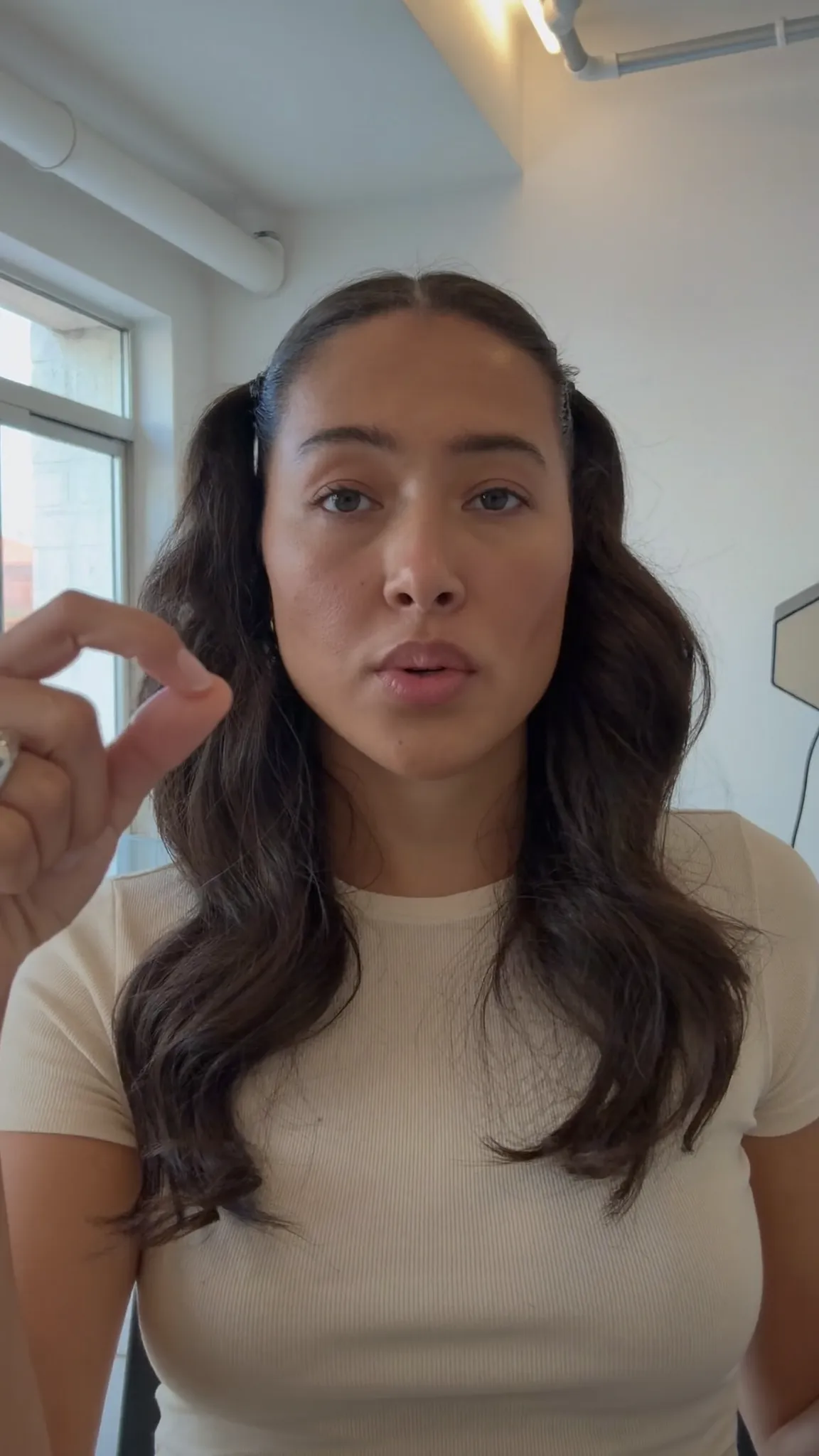
Make every word land — in your language
Clean Minimal
The whole phrase, quietly.
Animated captions
143 caption styles that move with the words, from karaoke highlights to words that pop up as they're said. What you see in the preview is what gets burned into your video.
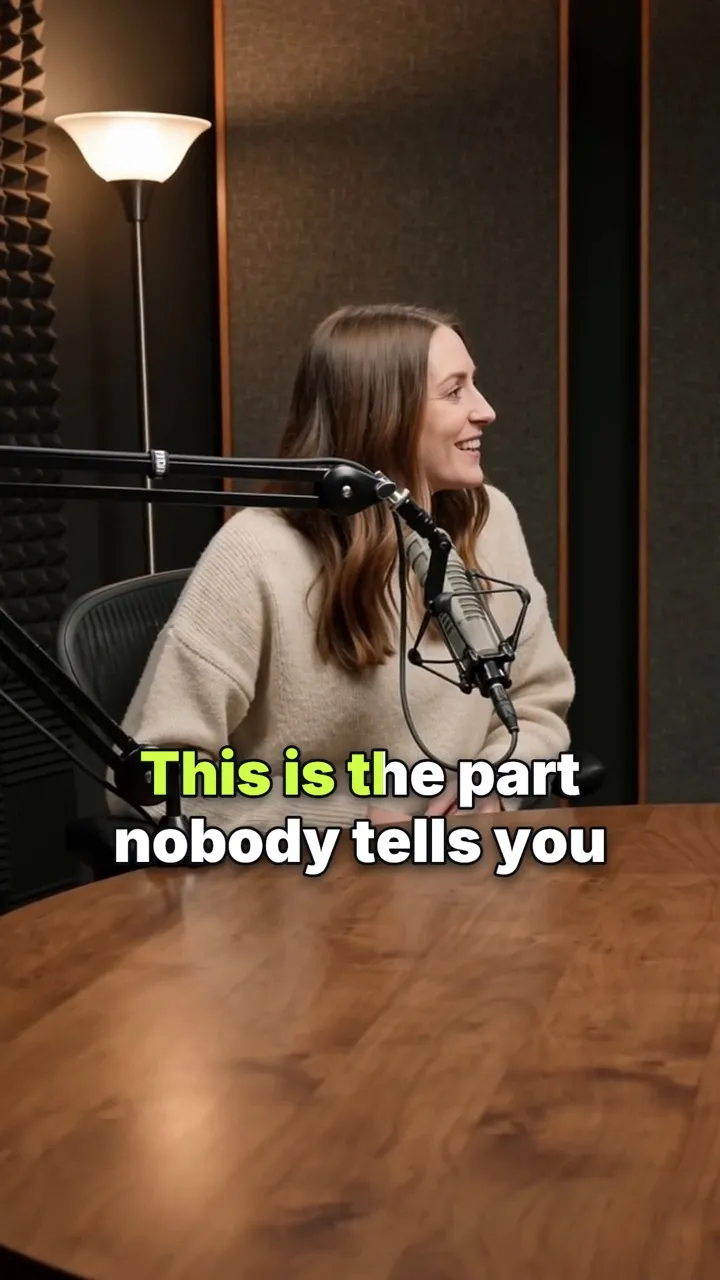
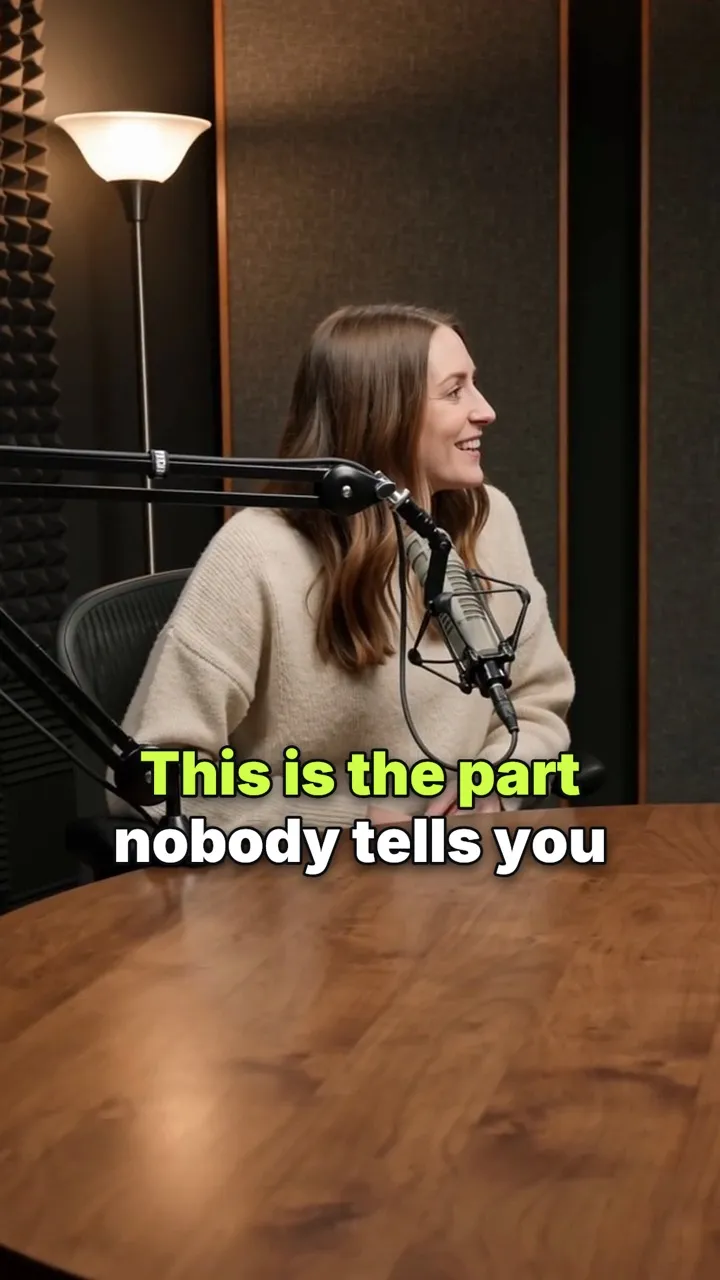
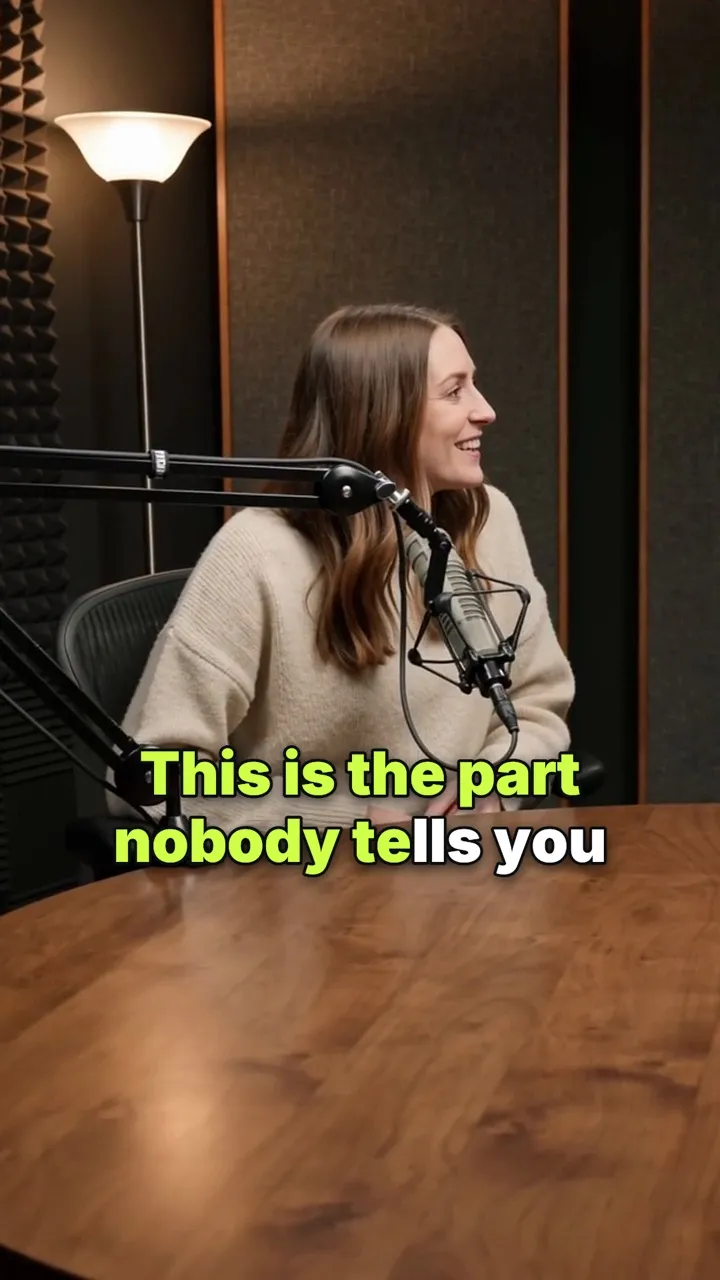
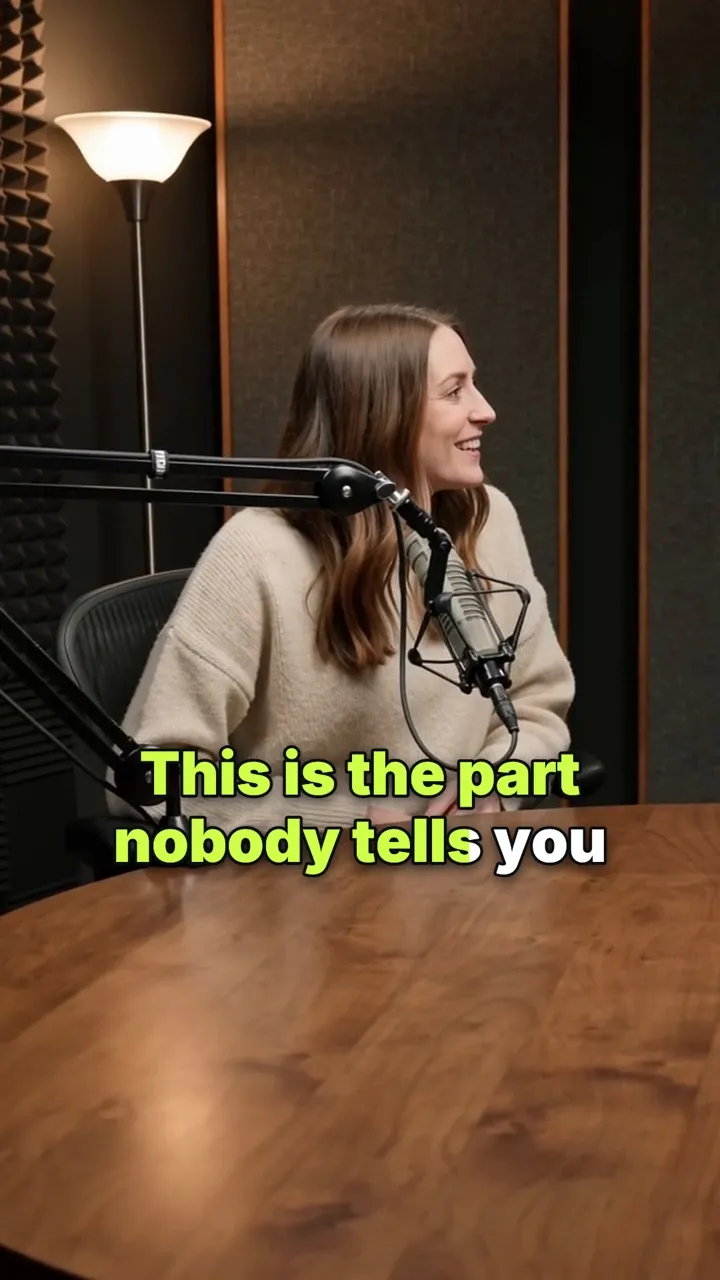
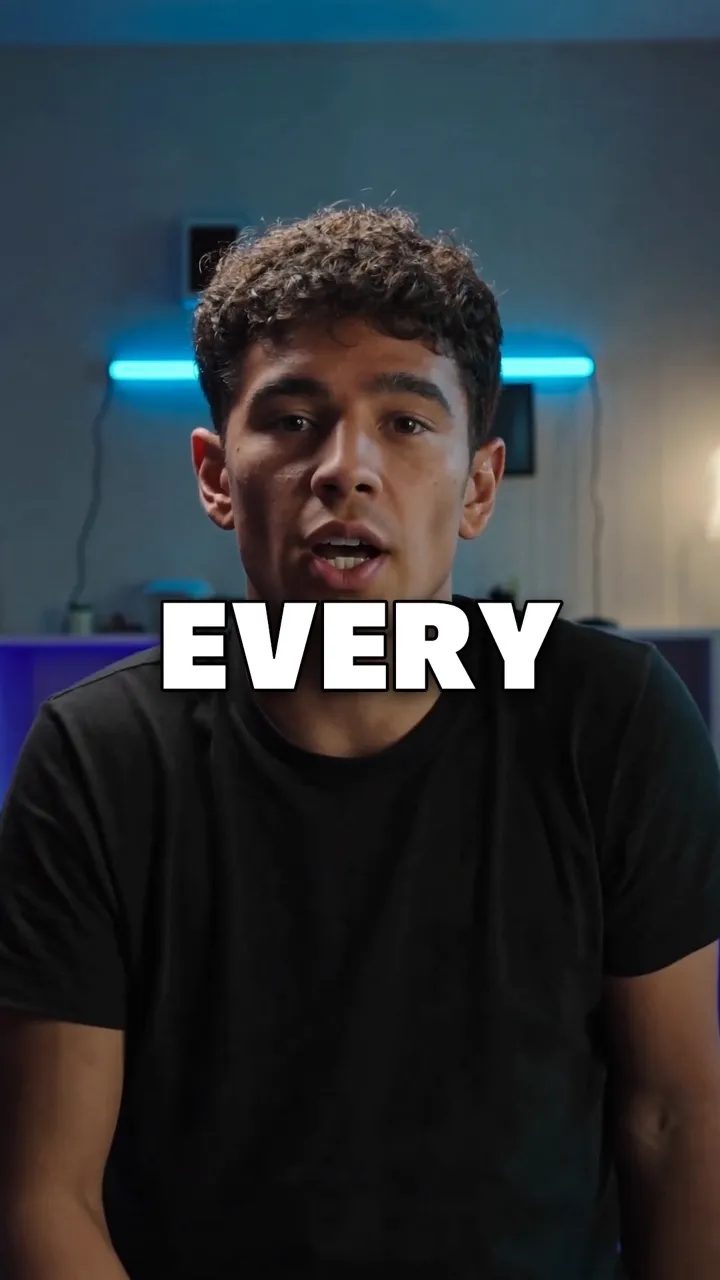
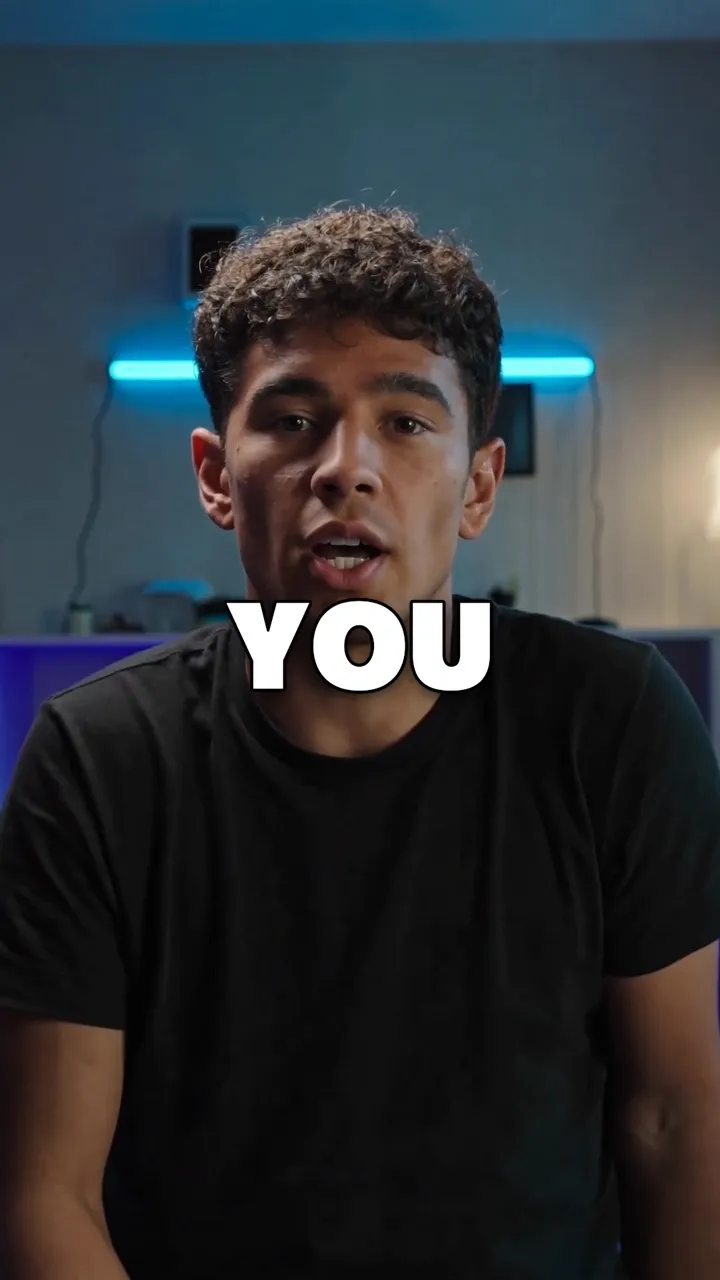
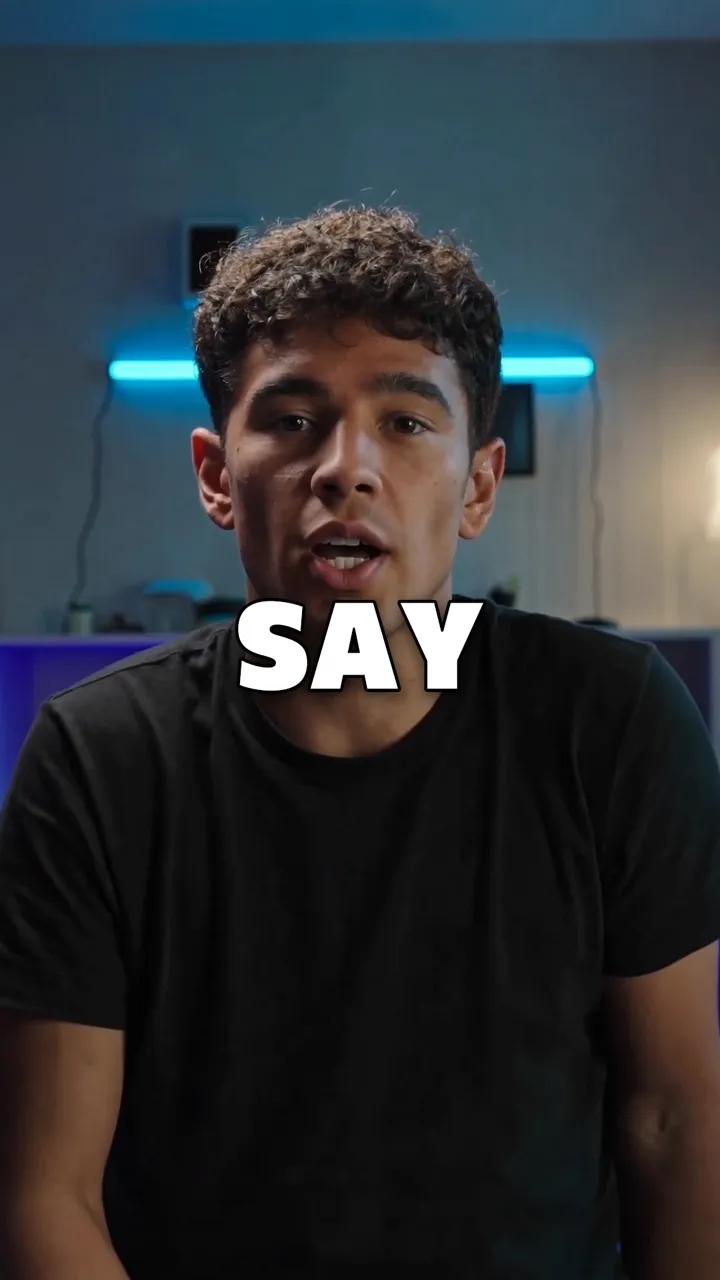
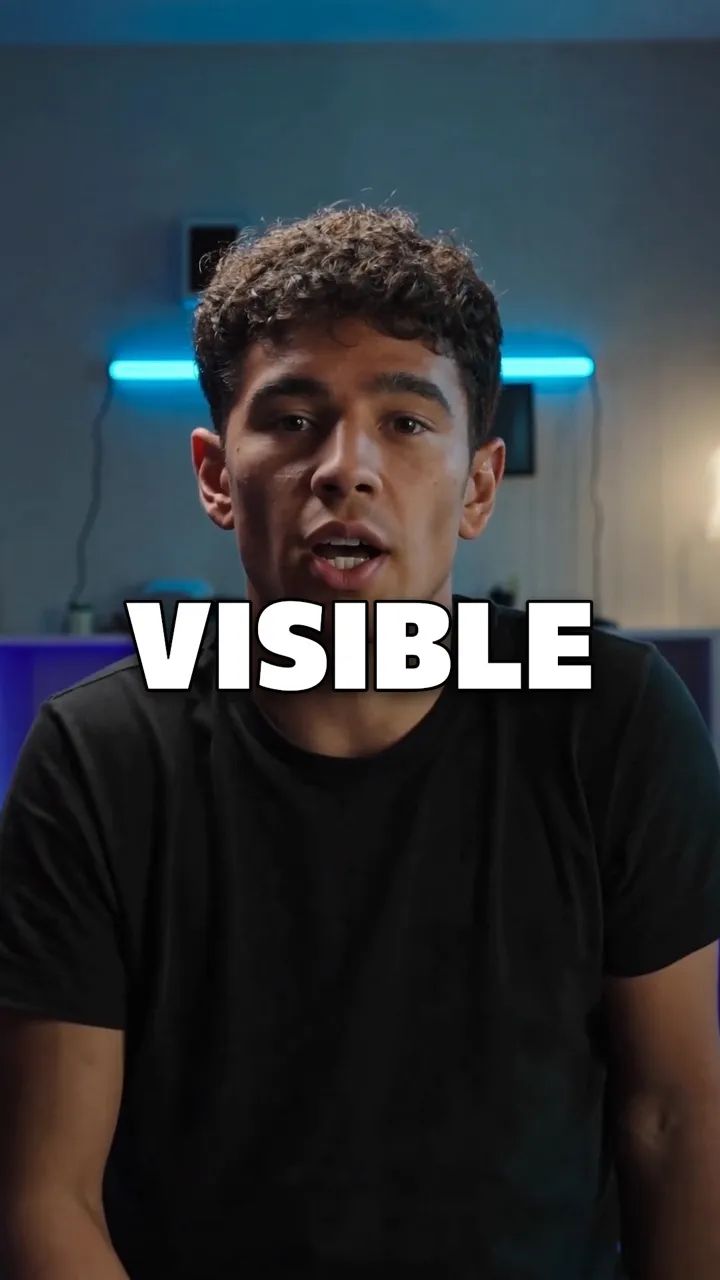
Caption styles
Ten of them here. Drag to compare — the difference between half of these only shows once the words are moving.
Make every word land — in your language
Clean Minimal
The whole phrase, quietly.
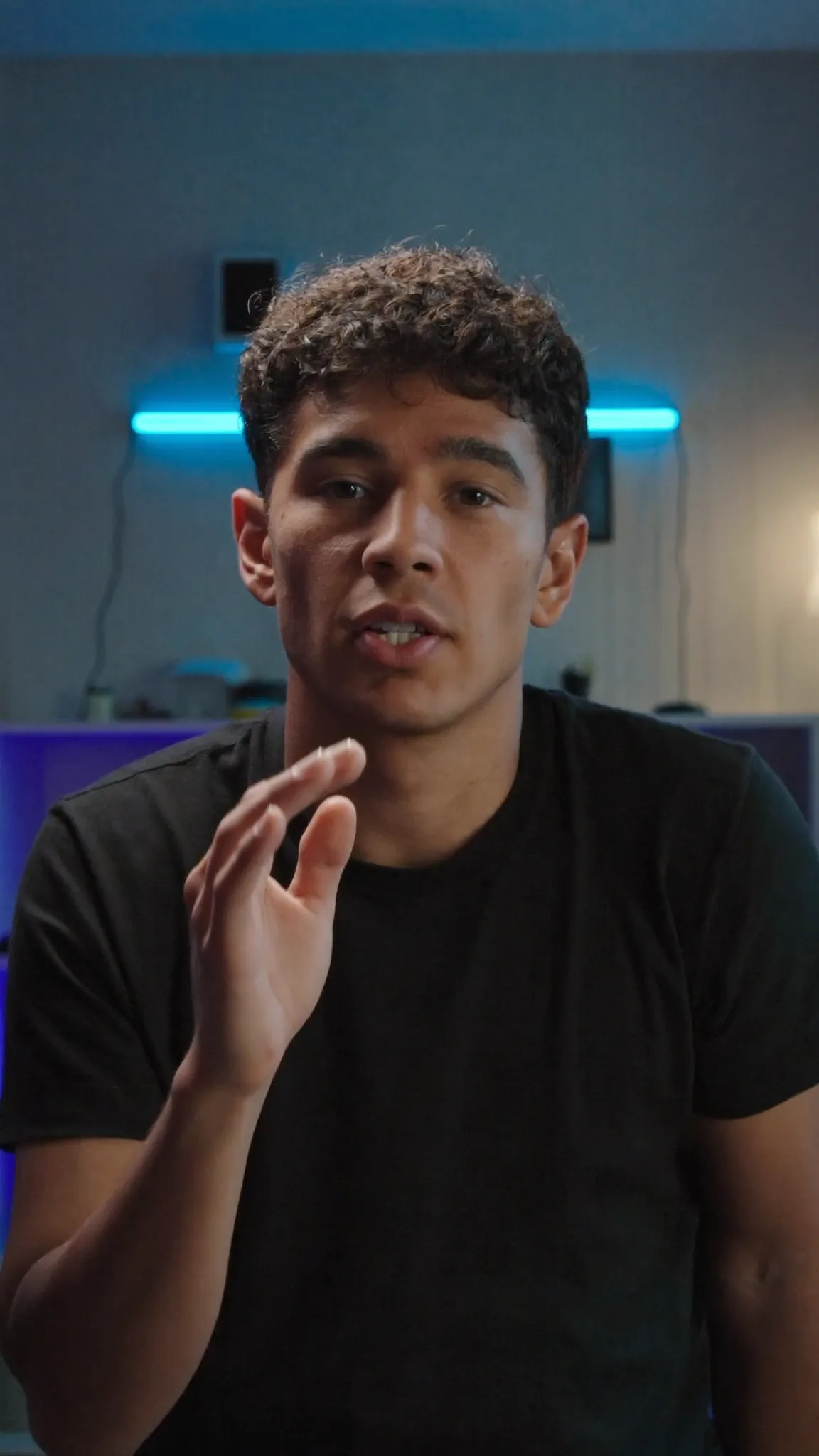
Make every word land — in your language
Bold Highlight
The spoken word in gold.
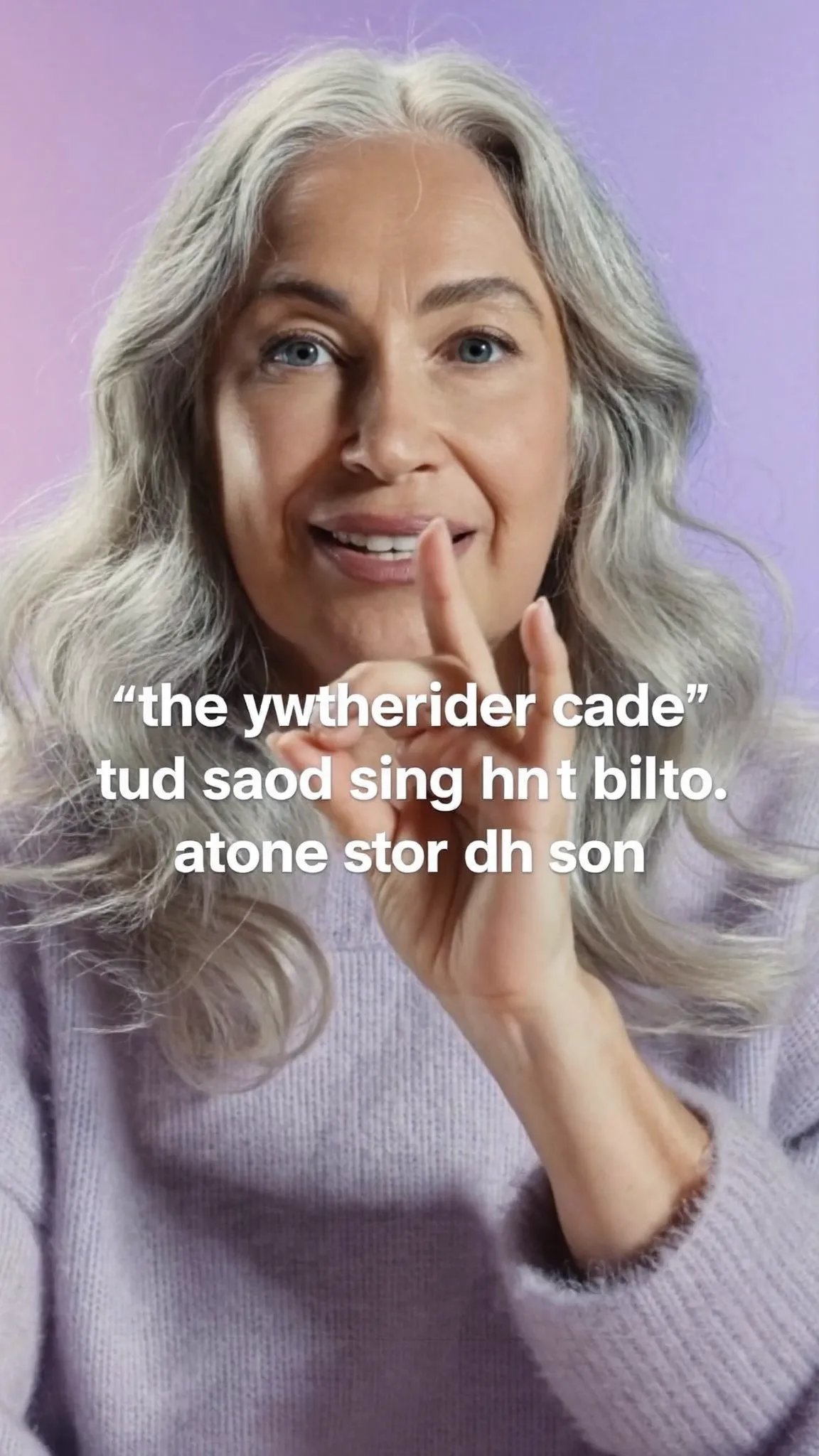
Make every word land — in your language
Word Pop
One word at a time, scaled up.
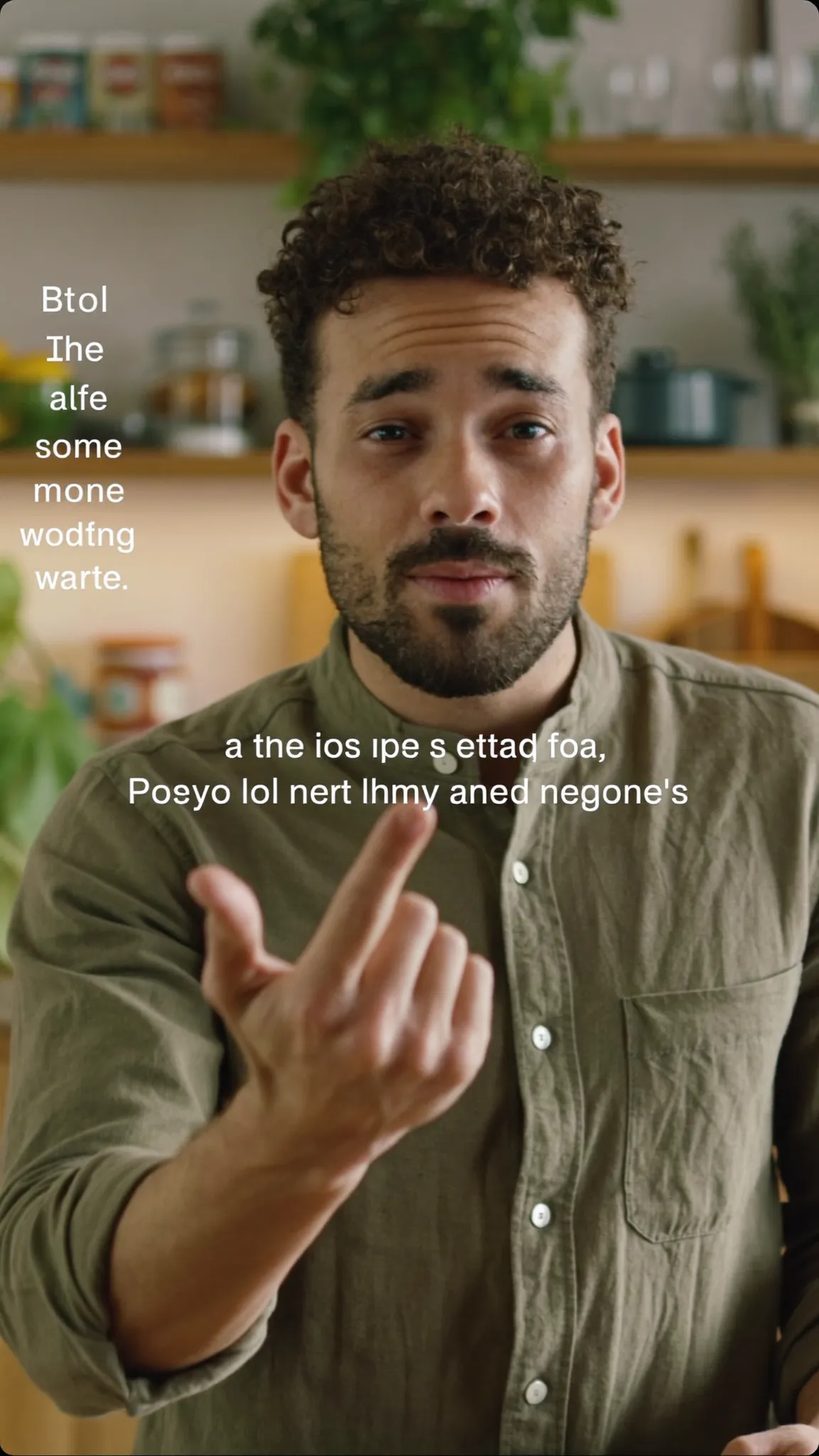
Make every word land — in your language
Editorial
Set like a magazine caption.
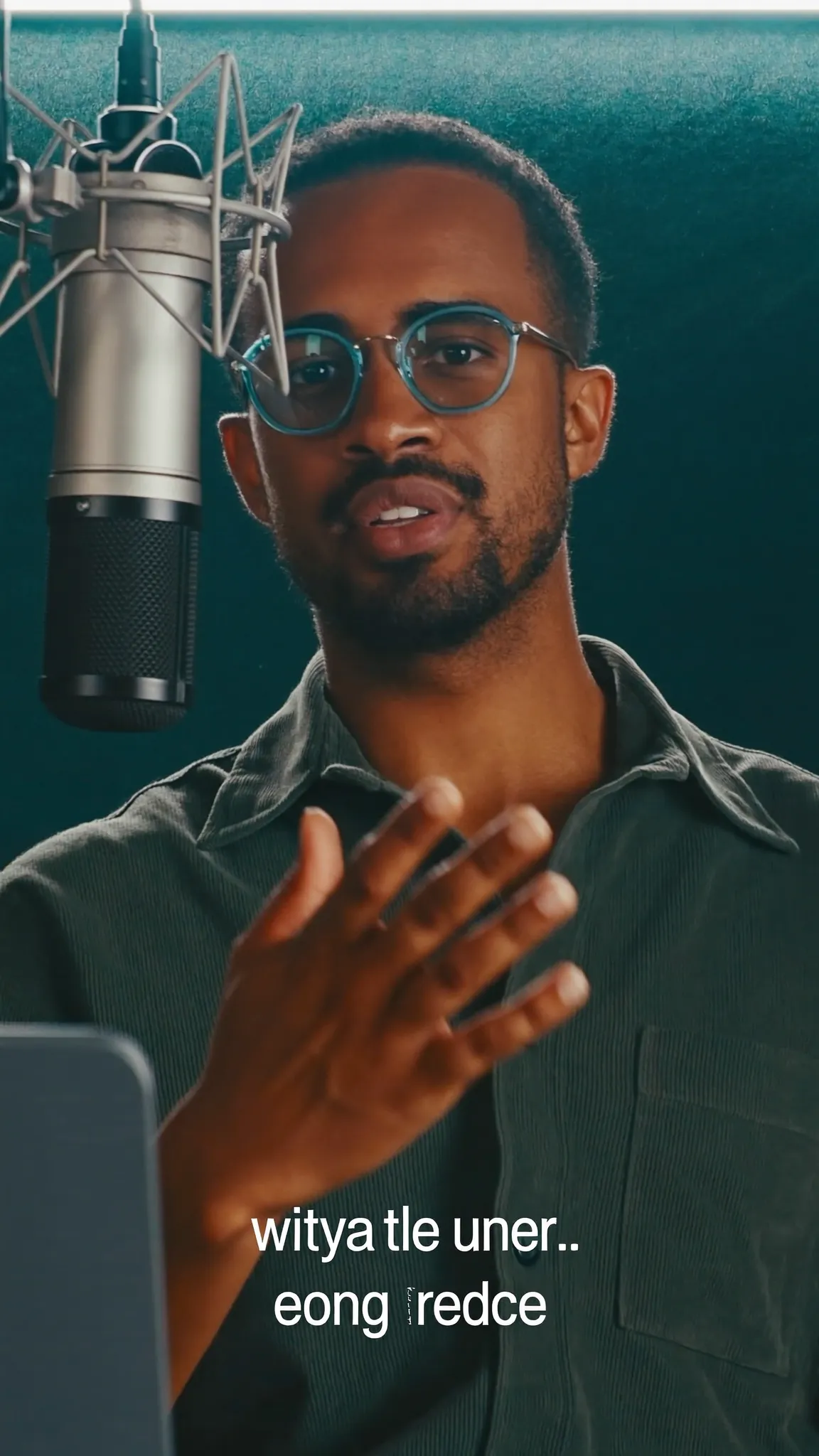
Make every word land — in your language
Karaoke Bar
On a plate, for busy footage.
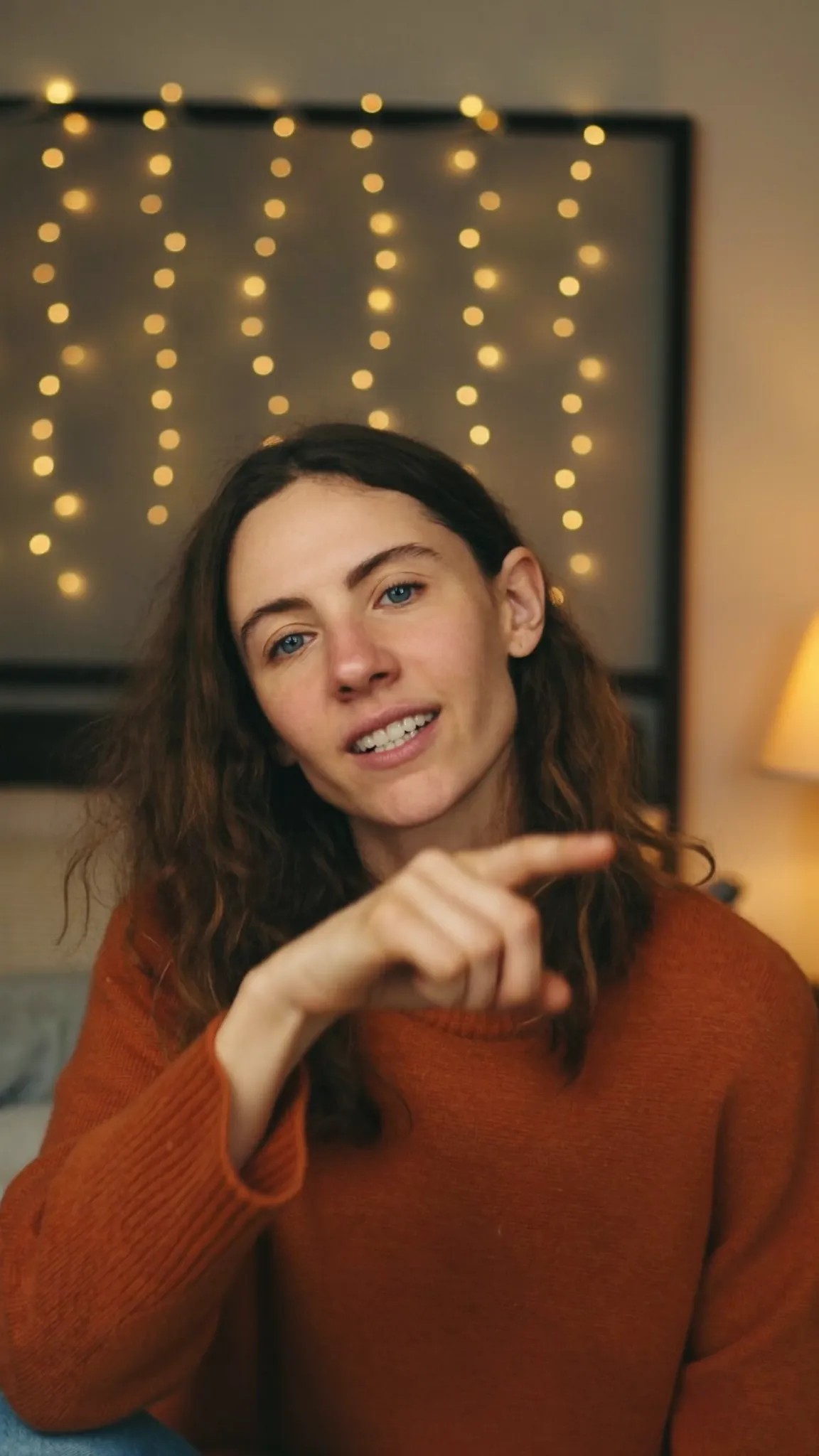
Make every word land — in your language
Aegean Bold
Lit from behind.
Make every word land — in your language
Pop Quiz
A bright plate you cannot miss.
Make every word land — in your language
Soft Caption
Small, low, out of the way.
Make every word land — in your language
Headline
Big type, one line at a time.
Make every word land — in your language
Impact
Every word a beat.
02 · Animation
Any caption style can move. Start from a quick style, or build it up in three layers: how each caption arrives, what the spoken word does while it is being said, and a motion that keeps the line alive.
The animation applies to the whole video, so all your lines come in the same way. One caption arriving differently would look like a mistake.
For a bigger moment, Motion adds full-frame caption looks, like the karaoke lines and pop-up words playing at the top of this page.
Quick styles
Entrance · 14
Spoken word · karaoke styles
Motion
03 · Yours
Pick any style and change what you like: the font, the size, the text, highlight and background colours, and the letter case. When you tap a word to emphasise it, the word grows and takes the highlight colour. A single caption can also get an emoji, an underline, its own colour or a supersized moment.
When it looks right, tap Save as my style and name it. You'll find it in your Custom tab in every project.
Playground
Real caption styles from the app, drawn with the same fonts the export burns in. Type your own words.
143 styles
Ούτε → ΟΥΤΕ. Greek drops its accents in capitals, so the 21 uppercase styles here show none — that is correct, not a missing feature. Most caption tools leave the accent on and print ΟΎΤΕ.

Clean Minimal
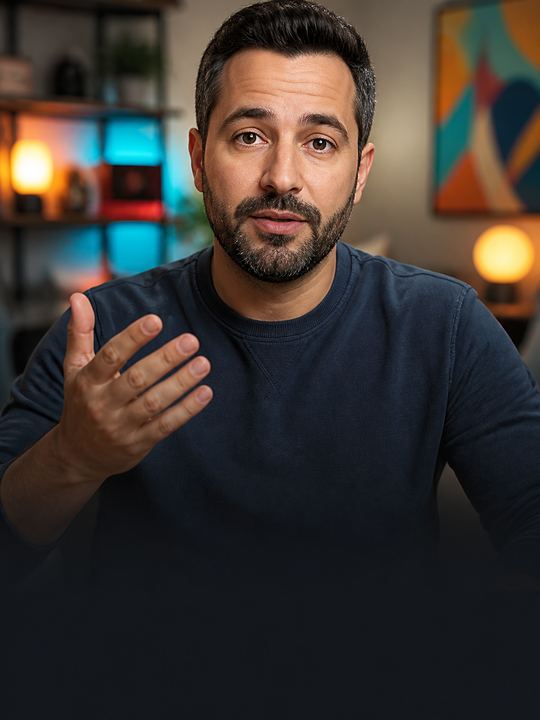
Bold Highlight
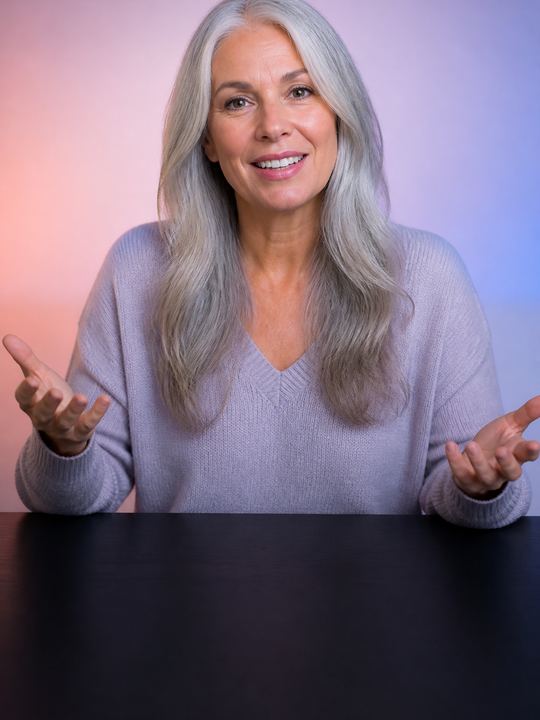
Word Pop
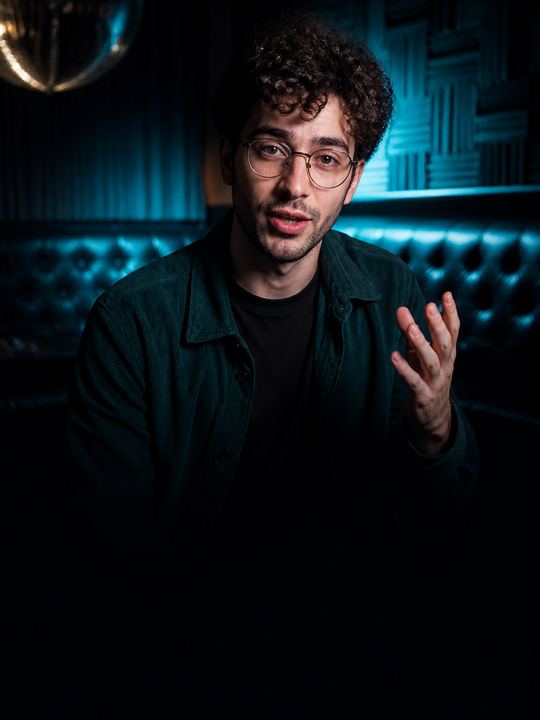
Karaoke Bar
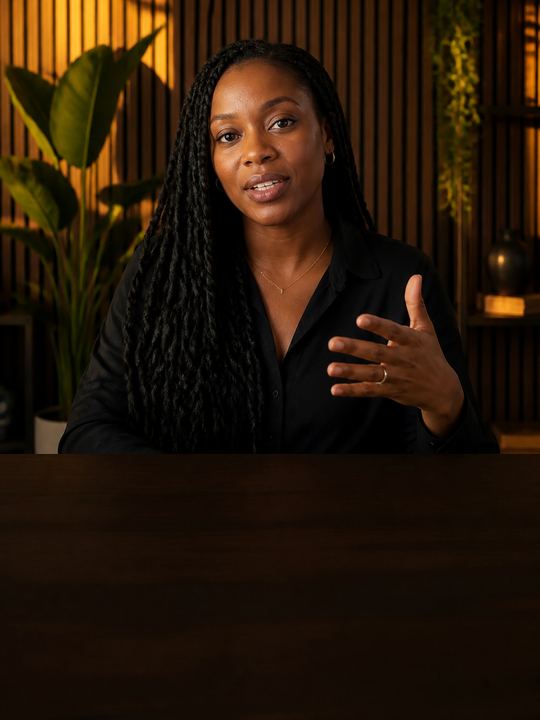
Editorial
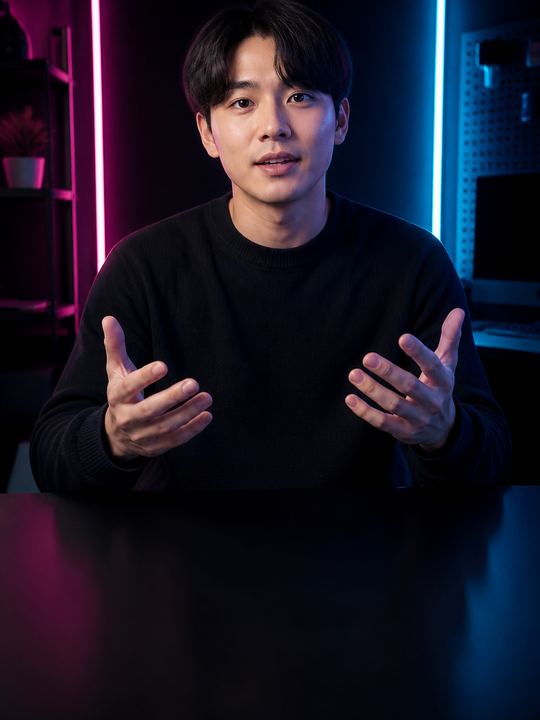
Boxed Modern

Premium Serif
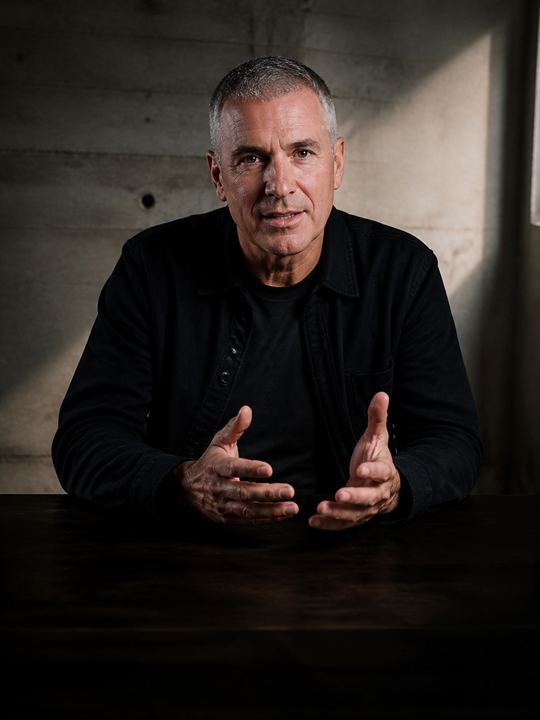
High Contrast
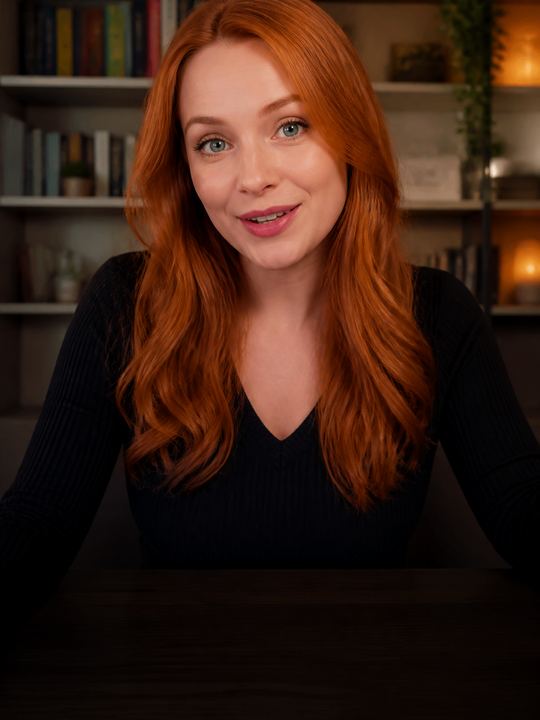
Iris Glow
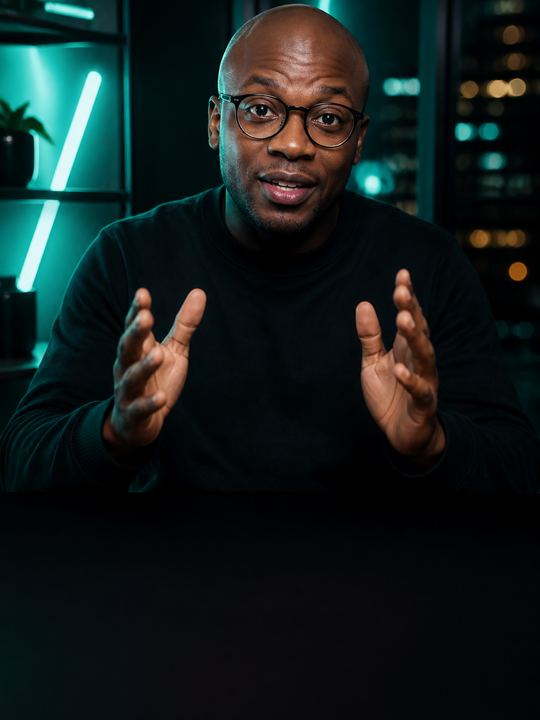
Neon Mint

Citrus Punch

Midnight Card

Crimson Stamp

Sky Caster

Paper Note

Quiet Voice

Amber Echo

Steel Brief

Coral Wave

Olive Slate

Violet Verse

Soft Focus

Aegean Bold

Night Market
How it works on iPhone
Open your video and let Voxcene transcribe it, or tap + to type a caption yourself.
Tap Style and choose from all 143 styles, or search one by name.
Open Animation and start from a quick style such as Karaoke, Pop or Typewriter, or set the entrance and the spoken word yourself.
Change the font and colours, emphasise key words, then tap Save as my style.
Export the video. The captions are burned in exactly as they play in the preview.
FAQ
Captions that move with the speech: words pop in as they are said, the spoken word lights up karaoke-style, or each line arrives with a bounce or a typewriter effect. They keep people watching with the sound off.
143, sorted into Animated, Talking head, Social, Editorial and Bold, with a search by name. The Free plan includes 4; Basic and Premium include all 143.
Yes. With a karaoke style (Bold Highlight, Karaoke Bar and many more), the Spoken word setting decides what the current word does. It can highlight, change colour, go bold, glow, sit in a box, bounce, pulse, flash or zoom.
Yes, on every plan. Style a caption the way you like it, tap Save as my style and name it. It appears in your Custom tab for every project.
Yes. The captions are burned into the video with the same animation you see in the preview, so they play the same on Reels, TikTok, Shorts or anywhere else.
Yes. Captions come in 60+ languages, and Greek is set properly, with its accents and final sigma, in fonts that carry them.
We use cookies to keep Voxcene working. With your permission we also measure how the site is used and how our campaigns perform. Privacy Policy
Privacy
Necessary cookies are always on — without them the site does not work. Everything else is off until you turn it on, and you can come back and change any of it whenever you like.
Necessary
Always enabled. Required for the website to work.
Analytics
Page views, website usage, button clicks, sessions and performance analytics.
Preferences
Remembers user settings and website preferences.
Marketing
Advertising, campaign attribution and marketing-related tracking.