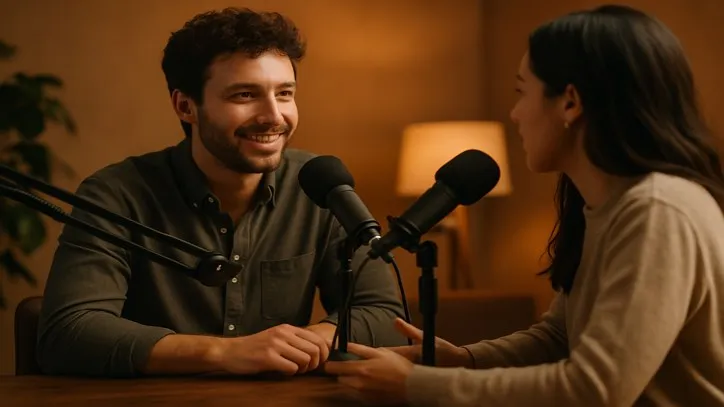
Short answer: on Voxcene’s Home screen tap Podcast and upload the recorded conversation. Tell it who is who, choose a layout, and tap Build my episode. You get the full episode as a project that cuts to whoever is talking, with captions, ums cut and long pauses shortened. Optionally you also get 3, 5 or 8 vertical clips of the best moments, each as its own project. Podcast is part of Premium and costs 30 credits per episode. Episodes can be up to 20 minutes.
What you need
- A recorded conversation with 2 to 4 people, up to 20 minutes long. It can be:
- One camera: everyone in one shot.
- A video call: Zoom, Riverside or Meet, with everyone in their own box.
- Several cameras: two to four cameras filming the same conversation. Upload one file per camera and Voxcene lines them up by their sound.
- Premium (€17.99 a month or €179.99 a year, with a 7-day free trial on yearly), which includes 600 AI credits a month.
Step by step
-
Open Podcast. On the Home screen tap the Podcast card (“Upload an episode — get the edit, cut to whoever is talking”).
-
Your episode. Give it a name, then answer three questions:
- How will people watch it? Wide (16:9) or Vertical (9:16).
- How did you record it? One camera, Video call or Several cameras.
- How many people are talking? 2, 3 or 4.
Then choose the video from Phone videos or Files.
-
Getting it ready. Voxcene uploads the video and works out who speaks when.
-
Who is who? Play each voice and give it a name. Then tell it how the picture is divided (2 side by side, 2 stacked, 3 in a row, 2 + 1, 2 × 2, or the whole picture) and tap the box that belongs to each person. With several cameras, you pick which camera shows each person instead. If it split one person into two voices, use Same person as. If a “voice” is music or an ad, tap Not a person? to hide it.
-
How should it look?
- Layout:
- Auto shows the speaker on long answers and everyone during quick back-and-forth.
- Speaker view always shows whoever is talking.
- Side by side always shows everyone.
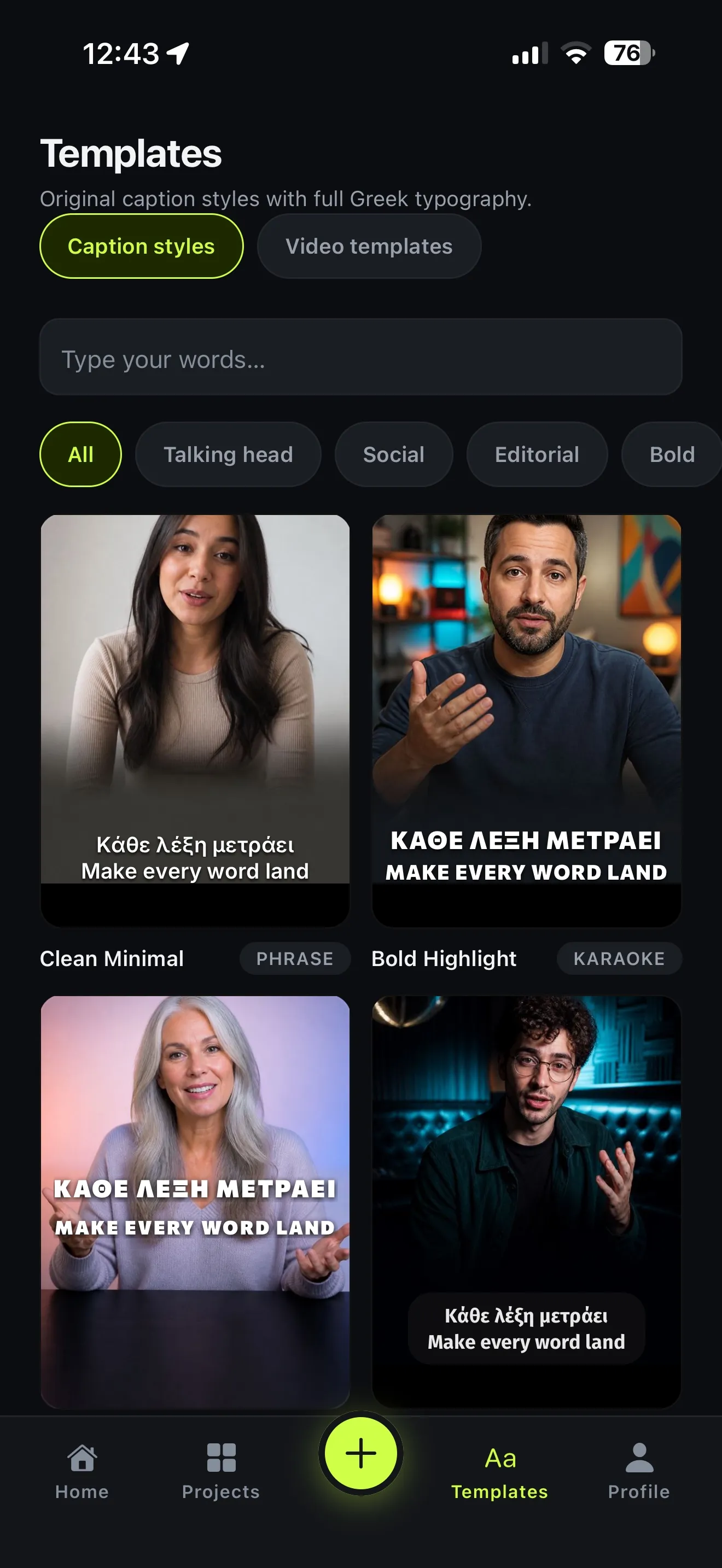
- Captions: choose a style, and optionally Colour by speaker.
- Clean-up: Cut the ums, Shorten long pauses and Clean the audio. This is done carefully: an um is cut only when there’s a pause on either side, and long pauses are shortened, never removed.
- Clips: none, 3, 5 or 8, each 30, 60 or 90 seconds long.
- Layout:
-
Tap Build my episode. The cost, 30 credits, is shown on the button.
What you get
- The episode, as a normal Voxcene project. Open it in the editor to change a cut, a caption or the colour, then export it, in up to 4K on Premium.
- The clips, each as its own project in Projects. They are always vertical (9:16) for Reels, TikTok and Shorts. The moments are chosen to keep a question together with its whole answer.
How it decides who is on screen
Voxcene listens: it separates the voices, and you confirm who each one is. When someone speaks, the edit cuts to them and frames the shot on them. In Auto, a close-up needs a turn of about six seconds or more, no shot is shorter than 2.5 seconds, and the episode opens on everyone, so it doesn’t feel like a ping-pong match. If you change your mind, choose another layout and build again; rebuilding is free.
Tips
- Record each person clearly. It finds the speakers from the sound, so a mic per person (or a quiet room) gives the cleanest cuts.
- Keep it under 20 minutes, or split a longer conversation into parts.
- Start with 3 clips of 60 seconds. It’s the default for a reason, and you can build again with more.