Short answer: in Voxcene, tap Logo intro under Make something with AI on the Home screen. Choose your logo, a backdrop, a frame and one of 56 movements, then tap Create intro. In about seven minutes you have a 5-second animated sting in your Projects, ready to export. It’s part of Premium and costs 80 credits.
What you need
- Your logo as an image on your iPhone. A PNG with transparency gives the cleanest result.
- Premium (€17.99 a month or €179.99 a year, with a 7-day free trial on yearly), which includes 600 AI credits a month. An intro costs 80 credits, 85 with music.
Step by step
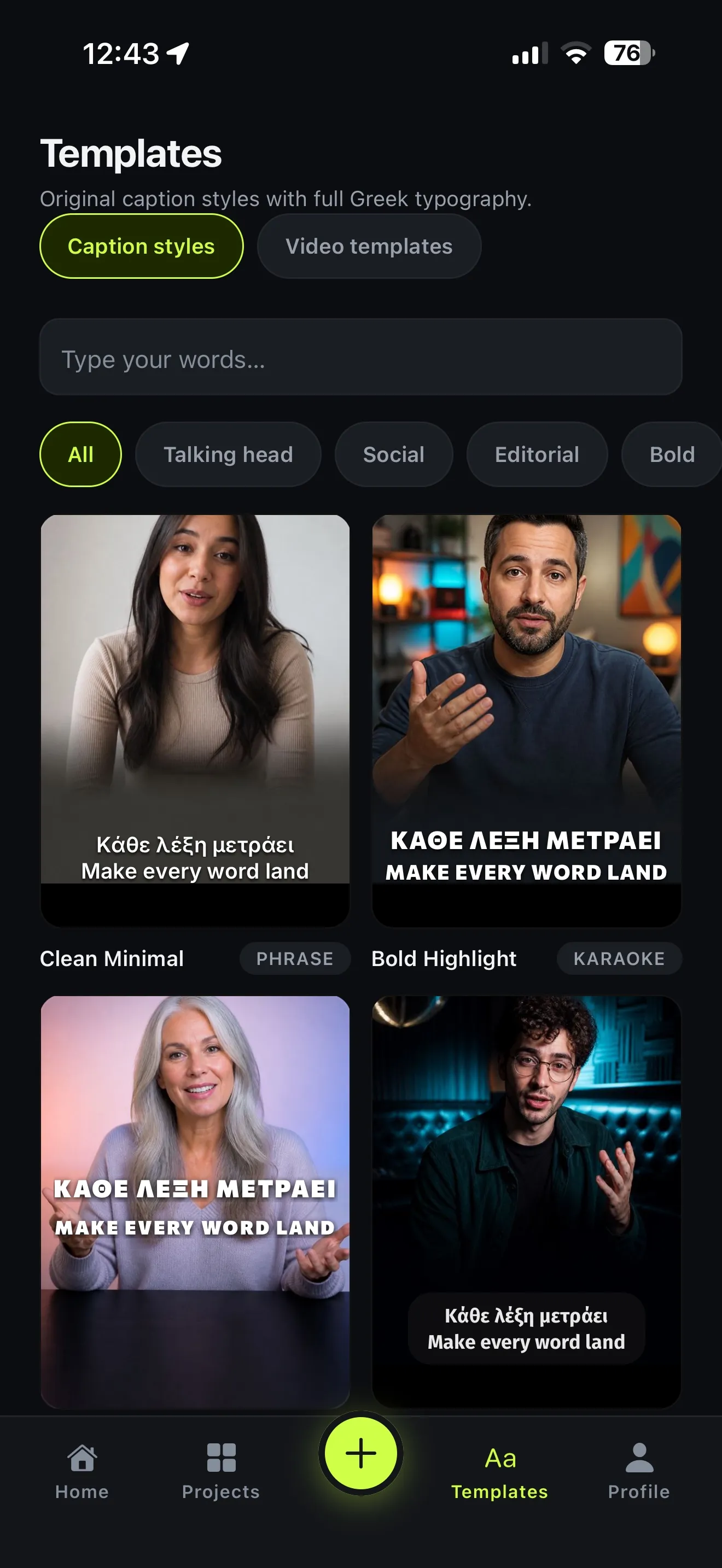
- Open Logo intro. It’s under Make something with AI on the Home screen, and also on the Create tab.
- Choose your logo from Photos.
- Pick a backdrop: Studio light, Ink & volt or Golden hour.
- Pick the frame: 16:9 for YouTube and websites, 1:1 for feeds, 9:16 for Reels, TikTok and Stories.
- Choose the movement. There are 56, in three groups:
- Camera (32): Static, Dolly In, 360 Orbit, Crane Up, Whip Pan and more.
- Light & lens (10): Lens Flare, VHS and more.
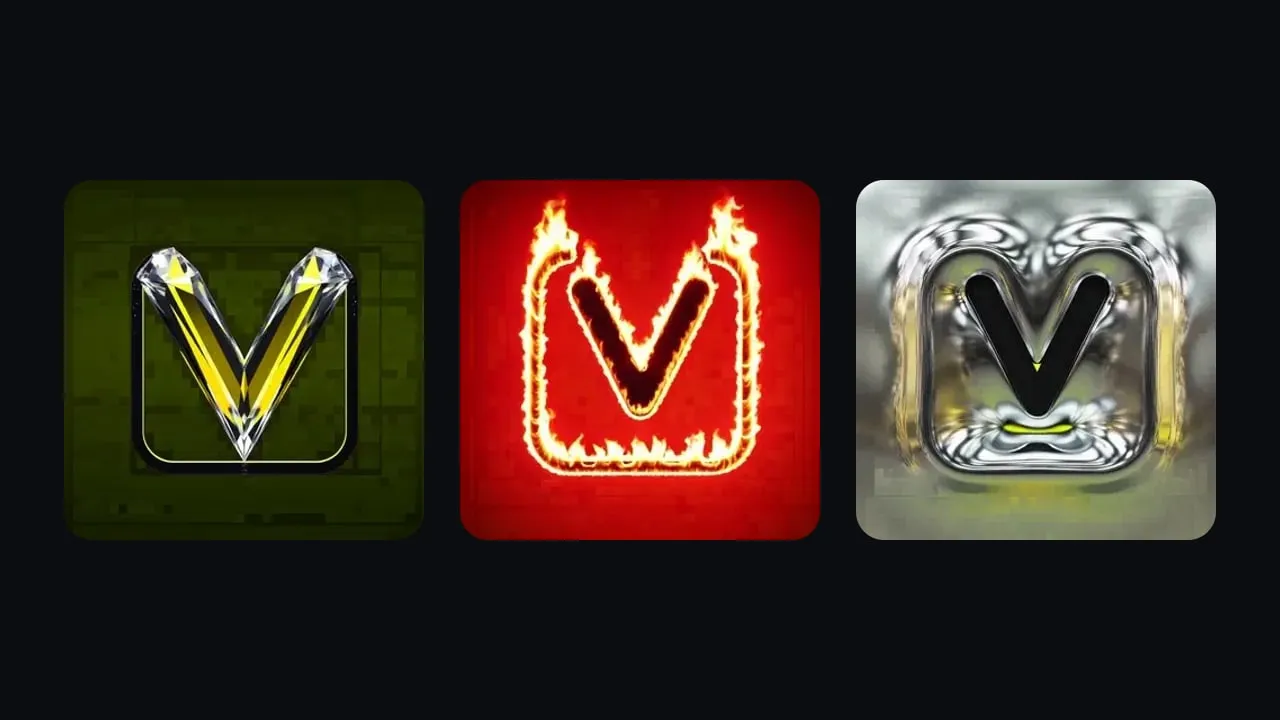
- Transform the mark (14): Turning Metal, Diamond, Set on Fire and more. These remake the logo itself.
- Optional: describe the mood in How should the scene move?, for example “Lime light orbits through the space while it slowly breathes”. Your words set the mood; the movement sets the shot.
- Optional: Add music for 5 more credits.
- Tap Create intro. It usually takes about seven minutes. When it’s done, tap Open in editor.
What you get
A new project called Logo intro, holding a 5-second video of your mark. You can export it like any other project: save it to Photos, then use it as the opening of your Reels, YouTube videos or ads.
Tips
- Try Static first if your logo must stay exactly as designed, for example a registered trademark. Then try a camera move.
- Transform the mark is for fun, not fidelity. Fire, metal and diamond are the eye-catching ones, but they’re re-imagined versions of your logo.
- Make two frames. A 16:9 version for YouTube and a 9:16 version for Reels cost the same, and each fits its screen without cropping.
- Keep it short in use. Five seconds is the full sting. On Reels, the first second of it is often enough.