Make every word land — in your language
Clean Minimal
The whole phrase, quietly.
The studio
The homepage makes the argument. This page shows the work — every tool, rebuilt from the shipping build's own code and live under your finger. Press anything. Nothing here is a roadmap item.
The editor
Choose a style, a language and how far to push it. The preview responds the way the app does — this is the caption engine itself, running in the page, not a recording of it.
Muted — there is no audio in this preview.
Original footage
One clip, nothing done to it yet. The waveform is the audio Voxcene is about to read.
Transcription
Words arrive in order, keeping the timing they were spoken with.
Caption style
Six of 143. Switching keeps the line playing where it was.
Language
Real Greek: accents, and the final sigma a font without proper coverage draws as a box.
Polish
Before and after
Drag the handle. Left is the original, right is the edit.
Export
One file, captions burned in, straight to the camera roll. The app exports up to 4K.
Download on the App StoreWhat is inside
One
Every lane on one timeline: the footage, the captions card by card, the music, each sound on its own track. Drag a clip, long-press a word to split there, set the volume and the duration of anything you drop in.
Two
Sixteen looks that breathe between before and after on your own scene — then the colourist's room under them: adjust sliders, lift-gamma-gain wheels, per-hue HSL, curves, and scopes rendered by the export's own pipeline.
Three
A neural model trained on speech takes the room away and leaves the voice. Silences and hesitations go in one tap. Words you would rather not publish get bleeped, in Greek and English, with the captions masked to match.
Four
A hundred and forty-three styles, then the font, the size and all three colours under each one. Greek is set with real Greek type — accents, the final sigma, the lot — not a Latin face hoping for the best.
Caption styles
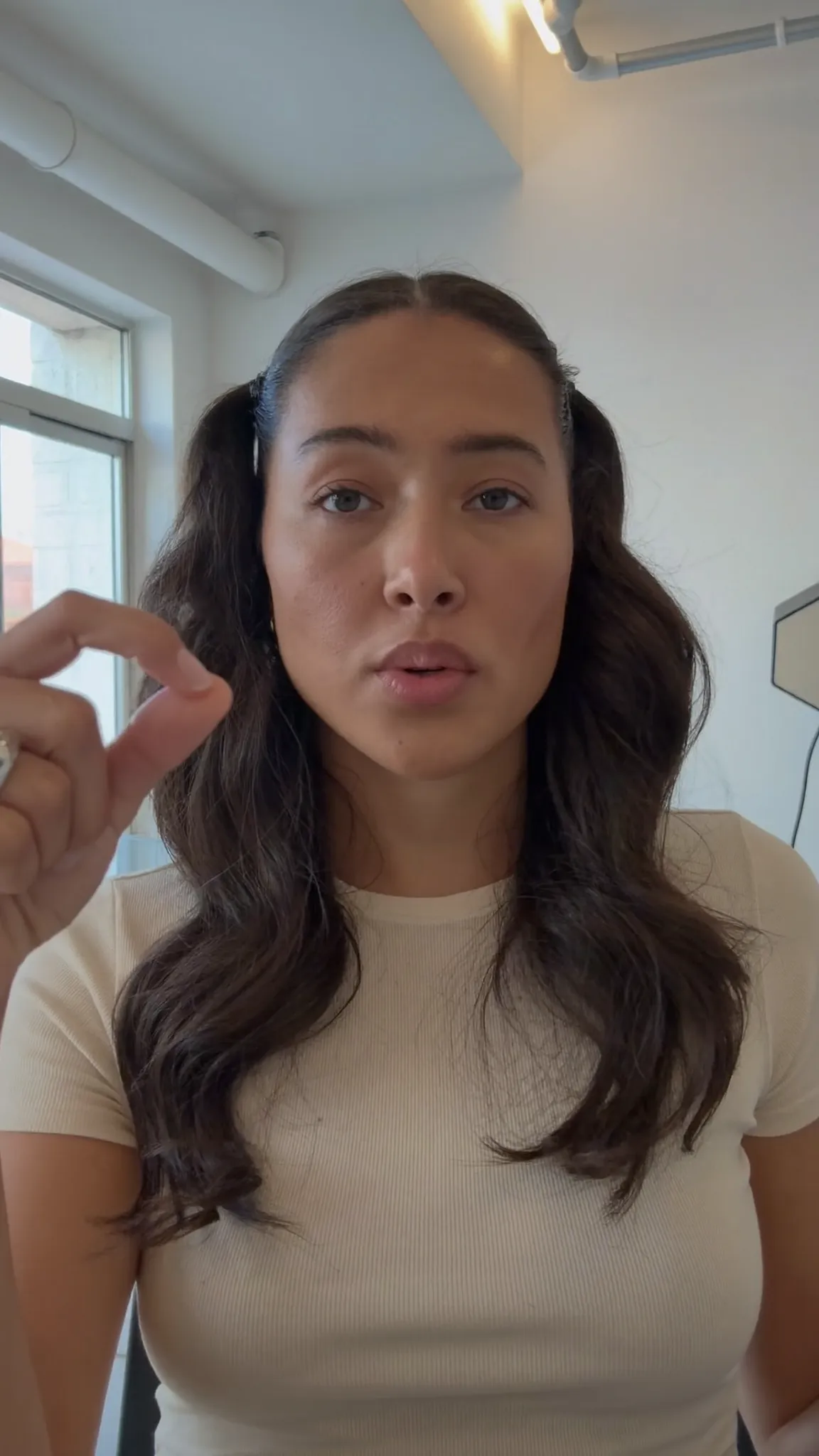
Ten of them here. Drag to compare — the difference between half of these only shows once the words are moving.
Make every word land — in your language
Clean Minimal
The whole phrase, quietly.
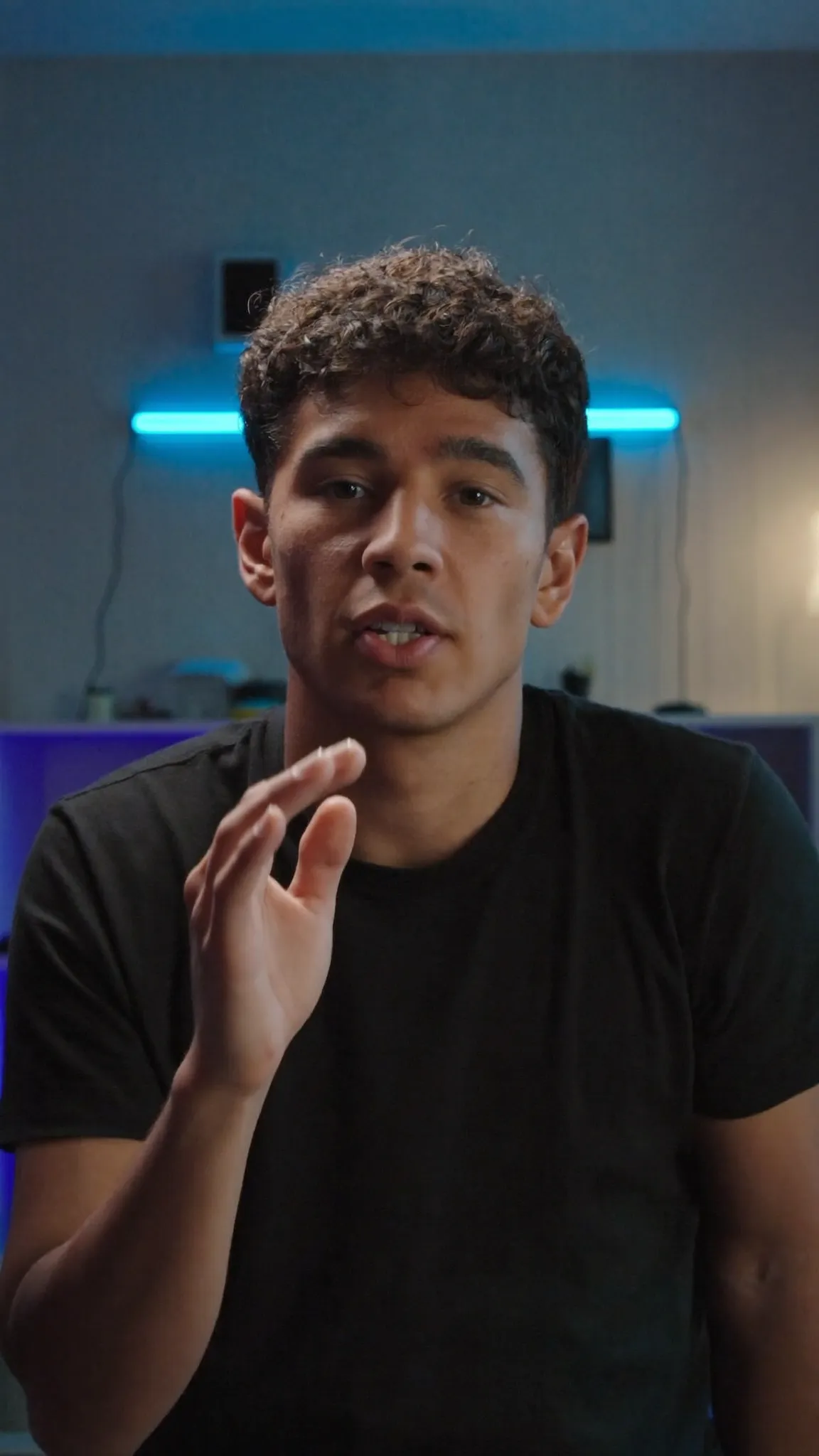
Make every word land — in your language
Bold Highlight
The spoken word in gold.
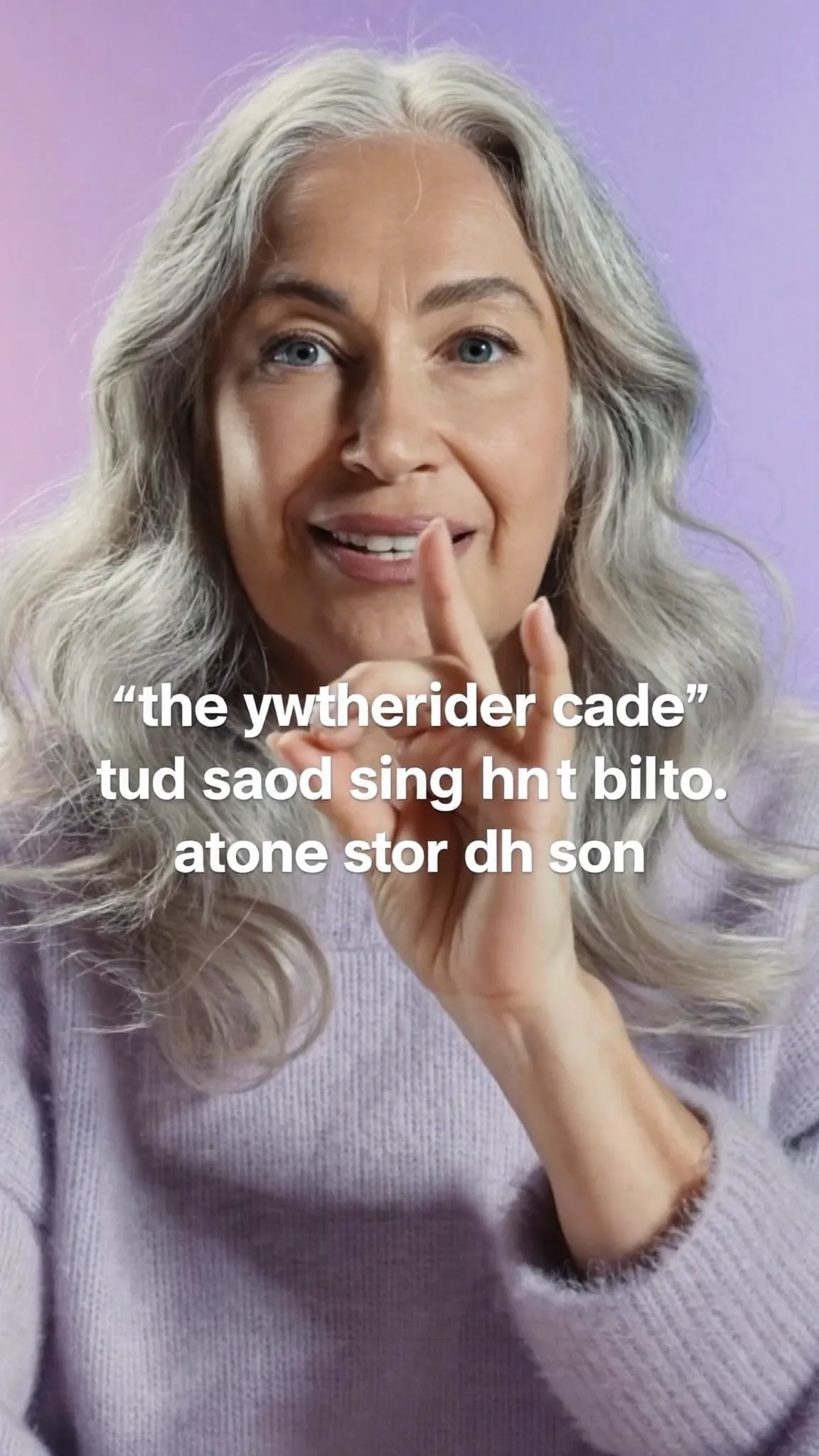
Make every word land — in your language
Word Pop
One word at a time, scaled up.
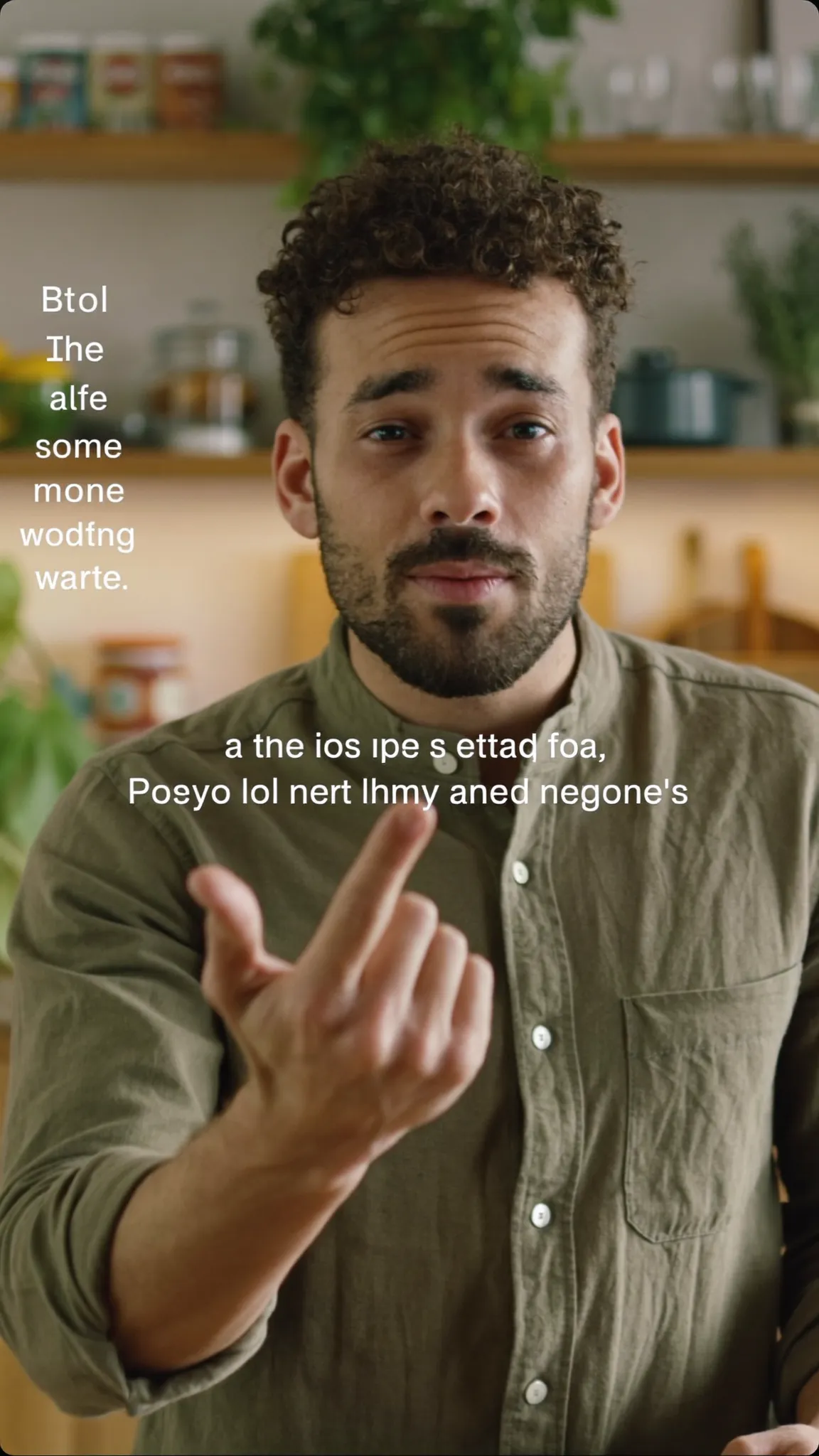
Make every word land — in your language
Editorial
Set like a magazine caption.
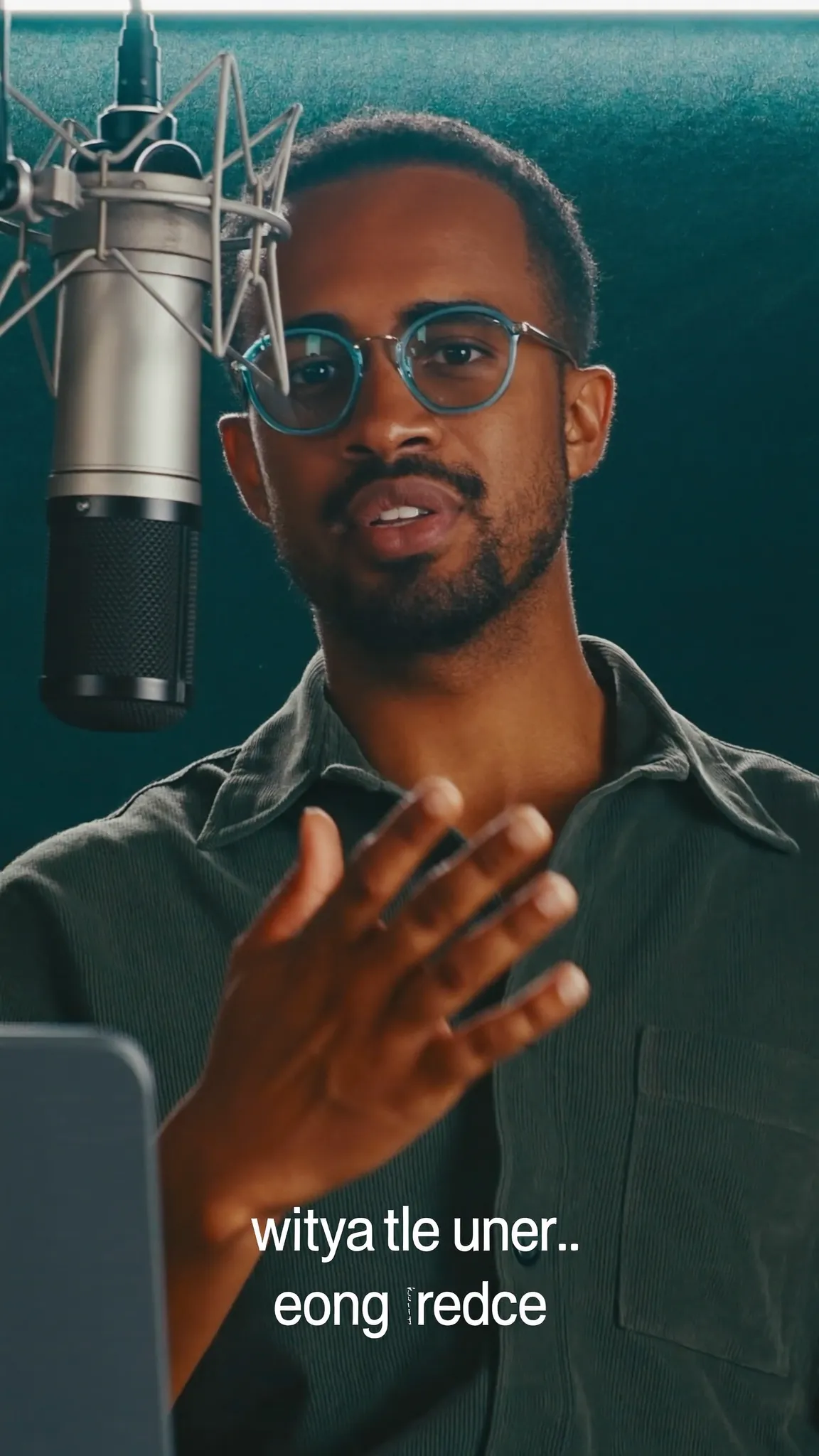
Make every word land — in your language
Karaoke Bar
On a plate, for busy footage.
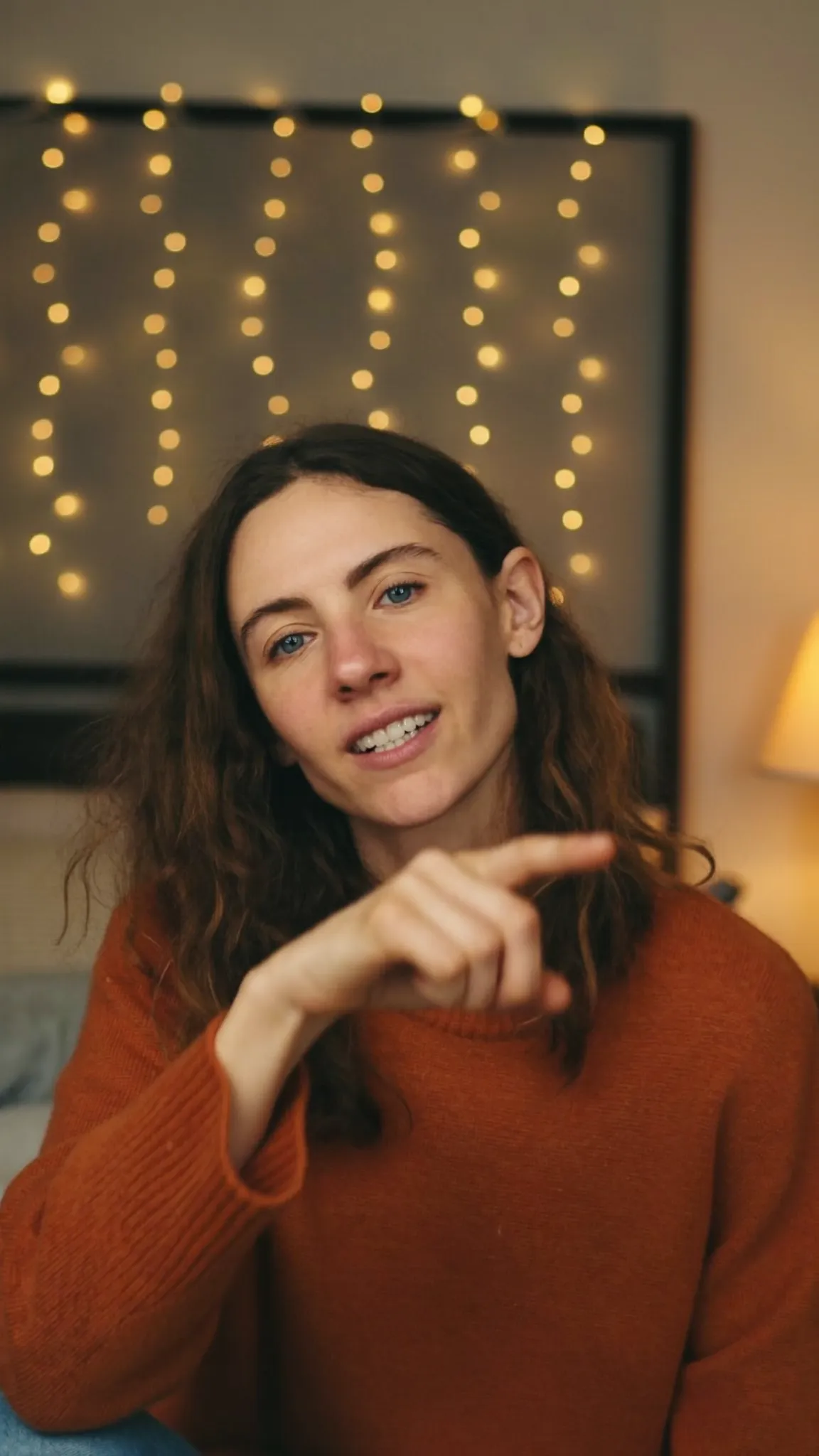
Make every word land — in your language
Aegean Bold
Lit from behind.
Make every word land — in your language
Pop Quiz
A bright plate you cannot miss.
Make every word land — in your language
Soft Caption
Small, low, out of the way.
Make every word land — in your language
Headline
Big type, one line at a time.
Make every word land — in your language
Impact
Every word a beat.
The control room
The automatic pass gets you most of the way. Everything it decided is still a control you can reach — the grade, the type, the timing, the levels.
Audio
A model trained on speech pushes the room back and leaves what was said. Not silence — a kitchen still sounds like a kitchen. It sounds like a kitchen behind someone you can hear.
Filler words Available
Voxcene reads the transcript, finds the hesitations, and shows you the list before it touches anything. You choose whether they leave the captions, the video, or both.
Single Greek letters are deliberately never on the list. Greek elides constantly — σ' αγαπώ, μ' αρέσει, ν' ακούσω — and a lone σ or μ is far more often a real word than a hesitation.
Ελληνικά 8 found
English 8 found
Continue Edit
Cut the first thirty seconds the way you want the whole thing to feel. Voxcene counts what you did — the silences you cut, the hesitations you kept, the words you punched in on, how long you leave a caption up — and proposes the same through the footage you have not reached yet. You review every change before anything moves, and where your opening gives it nothing to go on, it says so and leaves that part alone.
A diagram: a timeline whose first half is edited by hand, and whose second half is filled in with matching cuts, zooms and caption markers.
Snap to meaning
A cut on the nearest frame lands mid-sentence and the line reads as a mistake. So Voxcene's cuts listen: Split pulls to the end of the thought, and a released trim handle lands where the sentence starts or ends — a nudge of at most 0.8 seconds, never a yank, with a hint each time it happens. It reads the transcript's own punctuation, so a Greek question ends at «;» exactly as it should.
A diagram: a cut marker sitting mid-sentence moves to the end of the phrase, and its label changes from Frame cut to Meaningful cut.
The other half reads your footage and proposes the edit — and never applies one until you say so.
We use cookies to keep Voxcene working. With your permission we also measure how the site is used and how our campaigns perform. Privacy Policy
Privacy
Necessary cookies are always on — without them the site does not work. Everything else is off until you turn it on, and you can come back and change any of it whenever you like.
Necessary
Always enabled. Required for the website to work.
Analytics
Page views, website usage, button clicks, sessions and performance analytics.
Preferences
Remembers user settings and website preferences.
Marketing
Advertising, campaign attribution and marketing-related tracking.